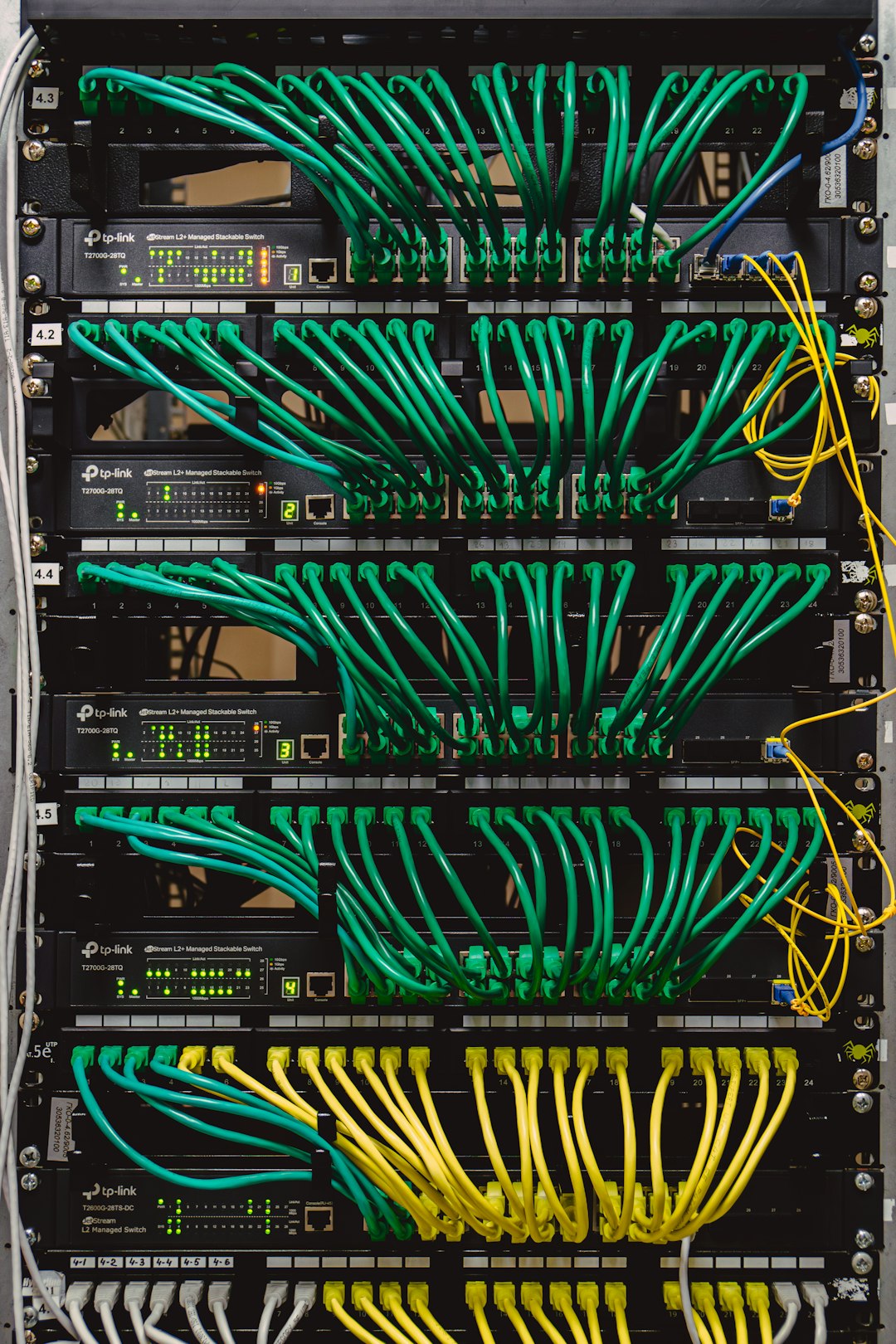

In modern computer networks, devices connect and communicate with remarkable speed and reliability. Behind this seamless experience is a system that automatically assigns the essential information each device needs to function on a network. One of the most important components in this process is the DHCP server. Although most users never see it or configure it directly, the DHCP server plays a critical role in making internet and local network access simple and efficient.
TLDR: A DHCP server is a network service that automatically assigns IP addresses and other configuration details to devices on a network. Without it, users would need to manually configure network settings for every device. DHCP simplifies connectivity, reduces errors, and ensures efficient use of IP addresses. It is a foundational technology in homes, businesses, and large enterprise networks.
What Does DHCP Mean?
DHCP stands for Dynamic Host Configuration Protocol. It is a standardized network protocol used to automatically assign network settings to devices, also known as “clients,” when they join a network.
These settings typically include:
- IP address – A unique identifier for each device on the network
- Subnet mask – Defines the network’s size and structure
- Default gateway – The device that connects the network to others (often a router)
- DNS server addresses – Used to translate domain names into IP addresses
Without DHCP, each of these values would need to be entered manually on every device. In small networks, that might be inconvenient. In large networks with hundreds or thousands of devices, it would be impractical and error-prone.
Why DHCP Is Necessary
Every device connected to a network must have a unique IP address. If two devices share the same IP address, communication problems occur. Manually assigning IP addresses increases the risk of:
- Duplicate IP addresses
- Incorrect subnet configurations
- Wrong gateway entries
- Time-consuming administrative overhead
A DHCP server removes this burden by automating the process. It ensures that:
- Each device receives a unique IP address
- Addresses are reused efficiently
- Configuration errors are minimized
- Network administrators save time
This automation becomes especially important in environments where devices frequently join and leave the network, such as offices, schools, airports, and homes with mobile devices.
How a DHCP Server Works
The DHCP process follows a structured exchange between the client (device) and the server. This interaction is often described as the DORA process:
- Discover – The device broadcasts a request looking for a DHCP server.
- Offer – The DHCP server responds with an available IP address.
- Request – The device requests to use the offered IP address.
- Acknowledge – The server confirms and assigns the address.
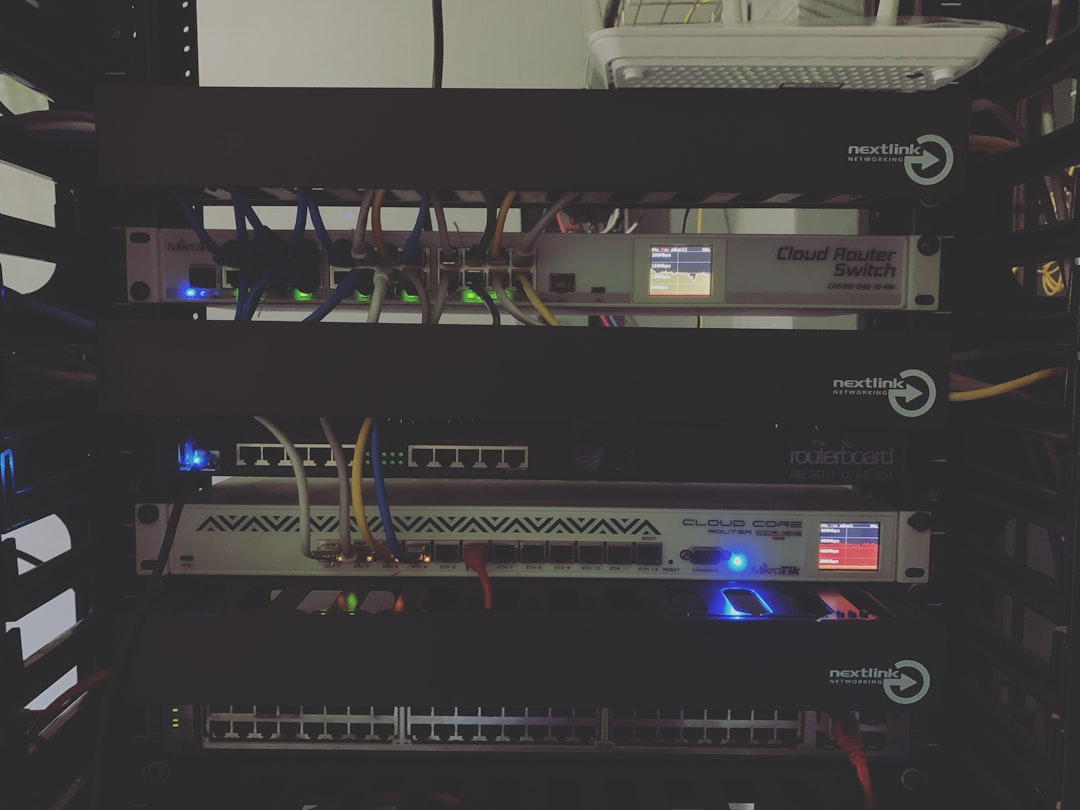
Once completed, the device can communicate fully on the network.
Importantly, the IP address is not assigned permanently. It is leased for a specific period of time, known as a lease duration. When the lease expires, the device must renew it. This system ensures efficient reuse of IP addresses.
Where DHCP Servers Are Used
DHCP servers are found in nearly every type of IP-based network. Their implementation may vary depending on the scale and complexity of the environment.
1. Home Networks
In most homes, the router acts as the DHCP server. When you connect a smartphone, laptop, or smart TV to Wi-Fi, the router automatically assigns it an IP address.
2. Small and Medium Businesses
Businesses may use:
- A router-based DHCP service
- A dedicated server running DHCP software
This allows better control over IP address ranges and network segmentation.
3. Enterprise Networks
Large organizations typically use dedicated DHCP servers integrated with directory services and network infrastructure. These environments may involve:
- Multiple subnets
- Redundant DHCP servers
- Advanced access control
- Centralized administration
Key Components of a DHCP Configuration
To function properly, a DHCP server relies on several key configuration elements:
IP Address Pool (Scope)
The IP address pool, also known as a scope, defines the range of IP addresses the server can assign. For example:
- 192.168.1.100 to 192.168.1.200
Only addresses within this defined range are distributed.
Lease Time
The lease duration determines how long a device may use an assigned IP address.
- Short leases are useful for guest networks.
- Longer leases reduce renewal traffic in stable environments.
Reservations
A DHCP reservation allows a specific device to always receive the same IP address based on its MAC address. This is commonly used for:
- Printers
- Servers
- Network storage devices
This combines the convenience of DHCP with the stability of static addressing.
DHCP vs. Static IP Addressing
Although DHCP is widely used, it is not the only method for assigning IP addresses. The alternative is static IP addressing, where network settings are manually configured on each device.
| Feature | DHCP | Static IP |
|---|---|---|
| Configuration Method | Automatic | Manual |
| Administrative Effort | Low | High |
| Risk of IP Conflicts | Minimal | Higher |
| Best For | General devices and large networks | Critical infrastructure devices |
In practice, many networks use a combination of both approaches. DHCP handles most devices, while static IP addresses are reserved for essential infrastructure.
Security Considerations
Although DHCP simplifies network management, it introduces certain risks if not properly secured.
Potential concerns include:
- Rogue DHCP servers distributing incorrect network settings
- DHCP starvation attacks exhausting the address pool
- Man-in-the-middle attack scenarios
Network administrators mitigate these risks by:
- Enabling DHCP snooping on switches
- Segmenting networks with VLANs
- Monitoring address usage
- Limiting physical access to network ports
Proper configuration and monitoring ensure DHCP remains secure and reliable.
Common Misconceptions
“DHCP connects me to the internet.”
Not directly. DHCP assigns your device an IP address. Internet access depends on routing and external connectivity.
“DHCP and DNS are the same.”
They are different services. DHCP assigns IP addresses, while DNS resolves domain names to IP addresses.
“DHCP is only for large networks.”
Even small home networks rely on DHCP, usually built into the router.
What Happens If DHCP Fails?
If a DHCP server becomes unavailable, devices may experience:
- Failure to obtain an IP address
- Limited or no network connectivity
- Self-assigned addresses (such as 169.254.x.x in some systems)

In enterprise environments, redundancy is often implemented by deploying multiple DHCP servers. This ensures continuous IP address assignment even if one server fails.
The Broader Importance of DHCP
At its core, DHCP represents a principle central to modern networking: automation improves reliability and scalability. By dynamically assigning network configurations, DHCP:
- Supports growing networks
- Enables mobility and flexible workspaces
- Reduces technical overhead
- Supports bring-your-own-device (BYOD) policies
Without DHCP, modern Wi-Fi environments, hot-desking offices, and large campus networks would require constant manual intervention.
Conclusion
A DHCP server is a foundational component of IP networking that automatically assigns IP addresses and related configuration settings to devices. It eliminates the need for manual setup, reduces configuration errors, and ensures efficient address management. From home routers to enterprise-grade data centers, DHCP enables networks to function smoothly and scale effectively.
Though often invisible to end users, DHCP is one of the essential services that makes modern connectivity possible. Its reliability, efficiency, and simplicity make it a cornerstone of both small and large network infrastructures.