

When an internet connection “just works,” it is easy to forget that your router and your internet service provider are quietly agreeing on how your device should get online. Two common methods used for that agreement are PPPoE and IPoE. They both help connect customers to broadband networks, but they do it in very different ways, with different implications for setup, authentication, performance, and network management.
TLDR: PPPoE uses a username and password to create a session between your router and your ISP, while IPoE usually assigns an IP address automatically using DHCP. PPPoE is older and still common in DSL and some fiber networks, but it adds a small amount of overhead. IPoE is simpler, faster to establish, and often preferred in modern broadband networks.
What Is PPPoE?
PPPoE stands for Point-to-Point Protocol over Ethernet. It was created to bring the authentication and session-control features of older dial-up internet into Ethernet-based broadband networks. In simple terms, PPPoE lets an ISP identify a subscriber by requiring login credentials, usually a username and password, before giving that customer internet access.
This is why, when setting up some routers, you may see an internet connection type called PPPoE. If your ISP uses it, you need to enter the credentials they provide. Once entered correctly, your router starts a PPPoE session, authenticates with the ISP, and receives an IP address.
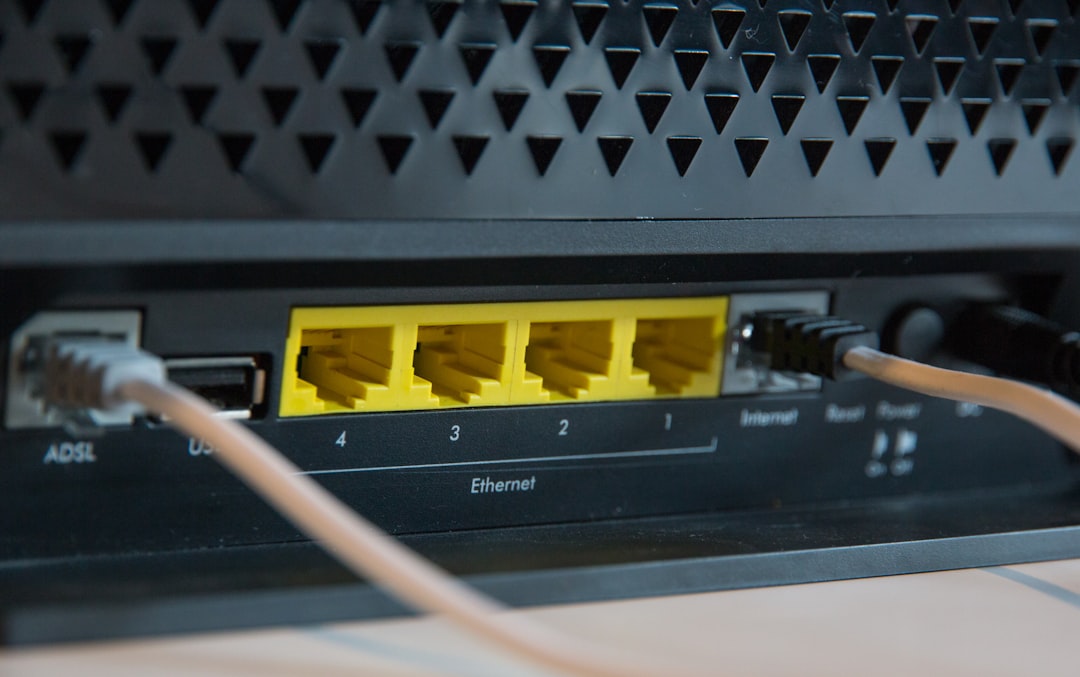
PPPoE became especially popular with DSL providers, because it allowed them to manage broadband customers in a way that was similar to dial-up accounts. Even today, it remains common in some DSL, fiber, and fixed wireless networks.
What Is IPoE?
IPoE stands for Internet Protocol over Ethernet. Unlike PPPoE, it does not create a separate point-to-point session. Instead, it uses standard Ethernet and IP networking, most often relying on DHCP to assign an IP address automatically.
If your ISP uses IPoE, your router may simply be set to Automatic IP, Dynamic IP, or DHCP. In many cases, no username or password is required. The ISP identifies the customer through other methods, such as the physical line, VLAN, optical network terminal, circuit ID, or the MAC address of the router.
This makes IPoE feel more straightforward for users. Plug in the router, set it to automatic addressing, and it often connects without any additional configuration. That simplicity is one reason IPoE is widely used in modern fiber and cable broadband networks.
The Core Difference: Sessions vs Simplicity
The biggest difference between PPPoE and IPoE is how the connection is established. PPPoE is session-based. It creates a virtual point-to-point connection between your router and the ISP, complete with authentication, session start, and session termination. IPoE is more direct. It treats your connection like a normal IP network connection and assigns addressing information through DHCP or related systems.
- PPPoE: Requires a PPP session, usually with username and password authentication.
- IPoE: Uses standard IP over Ethernet, commonly with DHCP-based address assignment.
- PPPoE: Offers strong legacy support for subscriber management.
- IPoE: Offers simpler setup and less protocol overhead.
Authentication and User Management
PPPoE’s main strength is authentication. It gives ISPs a clean way to verify who you are before allowing internet access. This can be useful for providers that need to manage individual accounts, apply service profiles, track sessions, or support specific billing systems.
With IPoE, authentication is usually not based on a typed username and password. Instead, the ISP may know your connection because of where it physically enters the network. For example, a fiber customer may be identified by the optical terminal installed at their address. The ISP can also use DHCP options, VLAN tags, or network access control systems to associate the connection with a subscriber account.
From the customer’s point of view, IPoE tends to be easier. From the ISP’s point of view, PPPoE can offer very explicit session control, while IPoE requires more integrated network-side identification.
Performance: Is IPoE Faster Than PPPoE?
In many cases, IPoE can be slightly more efficient than PPPoE because it has less overhead. PPPoE adds extra header information to each packet, reducing the available payload size. This is why PPPoE connections often use an MTU of 1492 instead of the standard Ethernet MTU of 1500 bytes.
For everyday browsing, streaming, email, and video calls, this difference is usually minor. However, on very fast connections, such as gigabit fiber, PPPoE processing can become more noticeable if the router has limited CPU power. Some consumer routers struggle to route PPPoE traffic at full gigabit speeds, especially when advanced features like QoS, firewall inspection, or parental controls are enabled.
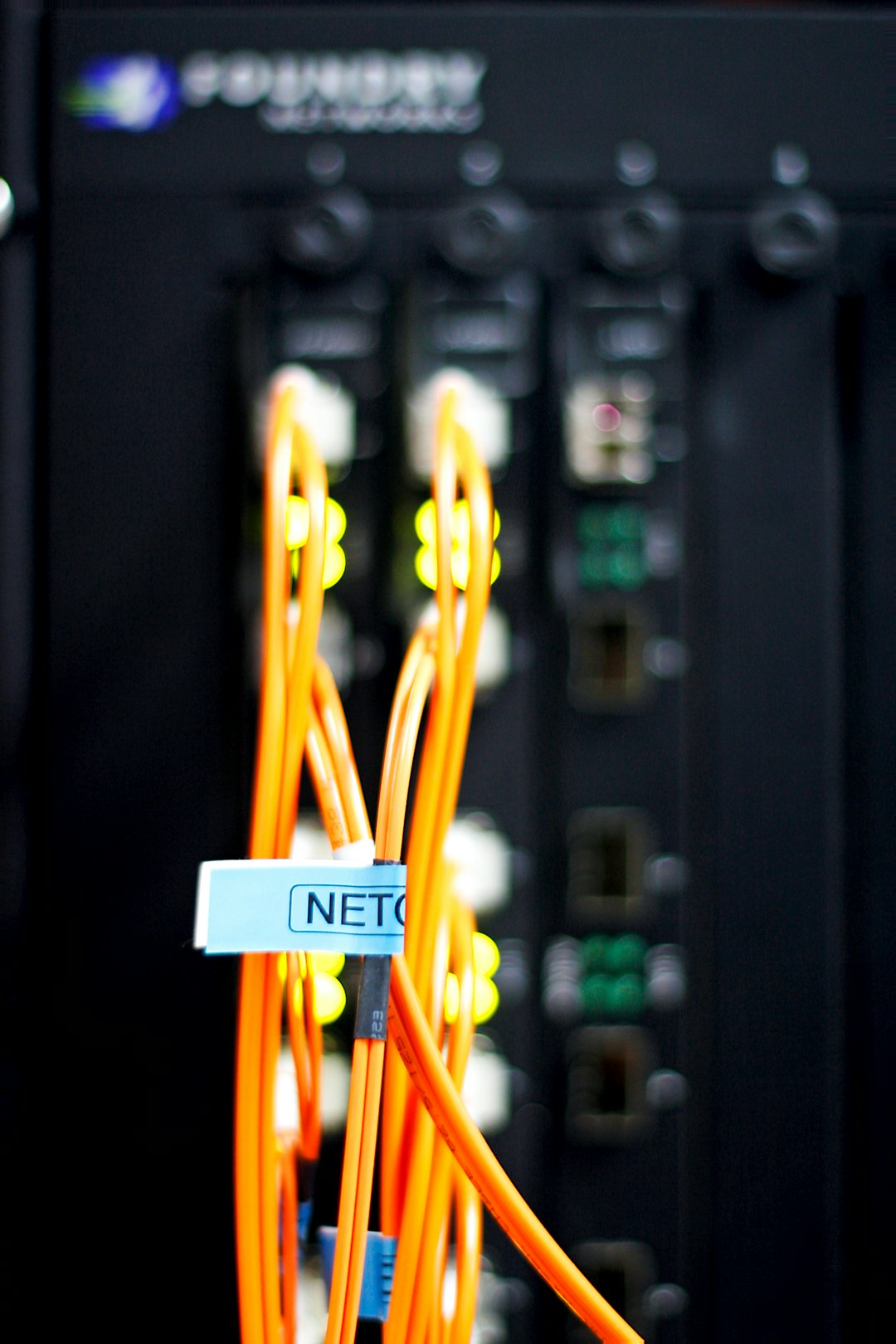
IPoE generally places less processing demand on routers. Because there is no PPP session encapsulation, routers can often handle IPoE traffic more efficiently. That is one reason many ISPs prefer IPoE for newer, higher-speed services.
Setup and Troubleshooting
PPPoE setup is not difficult, but it does require the correct credentials. A single typo in the username or password can prevent the connection from working. Users may also need to configure MTU settings, VLAN IDs, or service names depending on the provider.
IPoE setup is usually simpler. The router is commonly set to obtain an IP address automatically. If it does not work, troubleshooting often focuses on physical connectivity, DHCP lease issues, MAC address registration, or VLAN tagging.
- For PPPoE problems: Check the username, password, MTU, and ISP account status.
- For IPoE problems: Check cable connections, DHCP settings, VLAN requirements, and whether the ISP expects a specific router MAC address.
- For both: Restart the modem or ONT, reboot the router, and confirm service status with the ISP.
Security Considerations
Neither PPPoE nor IPoE should be confused with encryption. PPPoE includes authentication, but it does not automatically encrypt all your internet traffic. IPoE may not require user-entered credentials, but that does not mean it is insecure. Security depends on the wider network design, ISP controls, router firewall, and the encryption used by applications, such as HTTPS, VPNs, and secure DNS.
For home users, the most important steps are still practical ones: use a strong Wi-Fi password, keep router firmware updated, disable unnecessary remote access, and use secure websites and services.
Which One Do ISPs Prefer?
The answer depends on the ISP’s history and network design. Providers with older DSL infrastructure may still rely heavily on PPPoE because their billing and authentication systems were built around it. Some fiber providers also use PPPoE because it gives them familiar subscriber session control.
However, many modern broadband networks increasingly favor IPoE. It scales well, works naturally with Ethernet-based access networks, and reduces overhead. It also provides a smoother customer installation experience, especially when paired with automated provisioning.
Which One Is Better for You?
For most customers, the “better” option is simply the one your ISP supports. You usually cannot choose PPPoE or IPoE independently unless your provider allows both. If your ISP gives you PPPoE credentials, you must configure PPPoE. If your ISP says to use automatic IP or DHCP, you are likely using IPoE.
That said, if you are comparing providers or troubleshooting performance, it is useful to understand the difference. IPoE is generally simpler and more efficient, particularly for high-speed fiber. PPPoE remains reliable and widely supported, but it can require more careful router configuration and may demand better hardware at very high speeds.
Final Thoughts
PPPoE and IPoE are not rival technologies in the dramatic sense; they are different ways of getting subscribers connected to an ISP’s network. PPPoE emphasizes authenticated sessions and legacy compatibility, while IPoE emphasizes simplicity, efficiency, and modern Ethernet-based networking.
If you are setting up a home router, the key is to follow your ISP’s required connection type. If you are buying new router hardware, especially for a fast fiber plan, make sure it can handle your connection method at full speed. A router that performs beautifully on IPoE may not always achieve the same throughput with PPPoE if its processor is weak.
In short, PPPoE is structured and account-focused, while IPoE is streamlined and automatic. Both can deliver excellent internet access, but as broadband speeds climb and networks modernize, IPoE is becoming the more common choice for the future.