
LED displays are widely trusted for digital signage, control rooms, retail screens, televisions, and workplace dashboards. Yet even reliable displays can develop visible image retention or permanent burn-in when static content is shown for too long. Understanding why it happens, how to prevent it, and when to replace or recalibrate a display can protect both image quality and long-term investment.
TLDR: LED display burn-in is usually caused by static images, high brightness, heat, and uneven pixel wear over long periods. For example, a retail menu board showing the same logo for 12 hours a day may begin showing faint ghosting after months of continuous use, especially if brightness is set near 100%. Prevention depends on rotating content, reducing brightness, using screen protection features, and choosing the right display technology for the job. In professional environments, a basic maintenance plan can reduce visible retention issues by 30% to 50% over the life of the screen.
What Is LED Display Burn-In?
Burn-in refers to a persistent mark, shadow, or ghost image that remains visible on a screen even after the original content changes. It is most often associated with OLED and older plasma displays, but LED-based screens can also suffer from related issues, especially in demanding commercial environments.
Strictly speaking, many “LED displays” are actually LCD panels with LED backlighting. In these screens, true burn-in is less common, but image persistence can still occur. Direct-view LED and OLED displays can experience more permanent pixel wear because individual light-producing elements age at different rates. If one area of the screen constantly displays a bright logo, ticker, score bar, or navigation panel, those pixels may degrade differently from the rest of the display.
The result is uneven brightness, color shift, or a faint outline of old content. In severe cases, the damage cannot be fully reversed.
Common Causes of Burn-In
Burn-in does not usually happen overnight. It is the result of repeated stress on the same parts of the display. The most common causes include:
- Static images: Logos, menu layouts, news tickers, health monitoring dashboards, and game HUDs can remain in the same position for hours or days.
- High brightness settings: Running a display at maximum brightness accelerates pixel wear and heat buildup.
- Long operating hours: Screens used 16 to 24 hours per day are at higher risk than displays used occasionally.
- Poor heat management: Heat speeds up material degradation, especially in enclosed signage installations.
- High contrast content: Bright white text or graphics on a dark background can create uneven aging more quickly.
- Lack of maintenance: Screens that never run refresh cycles or content rotation routines are more vulnerable.
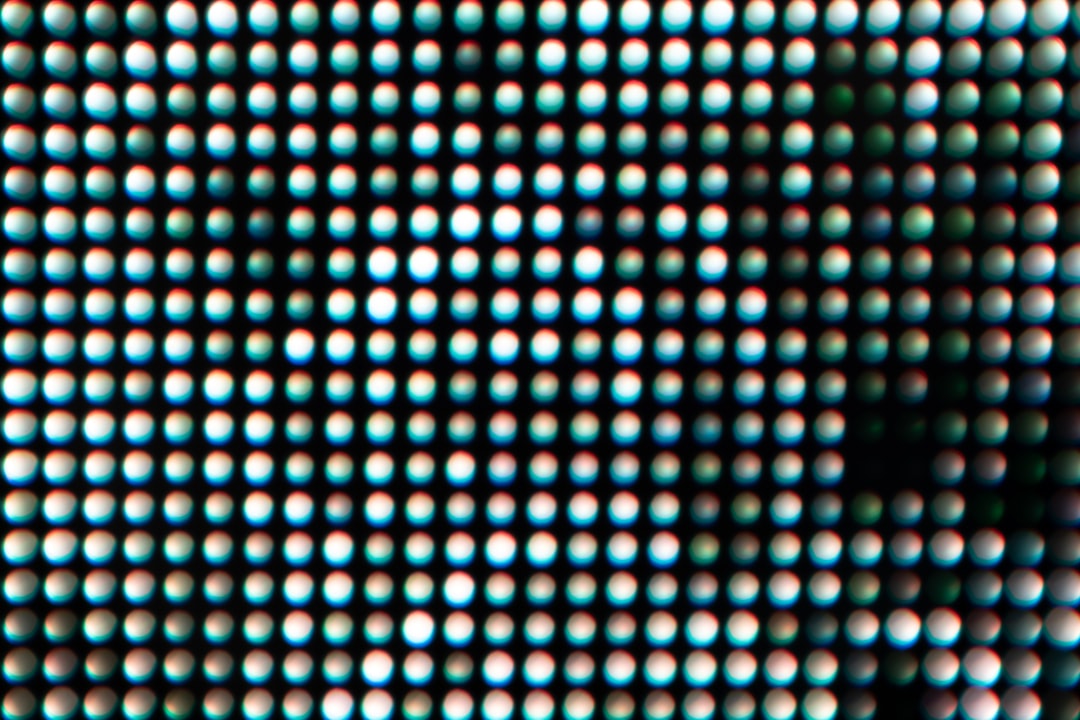
Image Retention vs. Permanent Burn-In
It is important to separate temporary image retention from permanent burn-in. Temporary retention may look alarming, but it can often fade after the display shows varied content or remains turned off for several hours. Permanent burn-in, however, is caused by uneven physical wear of pixels or display materials and may not disappear.
For example, a conference room screen might show a faint outline of a presentation toolbar after a long meeting. If the mark disappears by the next day, it was likely temporary retention. By contrast, a 24/7 airport information board showing the same header for years may develop permanent brightness differences that remain visible regardless of content.
Prevention Strategies That Work
The best way to deal with burn-in is to prevent it before it becomes visible. In most cases, prevention requires a mix of content design, display settings, and operational discipline.
1. Rotate Content Regularly
Static layouts should be avoided whenever possible. Move logos, banners, clocks, and interface elements slightly at scheduled intervals. Even small shifts can distribute pixel wear more evenly. For digital signage, content playlists should include full-screen motion graphics, color changes, or transitional slides.
2. Lower Brightness and Contrast
Many displays are installed with brightness set too high. While this may look impressive at first, it increases heat and accelerates wear. A professional installation should match brightness to the environment. An indoor lobby screen rarely needs the same brightness level as an outdoor-facing retail window display.
Reducing brightness from 100% to around 70% or 80% can significantly reduce stress on the panel while still maintaining visibility in many indoor environments.
3. Use Built-In Protection Features
Modern displays often include useful protective tools. These may include:
- Pixel shifting: Slightly moves the image at intervals to reduce fixed pixel stress.
- Screen savers: Replaces static images with motion when the screen is idle.
- Panel refresh cycles: Helps equalize pixel performance over time.
- Auto dimming: Lowers brightness when static content is detected.
These features should not be disabled unless there is a clear technical reason. In commercial settings, they should be included in the display maintenance policy.
4. Design Safer On-Screen Layouts
Content design plays a major role in burn-in prevention. Avoid placing high-brightness elements in the same location at all times. Use softer colors, alternate layouts, and background motion. Instead of a pure white logo on a black background, consider a less intense color palette and occasional repositioning.
Good display design is not only about visual impact; it is also about protecting hardware longevity.
Operational Best Practices
Organizations using LED displays for business-critical communication should develop a usage policy. This is especially important for retailers, hospitals, transport hubs, broadcast environments, and security operations centers.
A reliable policy should include:
- Daily shutdown windows when continuous operation is not required.
- Scheduled content variation to prevent static screen zones.
- Monthly visual inspections for early signs of retention.
- Temperature monitoring in enclosed or poorly ventilated installations.
- Firmware updates to ensure protection features work correctly.
For example, a quick monthly test using full-screen gray, red, green, blue, and white images can reveal early unevenness. Catching problems early allows managers to adjust content, reduce brightness, or increase refresh cycles before permanent damage becomes obvious.
Long-Term Solutions
If burn-in is already visible, the correct response depends on severity. For mild temporary retention, the first step is to turn off the display for several hours and then run varied full-screen content. Some panels include compensation or refresh functions that may reduce the effect.
For recurring or permanent burn-in, long-term solutions may include:
- Content redesign: Change static layouts and reduce high-contrast fixed elements.
- Brightness recalibration: Lower output levels and balance color settings.
- Panel maintenance routines: Use manufacturer-approved refresh or calibration cycles.
- Technology upgrade: Choose commercial-grade displays rated for long operating hours.
- Screen replacement: Replace panels when burn-in affects readability or brand presentation.
In professional environments, consumer-grade screens are often a false economy. A lower-cost television used as a 16-hour-per-day menu board may fail sooner than a commercial signage display built for static content and thermal control. The purchase price may be lower, but the total cost can be higher if replacement happens every one or two years.
Choosing Displays With Burn-In Risk in Mind
Not all display technologies perform the same under static use. Standard LED-backlit LCD screens are generally more resistant to permanent burn-in than OLED, although they can still suffer from image persistence and backlight aging. OLED screens offer excellent contrast and color but require more care with static content. Direct-view LED panels are common in large signage and control rooms, but pixel aging and calibration still matter over time.
Before buying, review the manufacturer’s recommendations for operating hours, brightness, static image limits, ventilation, and warranty exclusions. Some warranties specifically exclude burn-in or image retention caused by misuse. This makes it essential to match the display to the actual application, not just the desired size and price.
Conclusion
LED display burn-in is not inevitable, but it is a real risk when screens show static content for long periods at high brightness. The most effective approach is preventive: rotate content, reduce brightness, enable protection features, manage heat, and inspect screens regularly. When burn-in does occur, quick action may reduce temporary retention, but permanent damage often requires recalibration, content changes, or replacement.
For businesses, the key lesson is simple: treat displays as long-term visual assets, not disposable screens. With thoughtful setup and disciplined maintenance, LED displays can remain clear, reliable, and professional for years.