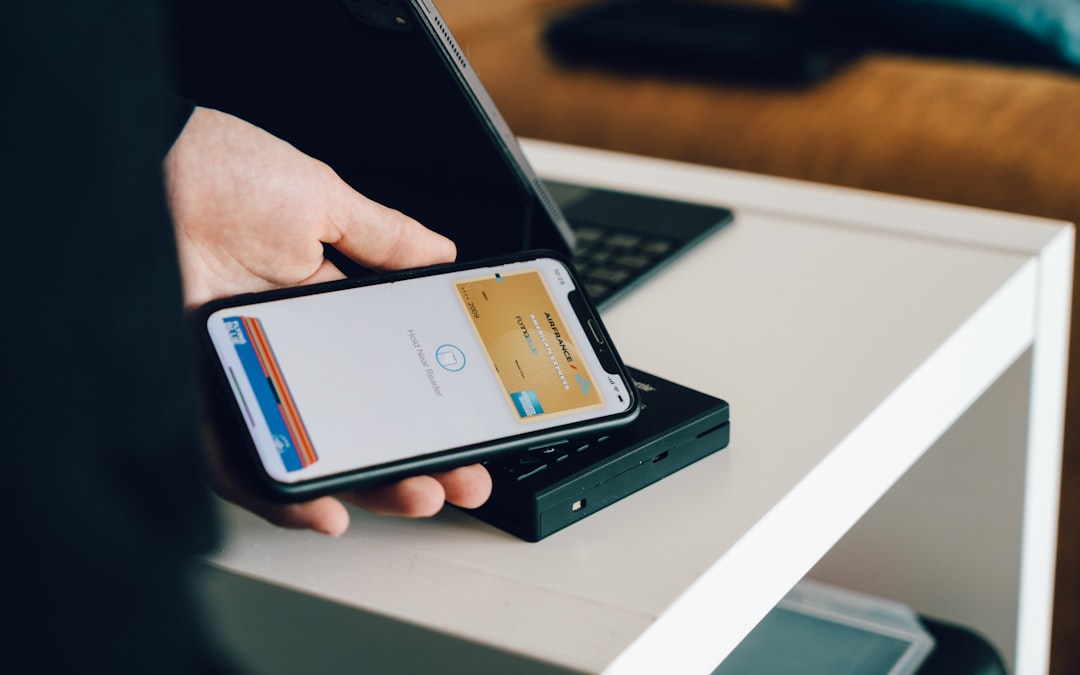

Venmo is built around quick, social payments, but anyone who has ever organized rent, vacation costs, utilities, or a shared dinner knows that timing matters just as much as the amount. A schedule request in the Venmo context usually means planning a money request so the right person is prompted at the right time, whether through Venmo’s request tools, reminders, or an outside calendar workflow.
TLDR: Venmo lets you request money from other users, and you can manage those requests with notes, reminders, and timing habits, though full scheduled or recurring request features may vary by app version and availability. For example, if four roommates split a $2,400 rent payment, one person can request $600 from each roommate and remind anyone who has not paid. In a practical household setup, sending requests 3 to 5 days before a bill is due can reduce last-minute payment stress. Scheduled requesting is less about automation alone and more about creating a reliable payment routine.
What Is a Venmo Request?
A Venmo request is a payment prompt sent from one Venmo user to another. Instead of sending money, you are asking someone else to pay you. The request typically includes an amount, the recipient, and a short note explaining what the payment is for, such as “March utilities,” “concert tickets,” or “dinner split.”
Once sent, the request appears in the recipient’s Venmo app. They can then pay it, decline it, or leave it pending. From the requester’s side, the request remains visible until it is paid, canceled, or otherwise resolved.

So, Can You Actually Schedule Requests in Venmo?
This is where the wording matters. Venmo’s core product is designed for instant peer-to-peer payments, not complex billing automation. Some users may see features that help with reminders, groups, or recurring payment management depending on their app version, account type, and region, but Venmo has not traditionally functioned like a full invoicing platform where you can universally schedule every request far in advance and have it automatically sent forever.
In everyday use, “schedule requests” usually means one of three things:
- Creating a request at the right time, such as the first day of each month.
- Using Venmo reminders to follow up on unpaid requests.
- Pairing Venmo with calendar alerts so you remember to send the request manually.
For many people, that is enough. If you split predictable costs, such as rent, subscriptions, groceries, or child care, a simple monthly routine can work almost as smoothly as a fully automated system.
How to Send a Timed Venmo Request
If you want a payment request to arrive at a specific time, the most dependable approach is to prepare a routine. The exact interface may change, but the basic process is usually straightforward:
- Open Venmo and tap the payment or request button.
- Search for the person you want to request money from.
- Enter the amount owed.
- Add a clear note, such as “Internet bill, April” or “Beach house deposit.”
- Choose request instead of pay.
- Review the details before sending.
If Venmo offers a scheduling or reminder option in your version of the app, use it from the request screen or the pending request view. If not, set a calendar reminder on your phone for the date you want to send it. This small extra step prevents forgotten requests, especially for shared expenses that repeat monthly.
What Happens After a Request Is Sent?
After you send a request, the recipient gets a notification if their alerts are enabled. The request also appears in their Venmo activity or pending items. They can tap into it, review the amount and note, and complete the payment from their Venmo balance, linked bank account, debit card, or another available payment method.
From your side, the request stays pending until action is taken. If the person pays, the request is completed and the money is applied to your Venmo account. If they do not pay, you may be able to send a reminder. Reminders are useful, but they should be used politely. A good rule is to wait at least a day or two before nudging someone unless the payment is urgent.

Best Uses for Scheduled Venmo Requests
Scheduled or timing-based Venmo requests are most useful when the expense is predictable, shared, and easy to document. They are especially helpful for people who often act as the “organizer” in a group.
- Rent and utilities: One roommate pays the landlord or utility company, then requests everyone’s share.
- Group travel: A trip planner books lodging, rental cars, or tickets and requests reimbursement.
- Subscriptions: Friends or household members split streaming services, cloud storage, or membership fees.
- Events: One person buys group tickets and sends requests before the event date.
- Family expenses: Parents, siblings, or relatives divide costs for gifts, meals, or shared caregiving needs.
The most successful requests include a specific note. “Utilities” is acceptable, but “Gas and electric, May, 1 of 3” is better. Clear notes reduce confusion and make it easier to search your Venmo history later.
Tips for Making Venmo Requests Easier to Pay
A request is more likely to be paid quickly when it is easy to understand. The recipient should not have to text you asking what the charge is for. Before requesting money, confirm the amount, explain the reason, and send it at a reasonable time.
- Use exact amounts instead of rounded guesses when possible.
- Attach context in the note, especially for group expenses.
- Send requests before the due date, not after you are already short on funds.
- Avoid excessive reminders; one friendly reminder is often enough.
- Keep private transactions private by checking your privacy settings.
For recurring expenses, consider using a consistent naming format. For example: “Rent, June 2026,” “Rent, July 2026,” and “Rent, August 2026.” This creates a clean record and helps everyone recognize the charge immediately.
Privacy and Safety Considerations
Venmo has a social feed element, so privacy matters. Before sending routine requests, check whether your transaction visibility is set to public, friends, or private. For bills, rent, and personal obligations, private is often the best choice.
You should also make sure you are requesting money from the correct person. Many users have similar names or profile photos, and a mistaken request can create confusion. For larger amounts, verify the recipient’s username, phone number, or profile details before sending.
Limitations to Keep in Mind
Venmo is convenient, but it is not the same as a professional invoicing, payroll, or bill management system. If you need automatic recurring invoices, late fees, formal receipts, or accounting integrations, Venmo may not be the best standalone tool. It works best for casual payments between people who know and trust each other.
There may also be transaction limits, bank transfer timing, and payment method rules. A person might pay your request instantly, but moving that money from Venmo to your bank can take additional time unless you use an instant transfer option, which may include a fee.
The Bottom Line
Schedule requests in Venmo are best understood as a practical payment routine: send the right request, to the right person, at the right time, with a clear note. While full automation may not be available to every user, Venmo’s request and reminder tools can still make shared expenses far easier to manage.
If you regularly collect money from roommates, friends, or family, create a repeatable system. Use calendar alerts, clear descriptions, privacy settings, and polite reminders. With a little structure, Venmo can turn awkward “Can you pay me back?” conversations into a simple, trackable process.