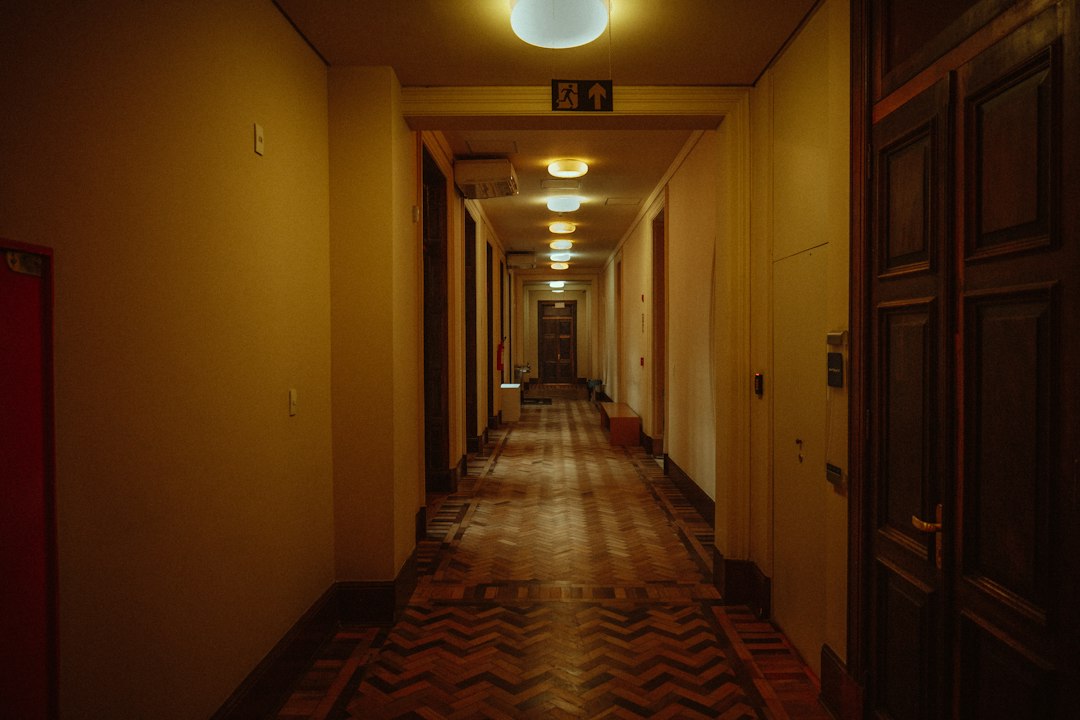

A Dutch angle is a tilted camera frame used to make a scene feel unstable, tense, strange, or psychologically off balance. Instead of keeping the horizon level, the camera or image is rotated so vertical lines lean. The technique is common in thrillers, horror, action scenes, music videos, and stylized social edits. Film education sources define it as a shot where the camera is rolled to one side, causing the horizon line to sit at an angle [source: StudioBinder].
TLDR: A Dutch angle works best when it has a reason: fear, confusion, danger, intoxication, or visual pressure. For example, a 10 to 15 degree tilt in a hallway shot can make a normal walk feel suspicious without looking cartoonish. If you are editing a 30-second social video, CapCut is usually faster and easier; if you are cutting a 12-minute short with 40 planned tilted shots, Adobe Premiere Pro gives better control. Expect CapCut to win on speed, while Premiere wins on precision.
What a Dutch Angle Actually Does
A Dutch angle, also called a Dutch tilt or canted angle, changes the viewer’s sense of balance. People expect walls, door frames, roads, and horizons to sit straight. When those lines tilt, the brain notices. That discomfort is the point.
The shot can suggest that something is wrong before a character says a word. It can show fear, mental stress, corruption, danger, or disorientation. Used well, it feels controlled. Used randomly, it feels like the camera was dropped.
When Should You Use a Dutch Angle?
Use it when the story benefits from visual unease. Do not use it just because the frame looks “cool.” That is how serious scenes turn into accidental parody.
- Psychological stress: A character realizes something is wrong.
- Threat: A villain enters, or danger gets closer.
- Disorientation: A drunk, injured, or shocked character loses control.
- Power imbalance: One person dominates the scene.
- Stylized edits: Music videos, trailers, sports reels, and fashion clips.
Most Dutch angles sit between 5 and 20 degrees. A small tilt feels subtle. A 30-degree tilt feels aggressive. Past that, the shot can become comic unless the project is highly stylized.
How to Create a Dutch Angle in Camera
The cleanest method is to shoot it that way. Tilt the camera on the tripod head, gimbal, shoulder rig, or handheld setup. Then compose the frame with intention.
Keep an eye on the subject’s face. A tilted frame can cut off heads, crush negative space, or make the actor look oddly placed. If the tilt distracts from the performance, reduce it.
- Choose the emotional reason for the tilt.
- Set the camera at a controlled angle.
- Watch the horizon and vertical lines.
- Leave extra space around the subject for editing.
- Record a normal level version as backup.
That last step saves projects. It drives me crazy when a scene only has one tilted take and the director later decides the effect is too strong. A neutral safety shot gives the editor somewhere to go.
Creating a Dutch Angle in CapCut
CapCut is the simpler option. It is quick, friendly, and good for creators who need results without building a complex post-production workflow. For short videos, that matters.
To create a Dutch angle in CapCut, import your clip, select it, and use the Rotate or Transform controls. Tilt the clip a few degrees. Then scale it up slightly to hide the black corners caused by rotation.
A basic CapCut workflow looks like this:
- Import the video clip.
- Select the clip on the timeline.
- Open Transform, Canvas, or rotation controls, depending on your version.
- Rotate the image by about 8 to 15 degrees.
- Scale to around 105% to 115% if black edges appear.
- Add keyframes if the tilt needs to move over time.
CapCut is good for TikTok, Reels, Shorts, quick ads, and mood pieces. The catch is that fine control can feel cramped, especially on mobile. Adjusting a tilt by one precise degree may take longer than it should because finger-based controls are not made for surgical framing.
Creating a Dutch Angle in Adobe Premiere Pro
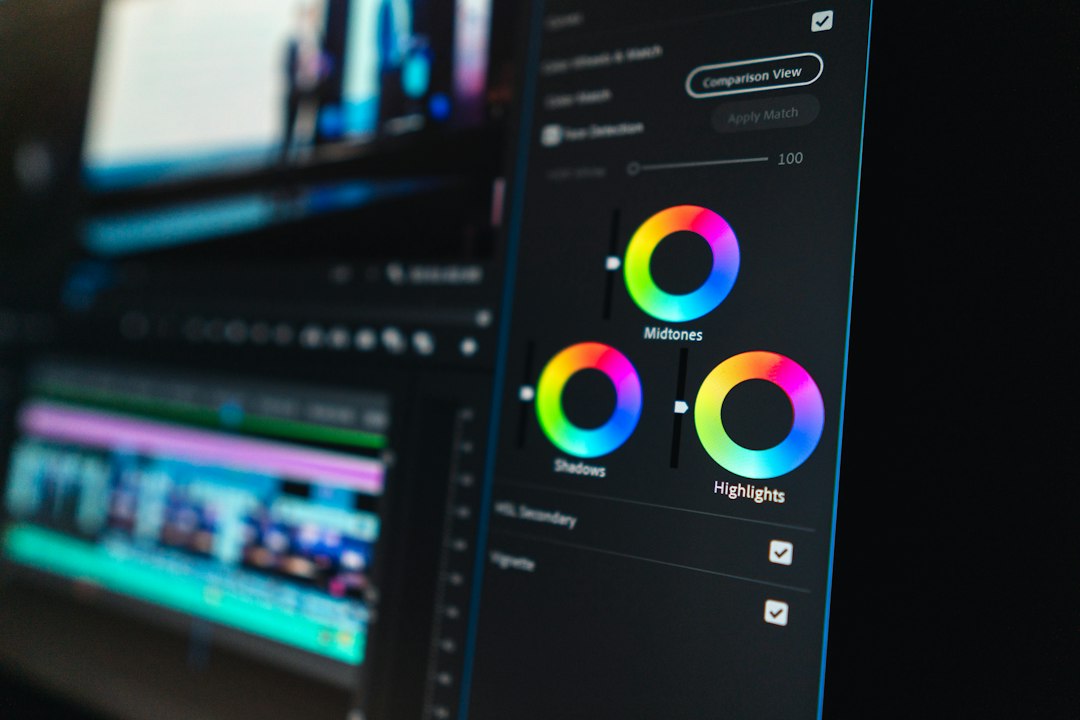
Adobe Premiere Pro is better when accuracy matters. It gives clearer control over rotation, scale, position, keyframes, interpolation, masking, and export settings. Professional editors usually need that control because framing decisions must survive revisions, color work, sound work, and delivery specs.
To make a Dutch angle in Premiere Pro, select the clip and open Effect Controls. Under Motion, adjust Rotation. Then increase Scale until the frame edges disappear. Adobe’s own help pages outline how clip motion parameters such as position, scale, and rotation are adjusted in the Effect Controls panel [source: Adobe].
A practical Premiere workflow:
- Select the clip in the timeline.
- Open Effect Controls.
- Find Motion.
- Set Rotation to a controlled value, such as -12° or 9°.
- Increase Scale to remove black borders.
- Use Position to reframe the subject.
- Add keyframes for a gradual tilt if needed.
Premiere also makes it easier to apply similar angles across multiple clips. You can copy and paste attributes, save presets, or use adjustment workflows. That is useful in a scene where every shot needs the same uneasy visual grammar.
CapCut vs. Premiere Pro: Which Is Better for Dutch Angles?
| Factor | CapCut | Adobe Premiere Pro |
|---|---|---|
| Speed | Very fast for short edits | Slower setup, stronger control |
| Precision | Good enough for social clips | Better for exact rotation values |
| Keyframes | Simple and usable | More refined and adjustable |
| Best use | Reels, Shorts, TikTok, quick promos | Short films, commercials, interviews, long edits |
| Main weakness | Less detailed control | Heavier interface and steeper learning curve |
If you need one tilted shot for a social post, use CapCut. You can finish the effect in under a minute once the clip is loaded. If you need consistent framing across scenes, use Premiere Pro. It is slower at first, but it keeps complex edits organized.
Honestly, Premiere can feel heavy for a single 12-second clip. Opening the project, setting the sequence, adjusting the workspace, and exporting can take more time than the actual tilt. But for paid work, that extra structure often prevents mistakes.
Common Dutch Angle Mistakes
The biggest mistake is overuse. If every shot is tilted, the effect loses meaning. Viewers adjust, and the visual tension fades.
- Tilting too far: Extreme angles can look silly unless the style supports them.
- No story reason: A tilt without purpose feels amateur.
- Bad cropping: Rotation cuts into faces, hands, or key objects.
- Mixed visual logic: Random left and right tilts can confuse scene geography.
- Ignoring motion: A moving subject may drift out of frame after rotation.
Best Practice: Shoot Wide, Tilt Carefully
If you know you will add the Dutch angle in editing, shoot slightly wider than usual. Give yourself room to rotate and crop. A 10% scale increase may not sound like much, but it can soften detail if the footage is already low resolution.
For 4K footage exported to 1080p, digital rotation is usually safe. For 1080p footage exported to 1080p, be more careful. Scaling too much can make the image look mushy, especially on faces and text.
Final Recommendation
Use CapCut when speed matters and the project is simple. It is the better choice for creators who need quick tilted frames for social video. Use Adobe Premiere Pro when precision, consistency, and professional delivery matter. It is stronger for short films, client work, branded content, and any edit with many controlled framing choices.
A Dutch angle is not just a tilted picture. It is a story signal. Keep it motivated, keep it measured, and choose the editor that fits the size of the job.