
The deep web is normal private internet stuff, while the dark web is a hidden slice that needs special tools like Tor. Think email, bank accounts, medical portals, and work dashboards. Search engines usually cannot see pages behind logins, as Google explains in its crawling docs [source: Google].
TLDR: The deep web is the huge part of the web that is not listed in Google. Your Gmail inbox is a simple example. The dark web is a smaller hidden area inside it, often reached with Tor Browser. If your company has 500 private employee accounts, all 500 are deep web pages, but none are “dark” unless they use hidden network tools.
Deep Web vs Dark Web: The Simple Version
The internet has layers. The surface web is what you find with Google, Bing, or DuckDuckGo. News sites. Blogs. Online shops. Cat videos. You know, the regular mess.
The deep web is not scary by itself. It just means pages that search engines do not list. Usually because they sit behind a login, a paywall, a form, or a private database.
The dark web is different. It is built to hide the location of sites and users. You do not open it with a normal browser. You usually need Tor Browser and special addresses that end in .onion.

What Counts as the Deep Web?
Most people use the deep web every day. No hoodie required.
- Email inboxes: Gmail, Outlook, and work mail.
- Bank accounts: Balances, transfers, and statements.
- Medical portals: Test results and doctor messages.
- School accounts: Grades, courses, and student records.
- Streaming accounts: Your watch history and settings.
- Company tools: HR systems, dashboards, and private files.
So no, the deep web is not a secret criminal cave. It is mostly boring. Very useful. Still boring.
What Counts as the Dark Web?
The dark web sits inside the deep web. But it has a special purpose. It hides servers and users better than normal sites.
People use it for many reasons. Some are legal. Some are not. Journalists may use it to protect sources. People in censored countries may use it to read banned news. Whistleblowers may use it to share documents.
But yes, there are also scam shops, stolen data markets, malware forums, and weird nonsense. Honestly, it feels like a sketchy flea market where half the stalls are traps.
Key Differences at a Glance
| Feature | Deep Web | Dark Web |
|---|---|---|
| Access | Normal browser, login needed | Tor Browser or similar tools |
| Visibility | Not indexed by search engines | Hidden from normal web systems |
| Common use | Email, banking, private files | Anonymous sites and services |
| Risk level | Low to medium | Medium to high |
What Is Tor Browser?
Tor Browser is a browser that sends your traffic through several volunteer-run servers. These are called relays. This makes it harder to trace your real location.
Tor can open normal websites. It can also open .onion sites. These are dark web sites.
The catch is speed. Pages can load several seconds slower than usual. Sometimes a basic page feels like it is thinking about life before it opens. That is the price of extra privacy.
Tor is legal in many countries. Still, some networks block it. Some websites also treat Tor users like troublemakers. Expect extra captchas. So many captchas.

What Is Tails?
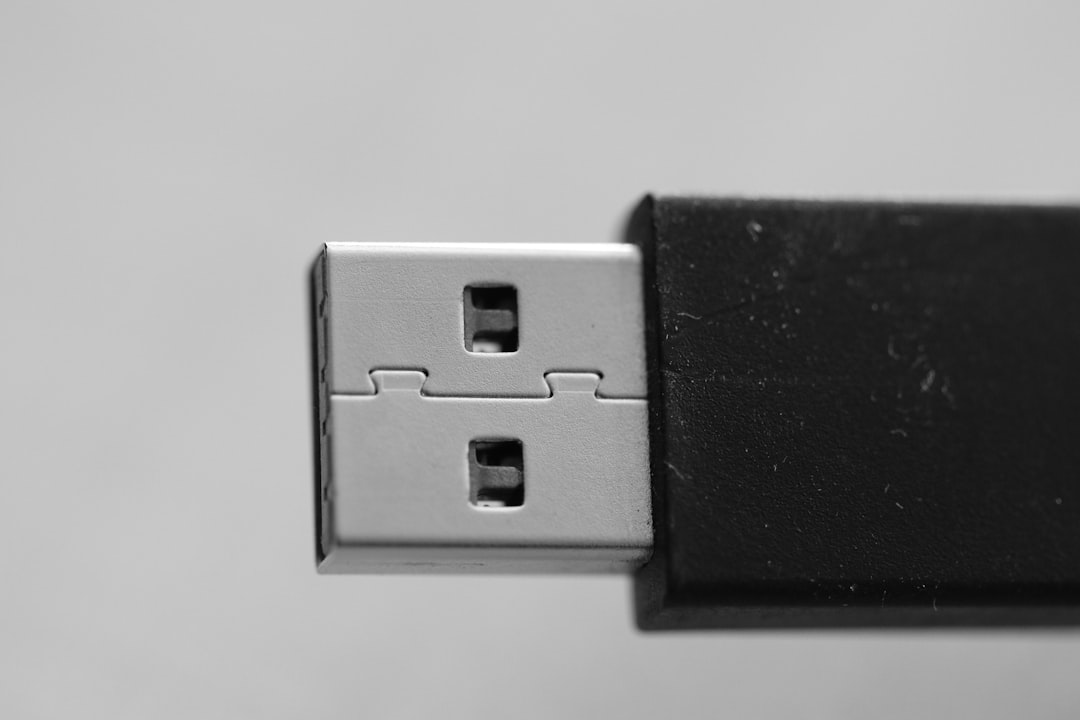
Tails is a privacy-focused operating system. You run it from a USB stick. It is designed to leave few traces on the computer after shutdown.
Tails routes internet traffic through Tor by default. It also includes privacy tools for files, messages, and browsing.
It is useful for high-risk users. Think activists, reporters, or people handling sensitive tips. For casual browsing, it may feel like overkill. You must reboot into it. You must save files carefully. One missed step can be annoying.
Privacy Risks You Should Know
Tools help. They do not make you magic.
- Scams: Fake stores are common on shady hidden sites.
- Malware: Downloads can infect your device.
- Phishing: Copycat login pages steal passwords.
- Bad links: Some pages lead to illegal or harmful content.
- Tracking mistakes: Logging into personal accounts can expose you.
- Exit nodes: Some Tor traffic leaves through public relays, so unsafe HTTP sites are risky.
If you use Tor, avoid downloading random files. Do not share your real name. Do not open documents while online. Do not log into personal accounts unless you understand the risk.
Is the Dark Web Illegal?
No. Visiting the dark web is not automatically illegal in many places. The tool is not the crime. What you do matters.
Reading a privacy blog on an onion site is different from buying stolen data. One is normal. The other can get you in serious trouble.
This is like using a road. Roads are legal. Robbing a store on that road is not.
When Should You Use Tor or Tails?
Use Tor Browser when you want more private browsing, need to reach an onion site, or want to reduce tracking by websites and networks.
Use Tails when the device itself cannot be trusted, or when leaving fewer local traces matters. It is not for everyone. But it is powerful.
Quick Safety Tips
- Get Tor Browser only from the official Tor Project site.
- Keep Tor and Tails updated.
- Do not install random browser add-ons.
- Use HTTPS sites when possible.
- Do not download files from strangers.
- Never assume you are fully anonymous.
Bottom line: The deep web is mostly your private daily internet. The dark web is a hidden network with stronger privacy and bigger risks. Tor and Tails can help protect you, but they are tools, not invisibility cloaks.