

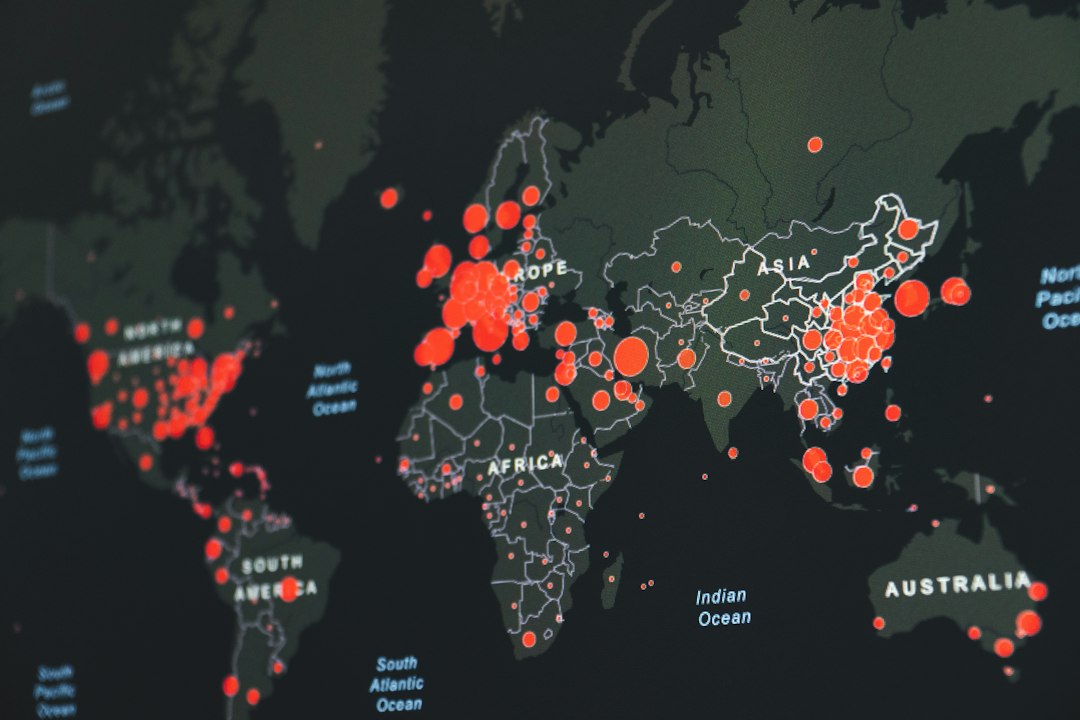
Bright Data is the best all-round pick if you want rotating residential IPs with big reach, strong controls, and fewer “why is this broken?” moments. Residential proxies matter because the web is huge: DataReportal counted 5.35 billion internet users in early 2024 [source: DataReportal]. That means location, trust, and IP type can change what you see online. A good rotating residential proxy helps you test that without using the same tired IP again and again.
TLDR: Choose Bright Data for scale, Oxylabs for business-grade scraping, Smartproxy for simple setup, SOAX for tight location targeting, and NetNut for steady sessions. For example, a price tracking team checking 10,000 product pages per day may use rotating residential IPs to reduce blocks and compare prices by city. If you are new, start with Smartproxy or SOAX. If your team is large, test Bright Data or Oxylabs first.
What is a rotating residential proxy?
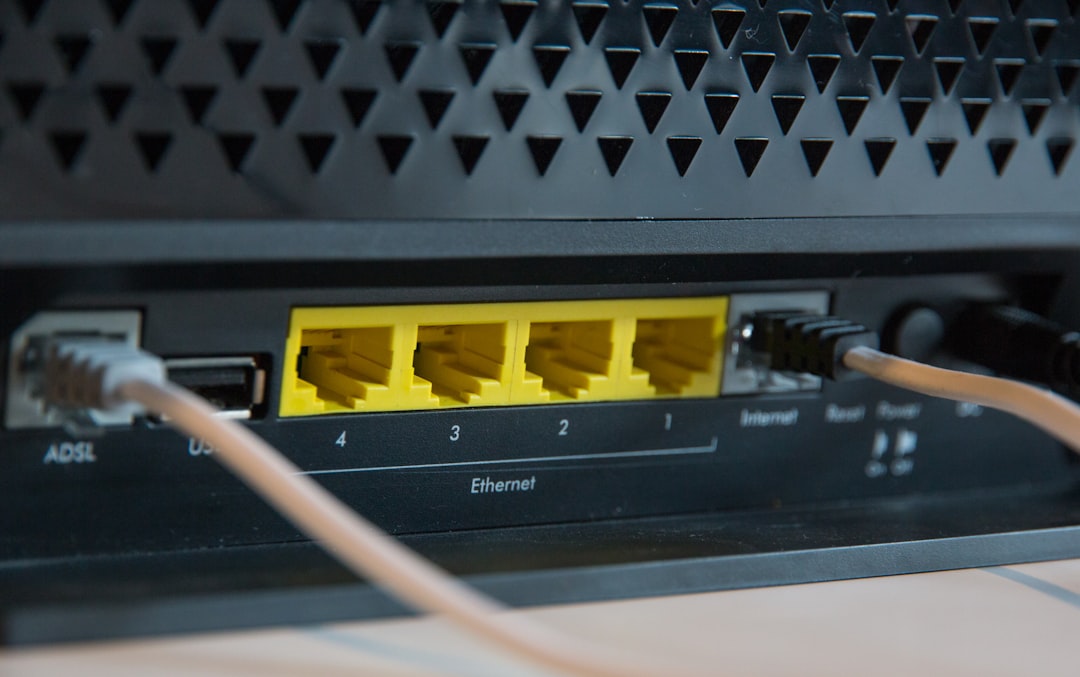
A residential proxy uses an IP tied to a real internet connection. It looks more like a normal user than a data center IP. A rotating residential proxy changes the IP at set times or per request.
This is useful for:
- Web scraping public pages.
- Ad testing in different regions.
- SEO checks by country or city.
- Price tracking across markets.
- App and site testing from many locations.
Use them with care. Read site rules. Respect robots.txt when it applies. Do not use proxies for spam, fraud, account theft, or shady stuff. That path gets ugly fast.
1. Bright Data
Best for: large teams, heavy projects, strict controls.
Bright Data has one of the biggest residential proxy pools around. It gives you country, city, ASN, and carrier targeting. That is great when you need very specific test results.
The dashboard is strong, but it can feel a bit much at first. Honestly, it feels like opening a cockpit when all you wanted was a bike. Still, once it clicks, it is powerful.
- Pros: huge pool, strong targeting, many tools.
- Cons: not the simplest option, pricing can climb.
- Pick it if: you need scale and control more than hand-holding.
2. Oxylabs
Best for: companies that scrape at serious volume.
Oxylabs is polished. It is built for teams that need reliable data collection. It also offers tools for scraping search results, ecommerce pages, and public web data.
Its residential proxies support broad geo targeting. The support team also has a good reputation in the enterprise crowd. That matters when a job fails at 2 a.m. and your boss wants answers.
- Pros: stable service, business focus, helpful support.
- Cons: may be overkill for small users.
- Pick it if: you run high-volume data work.

3. Smartproxy
Best for: beginners and small teams.
Smartproxy is easy to like. Setup is clean. Docs are simple. The product does not make you feel silly for being new.
You get rotating residential IPs, browser add-ons, API tools, and useful guides. It is a nice fit for market research, SEO checks, sneaker site testing, and light scraping.
The catch is that deep targeting can be less rich than with the biggest providers. But for many people, that is fine. You save time. You save stress. That counts.
- Pros: easy setup, fair pricing, friendly tools.
- Cons: less advanced control than larger rivals.
- Pick it if: you want fast setup without a headache.
4. SOAX
Best for: exact location targeting.
SOAX is great when you care about where the IP comes from. You can filter by country, region, city, and provider. That is handy for ad checks and local search testing.
The interface is clean. Rotation settings are easy to adjust. You can keep an IP for a short session or rotate more often. This helps when a site gets picky.
- Pros: strong filters, clean controls, flexible rotation.
- Cons: traffic costs can add up.
- Pick it if: city-level testing is your main need.
5. NetNut
Best for: steady sessions and larger workloads.
NetNut uses a different network model than many peer-based proxy services. It is known for stable connections and fast response times. That can help with long scraping tasks.
It also offers residential, mobile, and data center proxies. So you can test different routes without juggling five vendors. For a team, that is a relief.
- Pros: stable speed, good for scale, multiple proxy types.
- Cons: interface may feel plain.
- Pick it if: you care about uptime and steady sessions.
How to choose without losing your mind
Start with your real job. Do not buy the biggest plan because it sounds cool. That is how budgets cry.
- Need easy setup? Try Smartproxy.
- Need huge scale? Try Bright Data.
- Need enterprise support? Try Oxylabs.
- Need city targeting? Try SOAX.
- Need stable sessions? Try NetNut.
Also check three things before paying:
- Rotation rules: per request, timed, or sticky sessions.
- Location filters: country, state, city, carrier.
- Traffic pricing: per GB can get expensive fast.
My simple advice? Test with a small plan first. Run the same task on two providers. Track success rate, speed, and cost per 1,000 requests. The winner is not always the flashiest one. It is the one that works without making you mutter at your screen.