
Feeling that your home, office, vehicle, or phone might be monitored can be unsettling. While many “bugging” fears turn out to have ordinary explanations, covert surveillance devices do exist, and digital tracking is increasingly common. The key is to look for patterns, not a single strange event, and to check calmly, legally, and methodically.
TLDR: Common signs of being bugged include unusual electronic interference, unexplained battery drain, strange noises during calls, unfamiliar devices or wires, and people knowing private information they should not know. Start by checking obvious places such as power outlets, smoke detectors, vehicles, phones, laptops, and Wi-Fi settings. Document what you notice, avoid destroying potential evidence, and contact a qualified professional or legal authority if you find something suspicious.
Why Bugging Is Hard to Spot
Modern surveillance can be surprisingly discreet. A listening device may be smaller than a coin, a GPS tracker can hide under a vehicle, and spyware can run silently on a phone without displaying a dramatic warning sign. At the same time, many everyday issues can mimic surveillance: weak cell reception, aging batteries, faulty wiring, Bluetooth glitches, or noisy appliances.
That is why it helps to think like an investigator. Instead of asking, “Is this one odd thing proof?”, ask, “Are several unusual things happening together, repeatedly, and without a reasonable explanation?” A careful checklist can reduce panic and help you decide whether you need expert help.
1. Unusual Sounds During Phone Calls
One of the more commonly reported indicators is strange audio during calls. People may notice clicking, pulsing, static, echoes, or sudden drops in quality. In the past, these noises were often associated with line taps, but today they are more commonly caused by poor reception, damaged microphones, internet calling issues, or carrier problems.
Still, phone behavior is worth checking if it happens consistently. Pay attention to:
- Repeated clicking or beeping during calls, especially in multiple locations.
- Echoes or delays that occur even with different callers.
- Calls activating unexpectedly or the microphone indicator turning on without a clear reason.
- Background sounds that appear when the phone should be idle.
If you suspect your phone is compromised, restart it, update the operating system, check app permissions, remove unfamiliar apps, and review connected devices. If concerns continue, consider backing up essential files and having the device inspected by a reputable mobile security specialist.
2. Battery Drain and Overheating
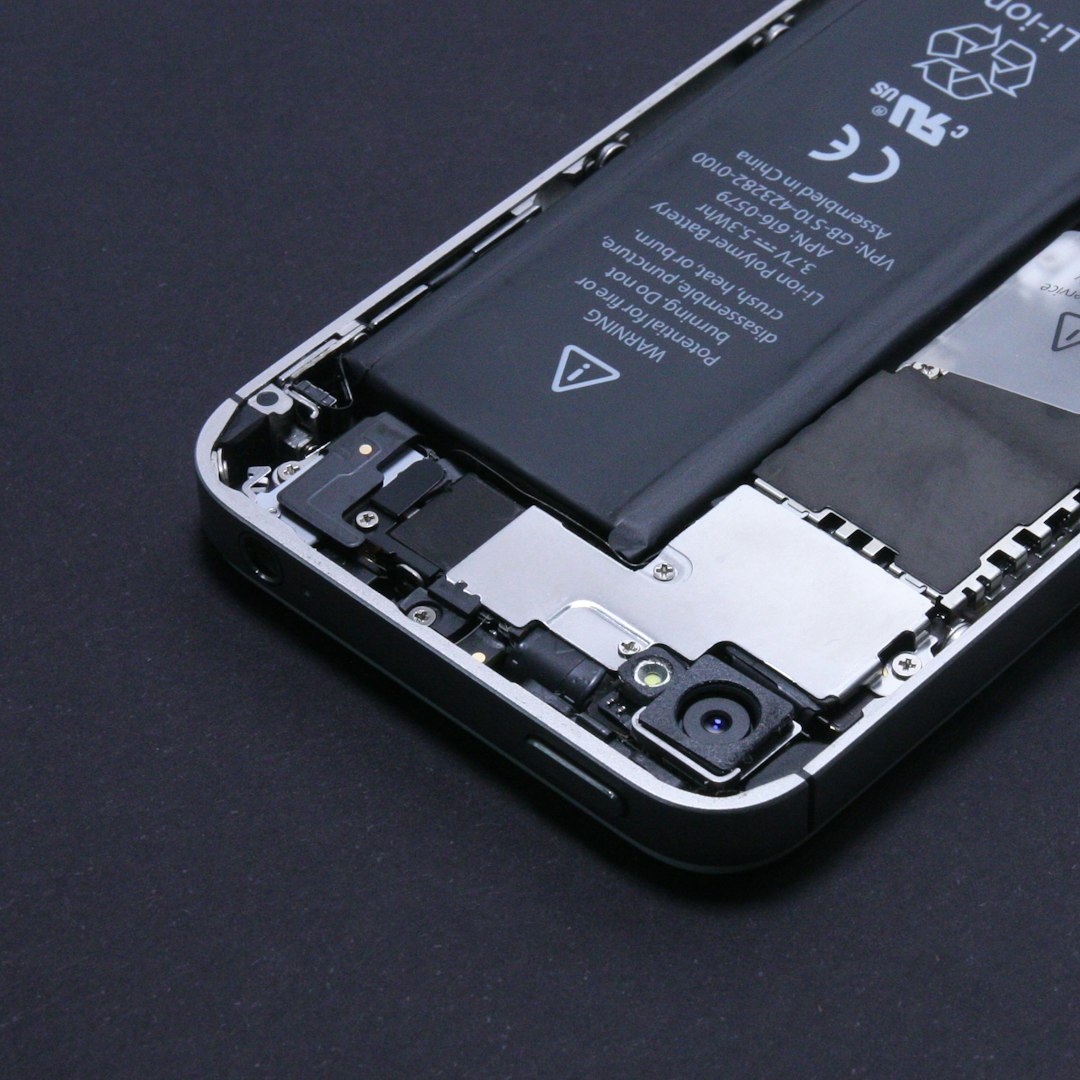
A device that constantly records, transmits location, or sends data may use extra power. Because of that, sudden battery drain or unexplained overheating can be a warning sign. However, these symptoms are also extremely common with old batteries, heavy app usage, bad charging cables, or recent software updates.
Look for a change that feels unusual for your normal routine. For example, if your phone used to last all day but now loses half its battery while sitting unused, that deserves attention. Review battery usage in your settings. Apps using large amounts of power in the background should be investigated, especially if you do not recognize them.
On laptops and tablets, check for unfamiliar processes, browser extensions, remote access tools, or programs that launch automatically. If the fan runs constantly when the device is idle, it may simply be updating or indexing files, but repeated unexplained activity is worth a closer look.
3. Strange Data Usage
Spyware, remote access tools, and tracking apps often need to send information somewhere. This can create unusual data usage. On a phone, check your mobile data report and Wi-Fi data usage if available. On a computer, review network activity through built-in system tools or trusted security software.
Possible red flags include:
- Unexpected spikes in data usage when you were not streaming, gaming, or downloading files.
- Unknown apps consuming background data.
- Large uploads rather than downloads, especially from unfamiliar software.
- Data usage at odd hours when your device was not actively being used.
Again, context matters. Cloud backups, photo syncing, software updates, and messaging apps can all use significant data. The concern increases when you see repeated activity from apps or services you cannot identify.
4. Physical Objects That Seem Out of Place
Traditional bugs still exist. They may be hidden in ordinary objects such as clocks, pens, chargers, USB adapters, power strips, smoke detectors, lamps, picture frames, air vents, or decorative items. In offices, conference rooms, hotel rooms, and shared spaces, surveillance devices may be disguised as common electronics.
When checking a room, do not tear it apart. Instead, examine it systematically. Start at the entrance and move clockwise. Look for items that are new, moved, oddly positioned, or facing sensitive areas such as desks, beds, meeting tables, safes, or computer screens.
Things to check include:
- New or unfamiliar electronics that no one can explain.
- Objects with tiny holes that may conceal a lens or microphone.
- Loose wall plates, outlets, or switches.
- Unusual wires behind furniture, under desks, or near power sources.
- Smoke detectors or clocks placed in strange positions.
Use a flashlight at different angles to look for lens reflections. Some hidden cameras reveal themselves as small glints. This is not foolproof, but it is a simple first step.
5. Interference With Radios, Speakers, or Electronics
Some transmitting devices can cause interference with nearby electronics. You might hear buzzing through speakers, notice radio static in unusual places, or see odd behavior from wireless devices. However, interference has many harmless causes, including routers, Bluetooth devices, microwaves, faulty cables, and nearby cell towers.
A suspicious pattern would be interference that occurs only in a specific room, near a specific object, or at regular intervals. Move portable electronics around the space and note where the interference becomes stronger. If several devices behave strangely near the same object or wall, that area may deserve closer inspection.
Image not found in postmeta6. People Know Private Details
One of the strongest practical indicators is not technical at all: someone seems to know information they should not know. This may include private conversations, travel plans, business discussions, passwords, legal strategy, or personal messages.
Before assuming a room is bugged, consider other information leaks. Did someone forward an email? Is a shared calendar visible? Are notifications appearing on a lock screen? Is a smart speaker recording commands? Did a friend, colleague, or family member mention something casually? Many privacy breaches happen through ordinary access rather than hidden microphones.
Still, if sensitive information repeatedly reaches the wrong person and you cannot identify a normal source, it is reasonable to check your environment and devices.
7. Suspicious Vehicle Signs
Vehicles are common targets for tracking because they move predictably and offer many hiding places. A GPS tracker may be attached magnetically, plugged into a diagnostic port, or hidden in a compartment. Signs can be subtle, but there are things you can inspect safely.
Check the following areas:
- Under the vehicle, especially around the frame, wheel wells, and bumpers.
- Inside the glove box, center console, trunk, and spare tire area.
- The OBD port, usually located beneath the dashboard on the driver’s side.
- Loose panels or wires that look recently disturbed.
- Unfamiliar magnetic boxes or small battery-powered devices.
If you find a device, avoid immediately destroying it. It may be useful evidence. Photograph it in place, note the date and time, and consider contacting law enforcement or an attorney, especially if stalking, harassment, or domestic abuse is involved.
8. Smart Home Devices Acting Strangely
Smart speakers, cameras, doorbells, thermostats, baby monitors, and security systems can be misconfigured or compromised. Many people forget how many microphones and cameras they have invited into their homes. If an account is shared, poorly secured, or protected by a weak password, someone may access it remotely.
Review your smart home setup by checking:
- Account login history for unfamiliar locations or devices.
- Shared users who still have access.
- Camera settings, recording schedules, and cloud storage.
- Voice assistant history for unexpected recordings.
- Router settings for unknown connected devices.
Change passwords, enable two-factor authentication, update firmware, and remove devices you no longer use. A forgotten old camera or shared account can create the feeling of being bugged even without a hidden device.

9. What to Check First
If you feel overwhelmed, begin with the most likely and easiest areas. A practical first-pass checklist includes:
- Your phone: Review apps, permissions, battery use, data use, and connected devices.
- Your computer: Check for remote access tools, unknown browser extensions, and suspicious startup programs.
- Your Wi-Fi router: Change the admin password, update firmware, and remove unknown devices.
- Your room: Inspect outlets, lamps, clocks, smoke detectors, air vents, and unfamiliar electronics.
- Your vehicle: Look under the car, in compartments, and around the diagnostic port.
- Your accounts: Change important passwords and enable two-factor authentication.
This approach helps separate digital risks from physical surveillance. In many cases, the problem is not a hidden microphone but an exposed account, shared password, or compromised device.
When to Call a Professional
If you are dealing with a serious legal dispute, corporate espionage concern, stalking situation, high-conflict relationship, or sensitive business matter, a professional sweep may be worthwhile. Technical surveillance countermeasure specialists use equipment and procedures that go beyond consumer gadget detectors. They can inspect radio frequencies, wiring, hidden cameras, network traffic, and physical spaces more thoroughly.
Be cautious with cheap “bug detector” devices that promise certainty. Some can help locate certain signals or camera lenses, but none can guarantee that a space is clean. A device that is powered off, hardwired, shielded, or recording locally may not emit a signal at the time you scan.
What Not to Do
If you suspect surveillance, avoid making impulsive decisions. Do not confront someone without evidence if it could put you at risk. Do not damage property that is not yours. Do not install counter-surveillance tools in places where you lack permission. And do not ignore safety concerns if the situation involves threats, stalking, coercive control, or abuse.
Instead, document everything. Take photos, write dates and times, save screenshots, and keep suspicious objects untouched when possible. Evidence is far more useful when it is preserved carefully.
Final Thoughts
Being bugged is possible, but it is not the only explanation for strange noises, battery drain, or leaked information. The most useful response is a calm, structured inspection of your devices, accounts, rooms, and vehicle. Look for repeated patterns, verify ordinary causes, and take privacy basics seriously: strong passwords, software updates, limited app permissions, and secure Wi-Fi.
If you find something suspicious or feel unsafe, get help from a qualified professional, attorney, or appropriate authority. Peace of mind comes not from guessing, but from checking carefully and acting on evidence.