

Use a 301 redirect when the old URL is gone for good, but send people to the closest useful page, not just the homepage. For a restaurant, that usually means sending an old menu page or PDF to the newest menu. For a catering company that has retired a service, it means pointing visitors to a clear replacement, a notice page, or a related service. Google says permanent redirects help send users and search engines to a new URL [source: Google].
TLDR: A restaurant replacing its menu should redirect /menu-spring-2024 or an old PDF to the current menu page, so hungry visitors do not hit a dead page. A catering company retiring “corporate lunch boxes” should not dump that traffic on the homepage; send it to a “service retired” page or a related catering option. If 28% of your traffic lands on menu or service pages, even a small redirect mistake can cost calls, orders, and trust. Use the 301 Redirects plugin in WordPress to keep these rules clean and easy to update.
Why the two cases need different redirect plans
A restaurant menu changes often. Prices shift. Seasonal dishes vanish. A PDF gets replaced because the chef added a new brunch special. This is normal, and visitors expect the latest version.
A retired catering service is different. If the company no longer offers wedding buffets, office boxed lunches, or holiday party trays, the old page may still carry search value. It may also have links from blogs, venues, or past clients. That traffic still matters.
The annoying part? WordPress will happily let old URLs break unless you fix them. Then someone clicks “View menu,” waits a second longer than usual, and lands on a 404. That is a bad first bite.
Use the 301 Redirects plugin for clean rule control
The 301 Redirects plugin is built for this exact job. It lets you set source URLs and target URLs without editing server files. That is useful when a manager, marketer, or site admin needs to update links fast.
After installing the plugin, you can create rules like this:
- Old URL: /menu-old
- New URL: /menu
- Redirect type: 301 for a permanent move
You can read the official steps here: how to manage redirect rules.
Honestly, it feels like menu pages are the first thing everyone changes and the last thing anyone tests. Build the redirect as soon as the new page goes live. Do not wait until a customer complains on Instagram.
When a restaurant replaces its menu
For restaurants, the goal is simple: get visitors to the current menu as fast as possible. Nobody wants to compare three outdated PDFs. Nobody wants to call and ask if the lobster pasta from 2022 still exists.
Use a 301 redirect when the old menu URL will not return. Examples:
- /dinner-menu-2023 → /dinner-menu
- /wp-content/uploads/menu-may.pdf → /menu
- /brunch-old → /brunch
If the restaurant changes menus every week, avoid creating new URLs each time. Use one stable page such as /menu. Then update the content on that page. This cuts redirect clutter and keeps links simple.
If you must keep PDFs, name the public link something stable, such as /menu-pdf, and redirect older PDF files to it. Expect to waste time later if every file is named by date and printed on flyers.
When a catering company retires a service
A catering company has a trickier job. A retired service page may still rank in search or receive paid campaign clicks. But sending every old service URL to the homepage is lazy. It can confuse users and weaken the page’s meaning.
Better options include:
- Redirect to a close replacement. If “boxed lunches” became “corporate catering,” send users there.
- Redirect to a retired service notice. Say the service is no longer offered, then list other choices.
- Redirect to a quote page only when it makes sense. Do this if the team can still help with a custom request.
For example:
- /catering/boxed-lunches → /catering/corporate-events
- /wedding-buffet-packages → /weddings
- /holiday-party-trays → /seasonal-catering-notice
The retired notice page can be short. Say the service ended. Offer two or three next steps. Add a phone number. People respect clear answers.
How to decide where each old URL should go
Use this quick rule:
- Same intent, new page: use a 301 to the new page.
- Similar intent: redirect to the closest related page.
- No useful replacement: create a short notice page and redirect there.
- Old test pages or junk URLs: let them 404 if they never had traffic or links.
The plugin’s 404 log can help here. Check which broken URLs people actually hit. Fix those first. A dead menu link from Google matters more than a typo from a bot.
Common mistakes to avoid
- Redirecting everything to the homepage. This frustrates visitors and hides the real problem.
- Chaining redirects. Old menu → older menu → new menu is messy. Point straight to the final URL.
- Forgetting PDF URLs. Menus often live in uploads folders, and customers still find them.
- Not testing mobile. Many restaurant visitors use phones while walking, driving, or choosing dinner fast.
A simple workflow that works
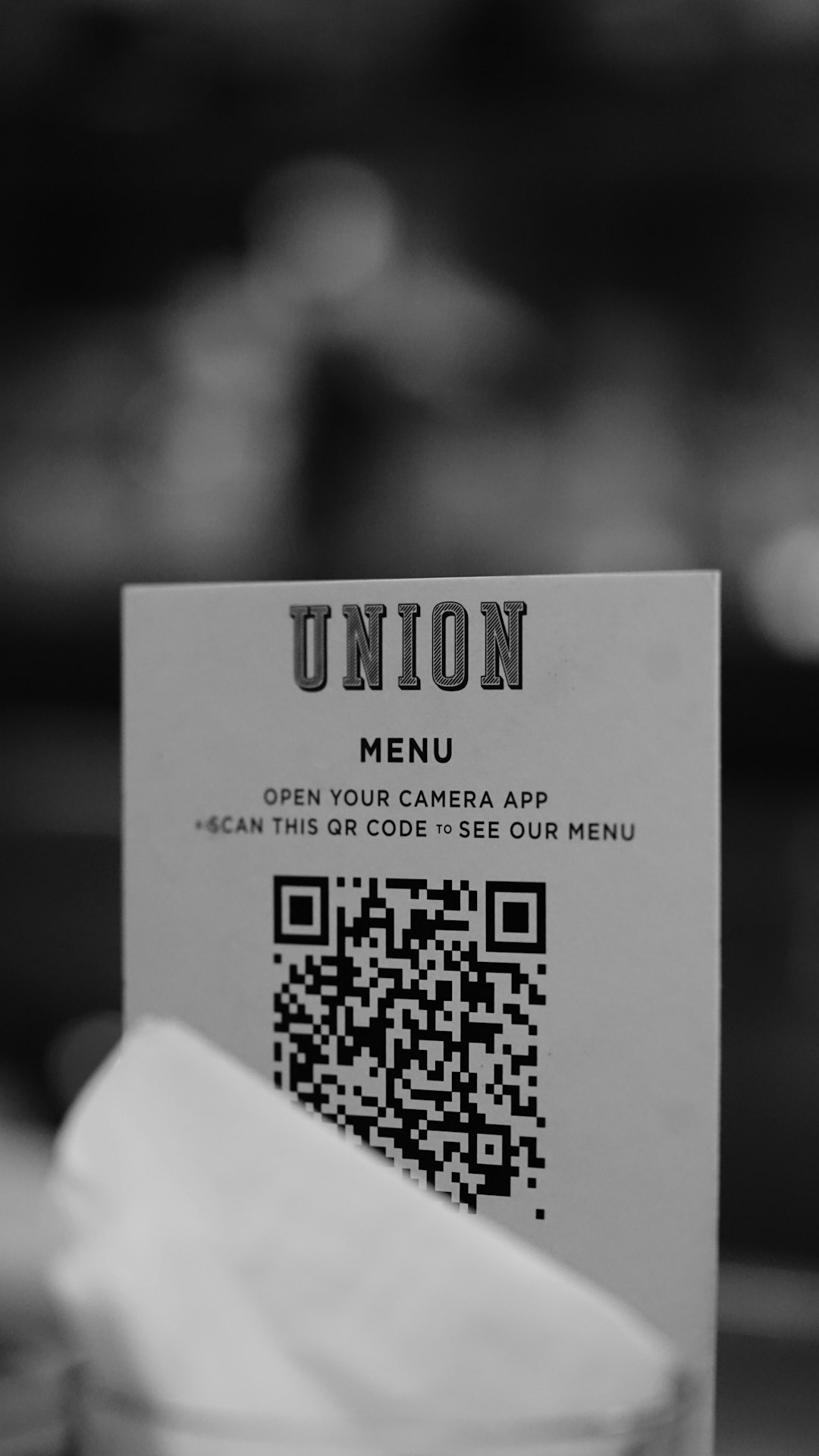
Before replacing a restaurant menu, list every old menu URL. Include pages, PDFs, QR code links, and buttons. Add each old URL to the 301 Redirects plugin and point it to the current menu.
Before retiring a catering service, check analytics and search queries. If a page still gets leads, preserve that traffic with a thoughtful redirect. If it gets no visits and has no links, it may not need special treatment.
The best redirect is not just technically correct. It is useful. Restaurant visitors want the current menu. Catering visitors want to know what they can still book. Give them that answer in one click.