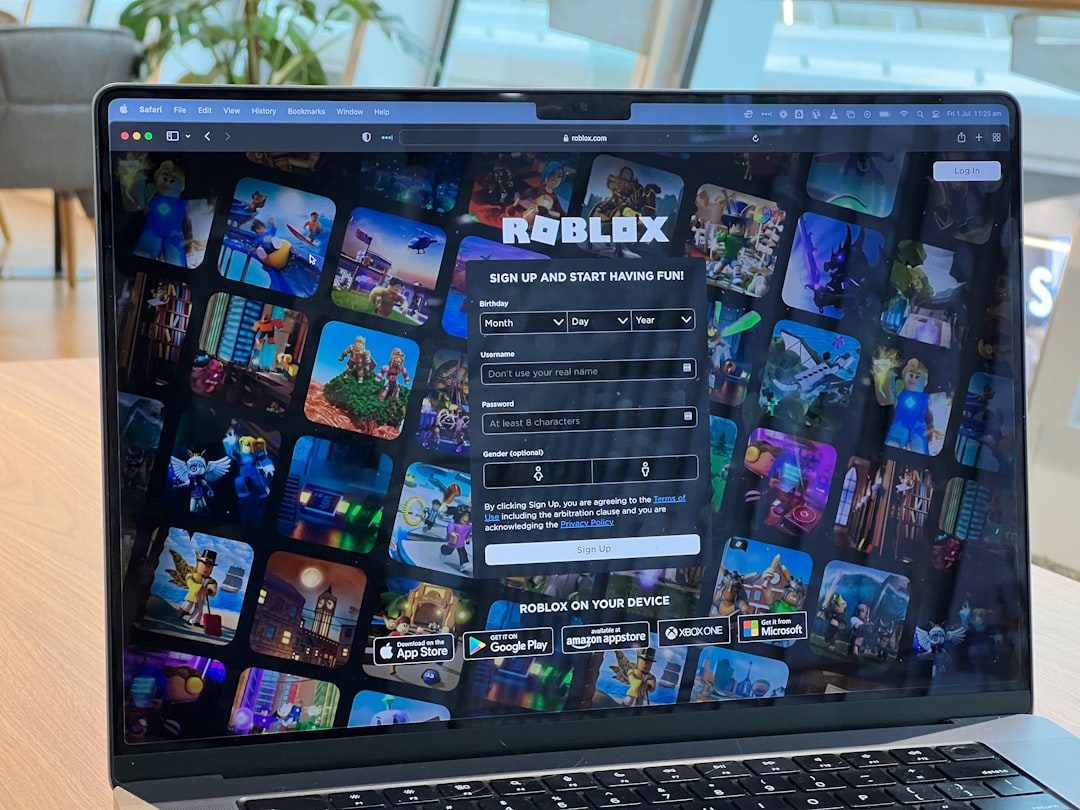

Roblox has evolved far beyond a simple block-building platform. With voice chat, age-restricted spaces, and more mature community experiences, games like Mic Up have become social hubs for teens and adults alike. If you have ever tried to join an 18+ server in Mic Up and realized you didn’t have access, you are not alone. Getting the 18+ tag involves a combination of account settings, age verification, and voice chat eligibility.
TLDR: To get the 18+ tag on Mic Up in Roblox, you must verify your age using a government-issued ID through Roblox’s age verification system. Your account must meet the platform’s minimum age requirements and have voice chat enabled. Once verified, Roblox grants access to 17+ or 18+ experiences, which Mic Up uses for restricted servers. Make sure all privacy and communication settings are properly configured.
What Is the 18+ Tag in Mic Up?
The 18+ tag in Mic Up is not something you manually equip like an in-game badge. Instead, it reflects your age verification status on Roblox. Mic Up uses Roblox’s age verification and content maturity systems to separate users into appropriate spaces.
When you see an “18+” or “17+” server in Mic Up, it typically means:
- The server is restricted to users verified above a certain age.
- Voice chat is enabled and often required.
- The content may involve more mature discussions.
- Roblox account age verification has been successfully completed.
If you are under 18 or have not verified your age, you will likely be restricted from joining these servers.
Understanding Roblox Age Verification
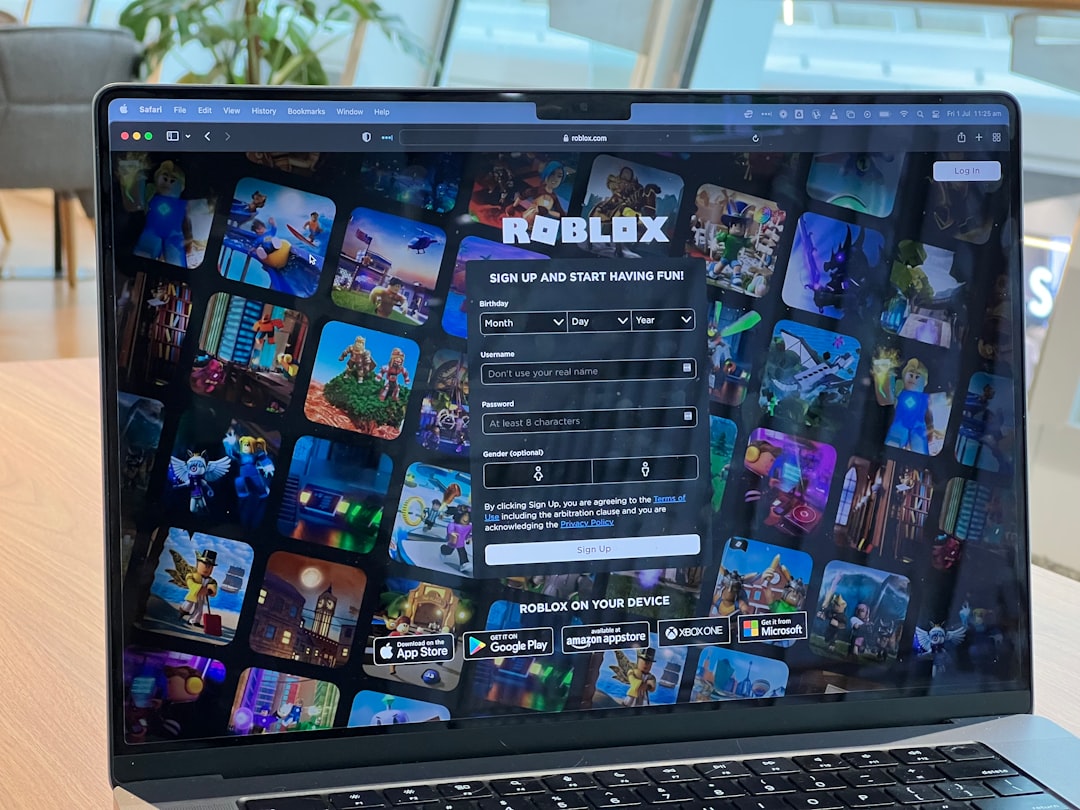
Before you can access 18+ servers in Mic Up, you need to understand how Roblox handles age verification. Roblox introduced ID-based age verification to allow users access to voice chat and age-restricted content.
Here are the key requirements:
- You must be at least 13 years old to use voice chat.
- To access 17+ or 18+ content, you must verify your age through Roblox.
- You need a government-issued ID such as a driver’s license, passport, or state ID.
- You must complete a facial verification scan.
Roblox uses a secure third-party service to confirm that your ID and facial scan match. This process usually takes only a few minutes.
Step-by-Step: How to Get the 18+ Tag
1. Update Your Account Information
First, log into your Roblox account and make sure your birthdate is correctly entered. If your account was created with an incorrect birthdate, you may need to contact Roblox support to resolve it.
Important: You cannot simply change your age in settings to bypass restrictions. Roblox requires official verification.
2. Navigate to Settings
Follow these steps:
- Click the gear icon in the top-right corner.
- Select Settings.
- Go to the Account Info tab.
- Look for the Verify My Age button.
If you do not see this option, ensure your account is at least 13 years old.
3. Complete ID Verification
Once you click “Verify My Age,” you will:
- Scan a QR code using your smartphone.
- Photograph your government-issued ID.
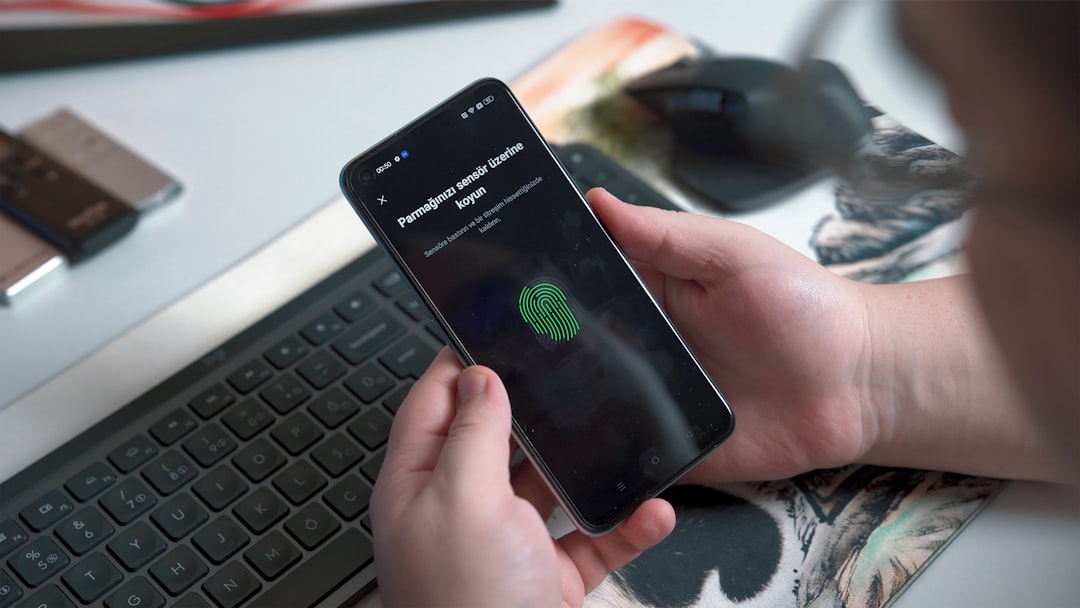
- Take a short selfie video for facial matching.
The system compares your face to the ID photo. If everything matches and you are 17 or older (depending on region), Roblox updates your account status.
4. Enable Voice Chat
After successful age verification:
- Return to Settings.
- Open the Privacy or Communication tab.
- Toggle on Voice Chat.
Mic Up heavily relies on voice communication. Many 18+ servers require voice chat to be active in order to join.
5. Join Mic Up 18+ Servers
Once everything is enabled:
- Launch Mic Up.
- Browse available servers.
- Select a server marked 17+ or 18+.
If your age is verified, access should be automatic. Some servers may automatically display an “18+” identifier above your avatar or username based on your verified status.
Why Mic Up Uses Age Restrictions
Mic Up is essentially a social voice-chat experience. Players gather to talk, debate, joke around, freestyle, or host Q&A sessions. Because conversations are live and unpredictable, age separation helps:
- Protect younger players.
- Create safer discussion environments.
- Allow mature topics among adults.
- Comply with Roblox’s community standards.
Roblox enforces these divisions to maintain platform safety while still providing freedom for older users.
Common Problems and How to Fix Them
Verification Fails
If your ID verification fails:
- Make sure your ID is not expired.
- Ensure photos are clear and well-lit.
- Remove phone case glare if scanning through the app.
- Try again using a stronger internet connection.
If repeated attempts fail, contact Roblox Support.
Voice Chat Not Appearing
If you verified your age but don’t see voice chat options:
- Log out and back into your account.
- Update Roblox to the latest version.
- Check whether voice chat is available in your country.
- Confirm your microphone permissions are enabled on your device.
Still Can’t Access 18+ Servers
Sometimes individual experiences add their own filters. In this case:
- Make sure parental controls are turned off.
- Check that your content maturity settings allow 17+ experiences.
- Verify that your account is not restricted.
Safety Considerations
Even with age verification, safety matters. The 18+ tag does not mean “anything goes.” Roblox Community Standards still apply.
Keep these tips in mind:
- Never share personal contact information.
- Avoid revealing sensitive details like your address or workplace.
- Report inappropriate behavior immediately.
- Use the block feature if someone makes you uncomfortable.
The presence of age verification adds accountability, but moderation remains active across the platform.
Can You Get the 18+ Tag Without an ID?
The short answer is no. Roblox requires official documentation for age verification. There is no legitimate workaround.
Attempting to bypass the system by:
- Using fake IDs
- Editing account birthdates dishonestly
- Using someone else’s identification
can result in account suspension or permanent bans. Roblox takes age compliance very seriously.
Benefits of Having the 18+ Tag
Beyond just accessing Mic Up servers, verifying your age unlocks several advantages:
- Access to more mature Roblox experiences.
- Expanded social interactions.
- Greater community trust.
- Eligibility for certain restricted game features.
For players who use Roblox as a long-term social platform, age verification enhances the overall experience.
Final Thoughts
Getting the 18+ tag in Mic Up is less about the game itself and more about your Roblox account verification status. By completing ID verification, enabling voice chat, and adjusting your privacy settings, you gain access to a wider social environment tailored for mature conversations.
While the process may seem technical at first, it is designed to protect users and create appropriate spaces for different age groups. If you meet the requirements, the entire process can be completed in under 15 minutes.
Once verified, you can step into Mic Up’s 18+ servers confidently, knowing you are part of a more age-aligned community. Just remember: with greater access comes greater responsibility. Use your voice wisely and keep the experience respectful for everyone involved.