
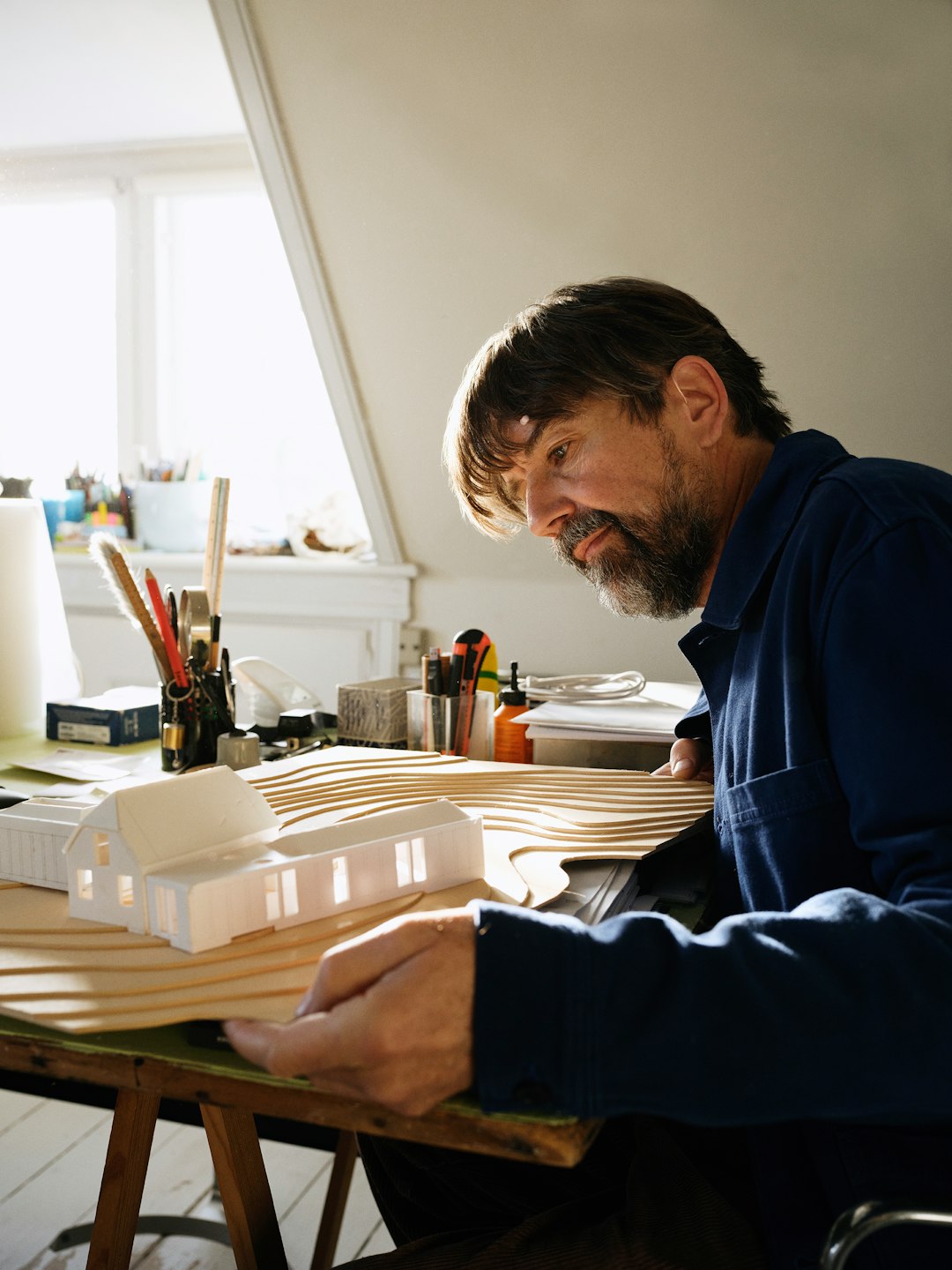

Use Simple Author Box to turn each designer into a visible, credible expert on your WordPress site. For a sustainable architecture studio, that means every project post, material study, research note, and case study can show the designer’s name, role, short bio, social links, and profile image. The plugin has 50,000+ active installations on WordPress.org, which makes it a mature option for studios that want a simple author section without custom development [source: WordPress.org].
TLDR: Simple Author Box helps a sustainable architecture studio present designers as real professionals, not hidden team members. For example, a studio publishing 12 project case studies per quarter can attach the right designer bio to each one, increasing trust without rebuilding the site. If 40% of visitors read project pages before making contact, visible designer profiles can make those pages feel more human and more credible. The setup is quick, but the content still needs care.
Why designer visibility matters
Clients do not hire “a studio” in the abstract. They hire people. They want to know who worked on a passive house, who specified reclaimed timber, and who led the daylighting strategy. A plain WordPress post often hides that work behind a small author name. That is not enough.
Simple Author Box gives each designer a proper identity block. It can show:
- Name and professional title
- Profile photo or headshot
- Short biography with sustainability focus
- Website or portfolio link
- Social media icons
- Author archive link for related posts
That small box can sit below articles about net zero housing, adaptive reuse, low carbon materials, or urban greening. It gives readers a clear next step: learn more about the person behind the work.
Set up profiles with discipline
The plugin is easy to install from the WordPress dashboard. Search for Simple Author Box, install it, then activate it. After that, each designer should update their WordPress user profile.
Keep every bio useful and short. This is not the place for vague claims. A strong bio might say:
“Maya Patel is a senior designer focused on low carbon residential projects, passive solar planning, and natural ventilation. She has contributed to 18 certified energy efficient homes across the region.”
That is better than “Maya is passionate about sustainability.” Everyone says that. It drives me crazy that so many firm websites bury real expertise under soft wording. Use facts.
What each designer bio should include
A sustainable architecture studio should treat author bios like project data. Keep them accurate. Review them twice a year.
- Role: Architect, designer, researcher, sustainability lead, interiors specialist.
- Specialty: Passive design, circular materials, retrofit, public buildings, timber systems.
- Proof: Number of projects, certifications, awards, published work, or teaching roles.
- Human detail: One short line about approach or design values.
- Call to action: Link to posts, selected work, or a contact route.
If your studio also uses outside portfolio platforms, keep the message consistent. A WordPress profile should match the tone of a designer’s wider portfolio presence. For comparison, this portfolio platform review shows why presentation choices can shape how creative work is judged.
Match the plugin style to the studio brand
Simple Author Box lets you adjust visual details. Use them. A sustainable architecture site usually works best with a calm layout, soft contrast, and clear type. Avoid loud colors unless they are already part of your brand system.
Focus on these settings:
- Typography: Use readable text. Small grey bios are hard to trust.
- Spacing: Give the author box room to breathe.
- Photo shape: Circular images feel personal. Square images feel editorial.
- Colors: Use brand greens, earth tones, or neutral greys with restraint.
- Social icons: Include only active, professional profiles.
The catch is that plugins can look generic if nobody spends ten minutes tuning them. A default box is better than no box, but not by much. Match it to the rest of the site.
Use author archives as expert pages
Simple Author Box can help visitors find more work from one designer. This is useful for studios that publish articles by topic. A reader interested in circular construction may want every post by the designer who leads that research.
That makes each author archive a quiet expert page. It can support search visibility too, especially when the content is focused. Do not let archives become messy dumps. Add clear post titles, strong excerpts, and featured images.
If your studio studies other portfolio formats, look at how structure affects browsing. This article on Cargo site portfolios shows how layout can guide attention when creative work needs to speak fast.
Where to place the author box
For most architecture studios, place the author box at the end of posts. Readers should see the project or article first, then meet the designer. This works well for:
- Project case studies
- Material research notes
- Studio journal posts
- Competition entries
- Technical explainers
Do not add it to every page without thought. A services page may not need an author box. A research article almost certainly does.
Keep trust higher than style
A polished box cannot fix thin content. Designers should be credited for real work. If three people worked on a project, do not assign it to one person for convenience. That feels careless.
Also, avoid fake social accounts or empty profile links. If a designer does not use LinkedIn, do not add a dead icon. Clean is better than padded.
This is a design portfolio issue, not the same as portfolio tracking software, where numbers are the main asset. Here, the asset is trust. Names, faces, and proof carry weight.
Simple Author Box is a practical way to show the people behind sustainable design. Use it with honest bios, consistent styling, and clear project links. Done well, it helps clients understand not just what your studio builds, but who makes the work responsible, careful, and worth trusting.