
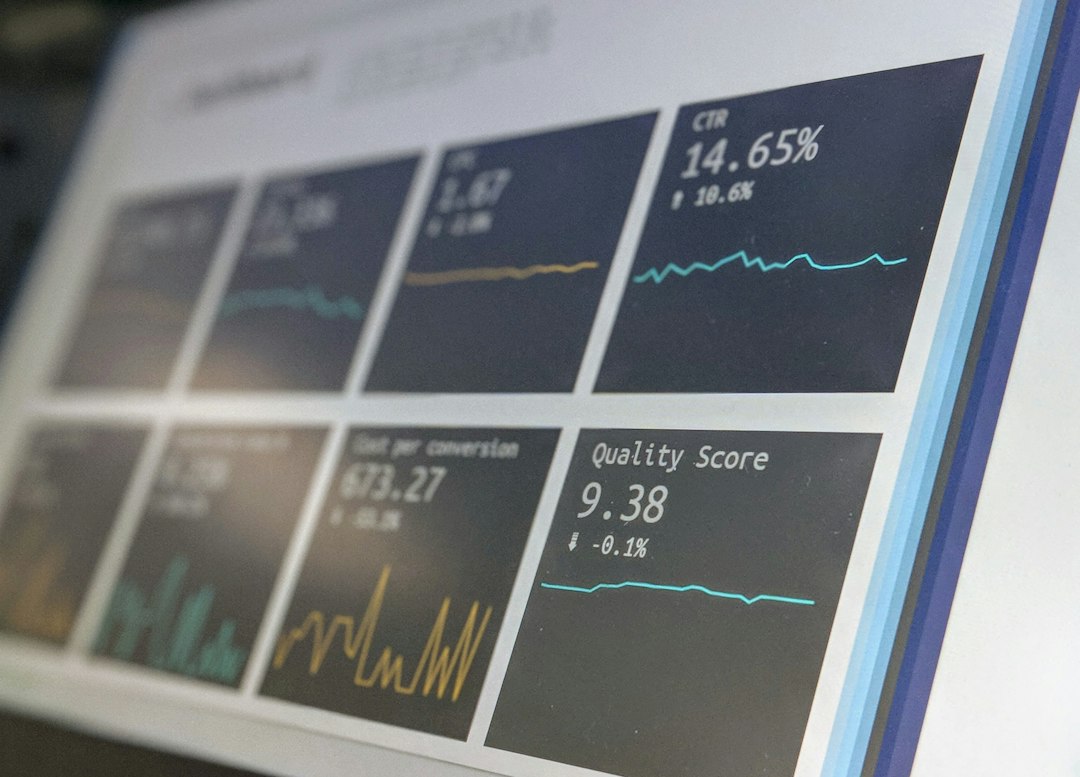

Teams that need a Plerdy alternative should shortlist Hotjar, Microsoft Clarity, FullStory, Mouseflow, and Smartlook. These tools cover heatmaps, session recordings, funnels, form analytics, and website testing from different angles. That matters because the average cart abandonment rate is often reported at about 70%, so even a small UX fix can protect real revenue [source: Baymard].
TLDR: Plerdy is useful, but it is not the only solid option for UX analytics. A small ecommerce team might use Microsoft Clarity for free recordings, then add Hotjar to collect user feedback and find why a product page loses 18% of mobile visitors. Larger teams may prefer FullStory when they need deep session search and error tracking. Mouseflow and Smartlook sit in the middle, with strong funnels and behavior reports.
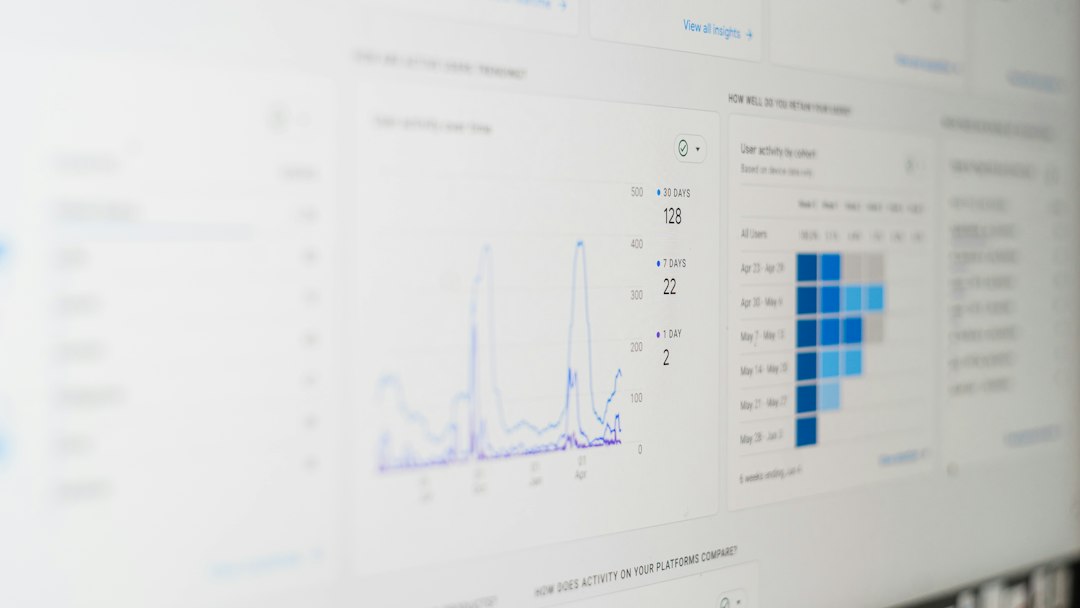
1. Hotjar: Best for heatmaps plus feedback
Hotjar is one of the most common Plerdy alternatives because it keeps things simple. Teams get click maps, scroll maps, recordings, surveys, and feedback widgets in one clean workspace.
It works well for marketers, product teams, and UX researchers who need answers without spending a week setting up reports. A landing page team can see where users rage click, where they stop scrolling, and what they say in a short exit survey.
- Best for: small to mid-sized teams that want visual UX data fast.
- Strong point: easy heatmaps and user feedback in the same tool.
- Annoyance: advanced filtering can feel limited on lower plans.
2. Microsoft Clarity: Best free option
Microsoft Clarity is hard to ignore because it is free. It offers session recordings, heatmaps, rage click tracking, dead click tracking, and quick filters. For teams with tight budgets, this is often the first Plerdy replacement to test.
Honestly, it feels like Clarity should cost something, but it does not. That said, it is not perfect. Teams that need heavy funnel reporting, form analytics, or richer conversion tools may still need another platform beside it.
- Best for: startups, blogs, SaaS sites, and content teams.
- Strong point: free heatmaps and recordings with quick setup.
- Annoyance: reports can feel basic when conversion paths get complex.
3. FullStory: Best for product and engineering teams
FullStory goes deeper than basic heatmap tools. It captures rich behavioral data and helps teams search for user sessions by actions, errors, clicks, pages, and events. This makes it useful for SaaS products, marketplaces, and web apps with many user flows.
For example, a product manager can search for users who clicked “Start trial” but never reached the billing screen. An engineer can then watch those sessions and spot JavaScript errors or broken UI states.
- Best for: product-led companies and technical teams.
- Strong point: deep session search and issue investigation.
- Annoyance: setup and pricing may be too much for small sites.
4. Mouseflow: Best for funnels and form analytics
Mouseflow is a strong Plerdy alternative for teams that care about funnels, forms, and conversion paths. It includes heatmaps, session replay, feedback campaigns, form tracking, and funnel reports.
Its form analytics are especially useful. A team can see which field makes users quit. If 38% of visitors drop at the phone number field, the fix may be simple: remove it, make it optional, or explain why it is needed.
It drives teams a little mad when UX tools show “drop off” but not the reason. Mouseflow does a decent job of connecting the behavior to the page element causing the problem.
- Best for: ecommerce, lead generation, and service websites.
- Strong point: funnels and form reports are easy to read.
- Annoyance: recordings can stack up fast, so filters matter.
5. Smartlook: Best for web and mobile apps
Smartlook is a good fit for teams that need analytics across websites and mobile apps. It supports session recordings, heatmaps, events, funnels, and crash reports. That makes it useful for SaaS products, mobile apps, and ecommerce brands with app traffic.
Smartlook’s event tracking helps teams compare behavior across devices. A team might learn that Android users finish signup at 42%, while iOS users finish at 57%. That gap can point to a device-specific issue.
- Best for: product teams with web and mobile users.
- Strong point: event-based analytics plus session replay.
- Annoyance: new users may need time to set up events well.
How to choose the right Plerdy alternative
The best choice depends on the team’s main problem. If the team wants fast visual insight, Hotjar is a safe pick. If budget is the pain point, Microsoft Clarity is the easiest answer. If developers need to inspect bugs and user paths, FullStory is stronger.
For ecommerce and lead forms, Mouseflow is practical. For web plus app analytics, Smartlook often makes more sense. The wrong choice usually comes from buying too much software too soon. A team should start with one clear question, such as “Why do users leave the pricing page?” Then it should pick the tool that answers that question fastest.
FAQ
- What is the best free Plerdy alternative?
Microsoft Clarity is the best free option for heatmaps and session recordings. - Which tool is best for ecommerce funnels?
Mouseflow is a strong choice because it combines funnels, form analytics, heatmaps, and recordings. - Which Plerdy alternative is best for product teams?
FullStory works well for product and engineering teams that need detailed session search and issue tracking. - Is Hotjar better than Plerdy?
Hotjar may be better for teams that want simple heatmaps, surveys, and feedback tools. Plerdy may still suit teams focused on SEO and conversion checks. - Can a team use more than one UX analytics tool?
Yes. A common setup is Clarity for free recordings and Hotjar or Mouseflow for deeper feedback and funnel analysis.