

Adobe InDesign is still the safest choice for serious magazine layouts and print production, while Affinity Publisher is the best value pick for small studios that hate subscriptions. If price matters, Affinity is hard to ignore. If press reliability, team handoff, and file exchange matter more, InDesign usually wins. Adobe lists InDesign as a professional layout and page design app with print and digital publishing support [source: Adobe].
TLDR: For a 64-page magazine, pick Adobe InDesign if you need clean preflight, style control, and easy printer handoff. Pick Affinity Publisher if your team has one to three designers and wants strong layout tools without a recurring fee. For a quick brochure, Canva can be 30–50% faster for non-designers, but expect less control over fine typography and print details. Scribus is free, but it costs time instead of money.
1. Adobe InDesign: best for professional print workflows
Best for: magazines, catalogs, books, annual reports, agency work.
InDesign is the tool most printers and design teams expect. Master pages, paragraph styles, GREP styles, grids, tables, footnotes, indexes, and preflight checks are mature. Long documents are easier to control. It also works well with Photoshop and Illustrator files.
The catch is the subscription. It adds up. New users may also feel buried under panels. Still, when a printer asks for packaged files with linked images and fonts, InDesign keeps the process predictable.
2. Affinity Publisher: best value for independent designers
Best for: brochures, magazines, brand books, small studio print jobs.
Affinity Publisher feels modern, fast, and clean. It handles master pages, grids, OpenType, linked images, PDF export, and studio-level layouts very well. Its biggest appeal is simple: you buy it, then use it.
It also plays nicely with Affinity Photo and Designer through StudioLink. That means you can edit images and vector elements without constantly switching apps. Honestly, it feels like the product Adobe users wanted years ago, minus the industry lock-in.
Its weak point is collaboration with wider print teams. If your printer or client expects InDesign files, conversion can become annoying.
3. QuarkXPress: best for legacy publishing teams
Best for: publishers with older Quark files, newspapers, structured print projects.
QuarkXPress used to rule desktop publishing. It is still powerful. It supports precise print layouts, long documents, typography controls, and digital publishing output. Some publishing houses still rely on it because their archives are built around Quark files.
The problem is market share. Fewer designers know it now. Hiring, file exchange, and outside vendor support may take more effort. If your team already uses Quark, keep it on the shortlist. If you are starting from zero, InDesign or Affinity will usually make more sense.
4. Scribus: best free DTP software
Best for: nonprofits, students, Linux users, low-budget print projects.
Scribus is open source and capable. It supports CMYK, spot colors, PDF/X export, ICC color management, frames, styles, and page templates. That is a serious list for a free tool.
But it is not as smooth as paid options. Expect to waste time on interface quirks. A task that takes two clicks in InDesign may take five or six here. Still, for community newsletters, simple magazines, flyers, and volunteer projects, Scribus can do real work.
5. Microsoft Publisher: best for basic office print jobs
Best for: simple flyers, school newsletters, office brochures, internal handouts.
Microsoft Publisher is easy to understand if your team already works in Microsoft Office. It is fine for quick layouts, mailers, certificates, basic brochures, and small business flyers.
It is not ideal for demanding print production. Typography control is limited. Color management is basic. It also lacks the polish needed for complex magazine work. It drives me crazy that many files look acceptable on screen, then reveal spacing and image issues when prepared for print.
Use Publisher for simple office jobs. Do not use it for a premium magazine unless you enjoy fixing problems late in the process.
6. Canva: best for fast brochure design by non-designers
Best for: social brochures, event programs, simple flyers, template-based marketing.
Canva is popular because it removes fear. A non-designer can open a template, change text, swap images, and export a PDF in minutes. For small businesses, that speed matters.
Templates are both the strength and the weakness. Many designs look clean at first, but they can feel generic. Print settings have improved, yet Canva still gives less control than true DTP software. Fine kerning, baseline grids, advanced styles, and deep preflight checks are not its strong suit.
Use Canva when speed beats precision. Avoid it when brand consistency, custom typography, and press accuracy matter.
7. Marq: best for controlled brand templates
Best for: sales teams, franchises, schools, real estate groups, brand-controlled brochures.
Marq, formerly Lucidpress, focuses on templates and brand control. It helps teams create brochures, flyers, newsletters, and one-page handouts without breaking brand rules. Marketing managers can lock logos, colors, and key layout parts.
This is useful when many people create materials across offices. Designers build the system. Non-designers edit approved fields. That reduces messy files and off-brand layouts.
It is not the best choice for complex editorial design. Long magazine layouts need stronger page handling. For controlled marketing collateral, though, Marq earns its place.
Quick comparison
- Best overall: Adobe InDesign
- Best one-time purchase value: Affinity Publisher
- Best free option: Scribus
- Best for legacy publishers: QuarkXPress
- Best for office users: Microsoft Publisher
- Best for speed: Canva
- Best for brand-controlled templates: Marq
How to choose the right DTP software
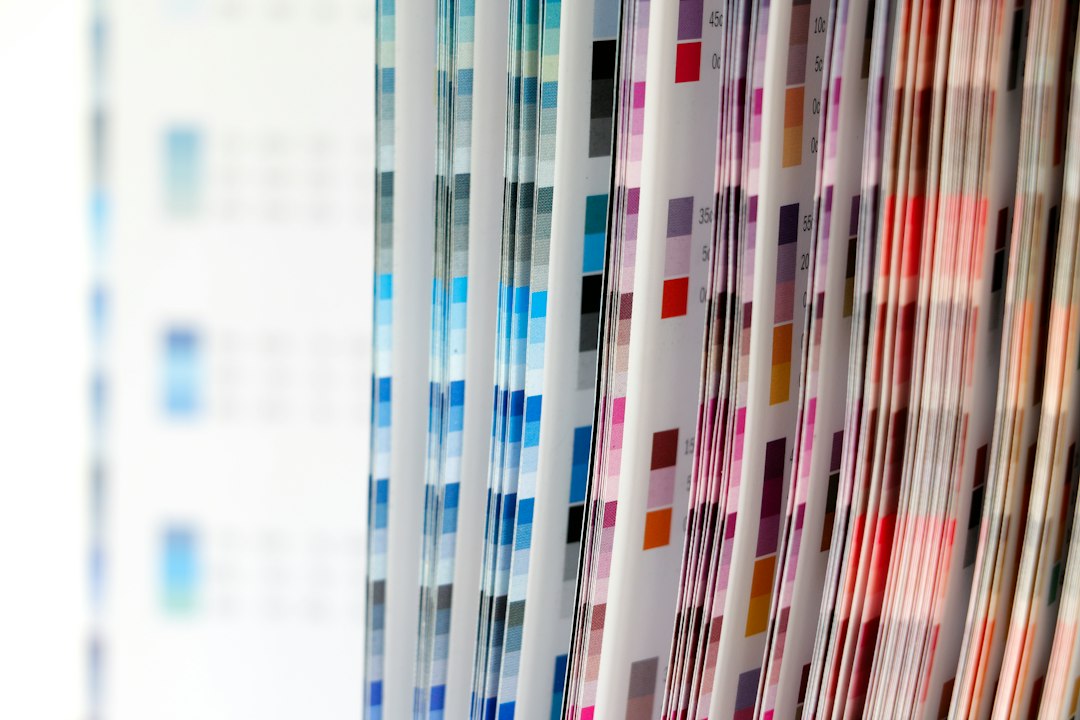
Start with the final output. If the job goes to a commercial printer, ask what file types and PDF standards they prefer. A beautiful layout is not enough if bleeds, fonts, color profiles, and image resolution are wrong.
For magazines, choose InDesign or Affinity Publisher. For brochures, any of the seven can work, but quality will vary. For strict brand templates, choose Marq. For zero budget, choose Scribus and allow more time.
The best DTP tool is not the one with the longest feature list. It is the one that gets approved, exported, printed, and delivered with the fewest surprises.