


The best AppKitie alternatives we picked are FlutterFlow, Bubble, Jira, and ClickUp because they cover the two things most teams need: building apps and keeping the work from turning into a mess. That matters because large IT projects still run 45% over budget on average, according to McKinsey [source: McKinsey]. A good tool will not fix weak planning, but it can make delays easier to spot before they get expensive.
TLDR: If you want a visual app builder, start with FlutterFlow or Bubble. If your app team already has developers and needs cleaner task tracking, choose Jira or ClickUp. For example, a five-person startup building an MVP in six weeks could use FlutterFlow for the app screens and ClickUp for sprints, bugs, and client notes. That setup can cut meeting time by 20–30% if tasks, comments, and approvals stay in one place.
AppKitie is useful for teams that want fewer tools and a simpler way to handle app work. Still, it may not suit every team. Some teams need more control over code. Others want deeper task boards, bug tracking, design handoff, or no-code tools that non-technical founders can actually use without begging a developer for every change.
Here are four strong apps like AppKitie, with the good parts and the annoying parts included.
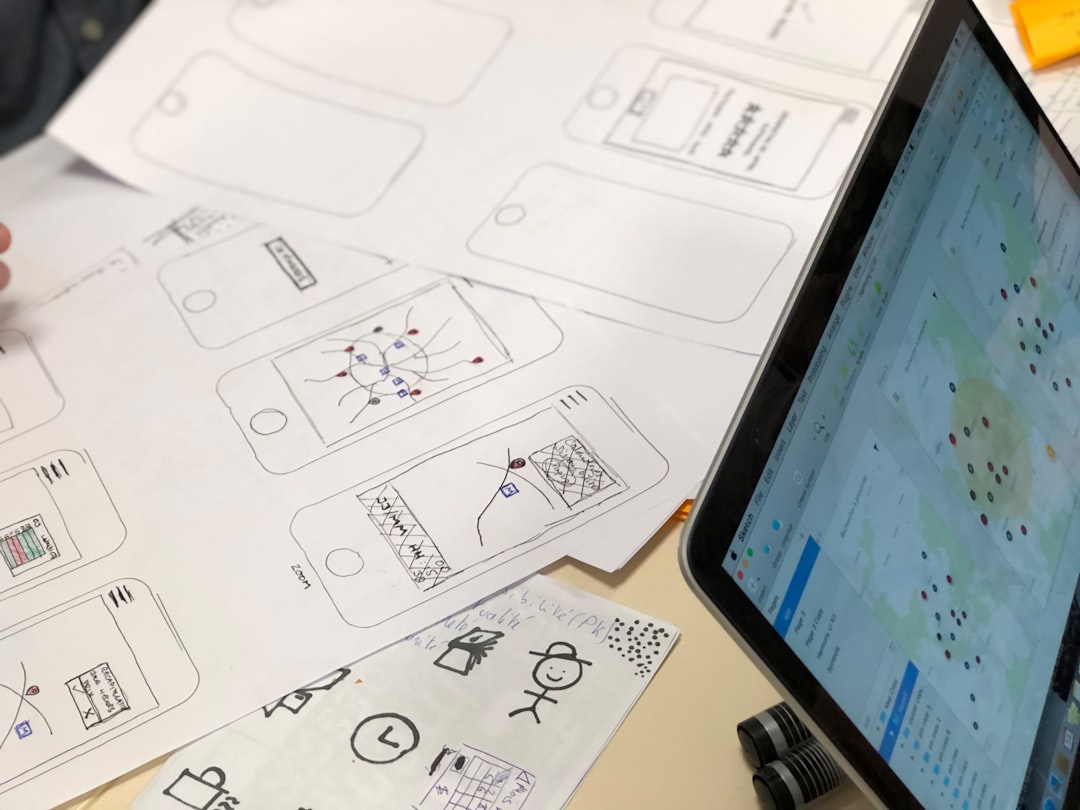
1. FlutterFlow: Best for visual mobile app development
FlutterFlow is a strong pick if your team wants to build real mobile apps without writing every line of code from scratch. It uses Google’s Flutter framework, so the apps can feel polished and modern. You can design screens, connect data, set up user flows, and export code if your developers want to take over later.
Best for: startups, agencies, founders, and small product teams building MVPs or internal apps.
- What works well: Visual app building is fast. The interface feels more like a design tool than a heavy developer platform.
- Project features: Teams can comment, review screens, and work on app logic in the same space.
- Nice bonus: Code export gives teams more freedom than many no-code tools.
The catch is that complex logic can still get messy. You may start fast, then spend extra time fixing workflows, database rules, or custom actions. Expect a learning curve if your app has payments, user roles, or real-time data.
2. Bubble: Best for web apps and startup MVPs
Bubble is one of the better-known no-code platforms for building web apps. It is less focused on native mobile apps and more focused on browser-based products, dashboards, marketplaces, portals, and SaaS tools.
If AppKitie feels too limited for product experiments, Bubble gives you more room. You can build user accounts, databases, forms, admin panels, and paid features. It is flexible enough for serious prototypes and even some full products.
- What works well: You can build feature-rich web apps without hiring a full engineering team right away.
- Project features: Version control and collaboration tools help teams manage changes.
- Best use case: A founder testing a booking platform, job board, or client portal.
Honestly, it feels like Bubble gives you power, then makes you earn it. The editor can feel crowded. A simple change may take 10 clicks when you expected three. Still, for web app MVPs, it is hard to ignore.

3. Jira: Best for serious software teams
Jira is not an app builder. It is a project management tool built for software teams. That makes it a good AppKitie alternative if your main pain is not building screens, but managing sprints, bugs, releases, backlog items, and developer work.
Jira works best when your team already has designers and developers. It helps break work into epics, stories, tasks, and bugs. You can track progress through Scrum or Kanban boards and connect it with tools like GitHub, Bitbucket, Figma, and Slack.
- What works well: Excellent issue tracking and sprint planning.
- Project features: Backlogs, roadmaps, reports, automations, and release tracking.
- Best use case: A development team shipping updates every one or two weeks.
The downside is setup. Jira can feel too heavy for a small team. If nobody keeps the board clean, it turns into a graveyard of half-written tickets. It drives me crazy that simple workflows can become overbuilt if every manager adds one more custom field.
4. ClickUp: Best all-around project hub
ClickUp is a flexible project management app for teams that want tasks, docs, goals, dashboards, and chat-like comments in one place. It does not build apps like FlutterFlow or Bubble, but it can manage the full app development process nicely.
For teams moving away from AppKitie, ClickUp is useful when work is spread across too many places. Product specs in one app. Tasks in another. Bugs in a spreadsheet. Client feedback hidden in email. ClickUp can pull a lot of that into one workspace.
- What works well: Many views, including list, board, calendar, Gantt, and timeline.
- Project features: Docs, templates, automations, dashboards, time tracking, and goals.
- Best use case: Agencies or product teams managing several app projects at once.
The weak spot is clutter. ClickUp has so many features that new users may feel lost. A team should start with one workspace, one task structure, and a small set of statuses. Keep it boring at first. Boring is easier to manage.

Quick comparison
- Choose FlutterFlow if you need a visual builder for mobile apps.
- Choose Bubble if you are building a web app or SaaS MVP.
- Choose Jira if your developers need detailed sprint and bug tracking.
- Choose ClickUp if your team needs one place for tasks, docs, timelines, and feedback.
How to pick the right one
Do not start with the feature list. Start with the bottleneck.
- If your team cannot build fast enough, pick FlutterFlow or Bubble.
- If your team builds fine but misses deadlines, pick Jira or ClickUp.
- If non-technical users need to create screens, avoid tools made only for developers.
- If developers need control, avoid platforms that lock you into one rigid workflow.
For many teams, the best setup may be two tools, not one. Use FlutterFlow or Bubble to build the app, then use ClickUp or Jira to manage the work. That may sound less tidy than an all-in-one platform, but it often works better. The right mix keeps builders building and managers informed without forcing everyone into the same awkward system.