

GA4 changes should be tracked through a monthly release review, a shared change log, and a before-and-after reporting checklist. Teams that wait until a dashboard breaks usually lose time explaining “data problems” that are really product updates, naming changes, thresholding rules, or attribution shifts.
TLDR: GA4 updates do not always break reports, but they can change how data appears, how metrics are named, or how conversions are counted. A marketing team that reviews GA4 releases once per month may catch a 12% drop in reported conversions caused by reporting identity or attribution changes before it reaches leadership. For example, if paid search shows 1,000 conversions in June and 880 in July, the team should check GA4 release notes, admin settings, and export logic before blaming campaign performance. The safest process is simple: document updates, test key reports, and flag reporting differences early.
Why GA4 updates need a tracking process
Google Analytics 4 changes often arrive quietly. A permission setting shifts. A report gets renamed. A metric definition is adjusted. A connector behaves differently inside Looker Studio. None of this feels dramatic until a Monday report shows numbers that no longer match last week’s dashboard.
The catch is that GA4 is not one fixed tool. It is tied to Google Ads, BigQuery, Consent Mode, Looker Studio, Tag Manager, and privacy controls. A change in one area can create reporting differences in another. That is why serious reporting teams treat the GA4 update schedule as part of their analytics governance, not as background noise.
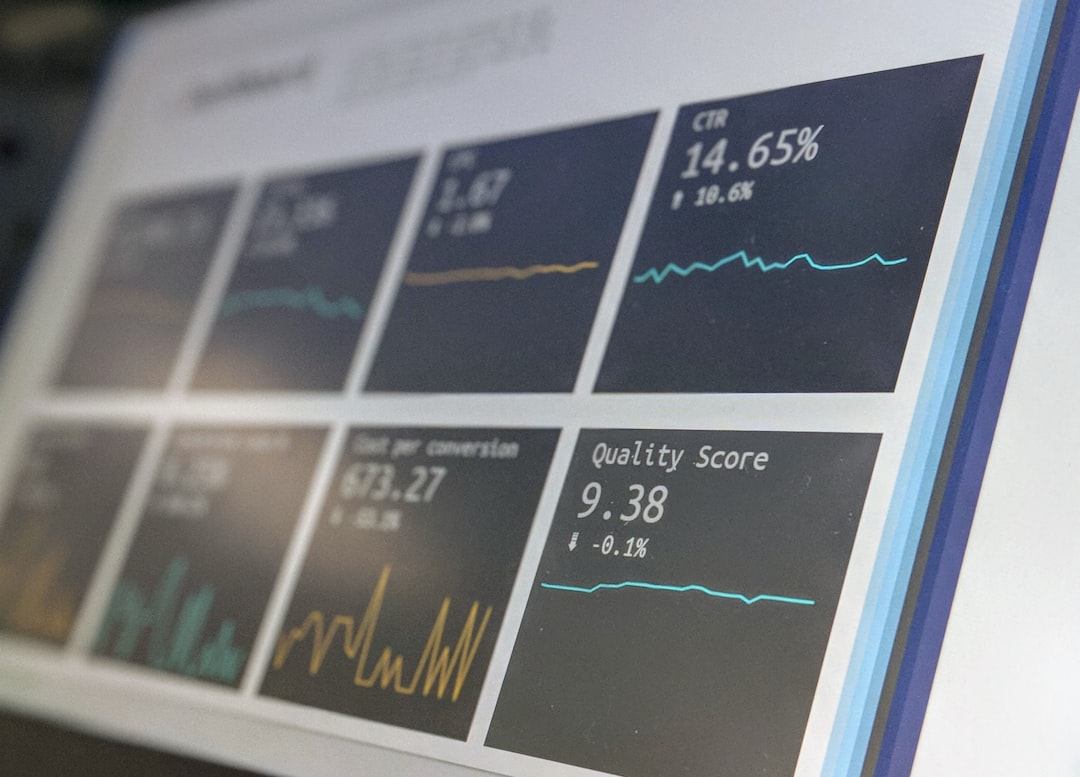
Where GA4 updates are usually announced
There is no single perfect place that explains every change with business impact. Honestly, it feels like analysts are expected to piece the story together from several tabs and help pages. A practical tracking system should monitor these sources:
- Google Analytics release notes: Useful for product changes, new reports, and feature rollouts.
- Google Ads announcements: Needed when conversion tracking, attribution, or audience data may be affected.
- Google Tag Manager updates: Relevant for event collection, consent settings, and tag behavior.
- Looker Studio release notes: Critical when dashboards use GA4 connectors.
- BigQuery export documentation: Needed for teams using raw GA4 event data.
- Admin change history in GA4: Useful for finding internal setting changes, not just Google product updates.
A good cadence is simple. Teams should review public release notes once per month, scan admin change history before each major reporting cycle, and run a deeper audit at the end of each quarter.
What should be tracked in a GA4 change log
A GA4 change log does not need to be fancy. A spreadsheet works. A project management board also works. What matters is consistency. Each change should answer the same basic questions.
- Date found: When the update or issue was noticed.
- Source: Release note, admin history, user report, dashboard error, or internal request.
- Affected area: Events, conversions, attribution, audiences, ecommerce, reporting identity, API, or dashboard connector.
- Expected impact: Possible metric change, data delay, naming update, sampling, thresholding, or schema change.
- Reports affected: Executive dashboard, campaign report, ecommerce report, SEO report, or client deck.
- Action taken: Tested, documented, corrected, explained, or ignored with reason.
- Owner: The person responsible for validation.
This record becomes valuable during awkward reporting reviews. Instead of guessing why revenue looks different, the analyst can point to a dated entry and explain what changed.
Common GA4 changes that cause reporting differences
Not every update changes data collection. Some only change the interface. Others affect how data is processed or shown. The most common sources of confusion include:
- Attribution model changes: Channel credit may shift without a real change in customer behavior.
- Conversion key event updates: GA4 naming has changed over time, and teams may need to update report labels.
- Consent Mode behavior: Modeled data may appear differently when consent rates change.
- Reporting identity settings: Blended, observed, and device-based views can produce different user counts.
- Data thresholding: Smaller segments may hide rows or show incomplete detail.
- Looker Studio connector changes: Charts may break, load slowly, or display field errors.
- BigQuery schema changes: Queries may need edits when exported fields shift.
Expect to waste time on small issues that look bigger than they are. A field rename can turn a clean dashboard into a wall of red errors. A report that usually loads in 5 seconds may suddenly take 20 seconds more after a connector update. That delay may not change strategy, but it will annoy every stakeholder who opens the page.

How teams should prepare before reporting periods
Before monthly or quarterly reporting, analytics teams should run a short GA4 readiness check. This reduces panic and keeps discussions focused on performance, not tool behavior.
- Review recent GA4 release notes. The analyst should note anything related to metrics, attribution, conversions, audiences, or exports.
- Check GA4 admin history. Recent changes to events, key events, data streams, filters, or user permissions should be reviewed.
- Compare core metrics. Sessions, users, key events, revenue, and channel totals should be compared against the prior period.
- Test dashboards. Looker Studio, Sheets exports, and BI reports should be opened before stakeholders see them.
- Validate tracking tags. Key pages and conversion steps should be tested with DebugView or Tag Assistant.
- Write plain-language notes. Any known reporting difference should be summarized for managers and clients.
The best reporting note is short and specific. For example: “GA4 user totals may look 7% lower this month due to reporting identity settings changed on July 3. Session and revenue trends remain consistent.” That kind of note prevents a messy meeting.
How to separate real performance changes from GA4 changes
A reporting difference is not always a tracking issue. Campaigns may really be down. Traffic quality may have changed. Seasonality may be hitting harder than expected. The analyst’s job is to test the cause before making a claim.
Three checks help:
- Compare multiple sources. GA4 should be checked against ad platforms, CRM records, ecommerce systems, and server data when possible.
- Review the timing. If a metric changed on the same day as a GA4 setting change, that is a clue.
- Segment the data. If only one country, browser, channel, or device type changed, the issue may be tracking-related.
For ecommerce teams, revenue validation is especially useful. If GA4 reports $92,000 in revenue while the ecommerce backend reports $100,000, the team should calculate the gap and review whether taxes, shipping, refunds, consent loss, or duplicate events explain it. A stable 5% to 10% variance may be acceptable. A sudden 25% gap needs investigation.
How often should GA4 reports be revalidated?
Different reports need different review cycles. Executive dashboards should be checked before every major meeting. Paid media dashboards should be reviewed weekly. Ecommerce and lead generation reports should be tested monthly. BigQuery models should be rechecked after schema or export updates.
A simple review calendar works well:
- Weekly: Check key events, major dashboards, and paid channel totals.
- Monthly: Review release notes, admin history, tracking tags, and stakeholder reports.
- Quarterly: Audit event naming, attribution settings, consent setup, and BI queries.
- After major site changes: Test every key event and ecommerce step again.

Best practices for communicating GA4 reporting changes
Analytics teams should avoid technical overload. Most stakeholders do not need a full explanation of event parameters or identity spaces. They need to know whether the numbers are safe to use.
A useful reporting note should include:
- What changed: One or two plain sentences.
- When it changed: The exact date or reporting period.
- What reports are affected: Dashboard names or metric names.
- How large the impact is: A percentage, count, or estimated range.
- What action was taken: Tested, corrected, or monitored.
This builds trust. It also keeps GA4 from becoming the excuse for every poor result. Some changes are measurement issues. Some are business issues. A clear update process helps separate the two.
FAQ
How often does GA4 update?
GA4 receives updates throughout the year. Some are small interface changes. Others affect reporting, integrations, or measurement features. A monthly review is a safe baseline for most teams.
Where can GA4 release notes be found?
Google publishes Analytics release notes in its help resources. Teams should also monitor Google Ads, Tag Manager, Looker Studio, and BigQuery documentation when those tools support reporting.
Why do GA4 numbers change after an update?
Numbers may change due to attribution logic, reporting identity, consent settings, data thresholding, connector behavior, or event configuration. The change is not always caused by lost traffic or weaker campaigns.
Should historical reports be changed after a GA4 update?
Usually, no. Historical reports should be preserved unless they contain clear errors. A better approach is to add a note explaining the change and its estimated impact.
What is the best way to prepare stakeholders for GA4 reporting differences?
The best approach is early notice. Teams should include a short reporting note with the date, affected metrics, estimated impact, and action taken. Clear notes prevent confusion and reduce repeated questions.