
Build your email automation schedule around user intent, not around your team’s convenience. The best sending plan starts with when subscribers are most likely to read, click, buy, or reply. Use day-based timing as a control system, then let behavior data refine it.
TLDR: Send high-intent emails early in the workweek, educational emails midweek, and lighter reminders near the end of the week. For example, a B2B software company may send a product demo follow-up on Tuesday at 10:00 a.m., then a case study on Thursday at 2:00 p.m. If Tuesday emails earn a 27% open rate and Friday emails earn 14%, shift important messages away from Friday. Test one variable at a time, or the results become useless fast.
Why day-based email automation matters
Email automation is not just about sending messages without manual work. It is about sending the right message at the point when the recipient is most ready to act. A well-planned sending schedule protects your sender reputation, improves engagement, and reduces list fatigue.
Many teams still send emails whenever a campaign is “ready.” That is risky. Inbox timing affects visibility. It also affects how people feel about your brand. A useful email sent at the wrong time can be ignored, delayed, or deleted.
The catch is that automation tools make it very easy to send more email than needed. Some platforms hide schedule conflicts behind several clicks, and yes, it drives me crazy when checking one audience calendar takes 20 seconds longer than it should. That small delay leads teams to skip checks. Then subscribers get three emails in two days.
Start with the purpose of each email
Before choosing a day, classify each automated email. This keeps the schedule clean and measurable.
- Transactional emails: Receipts, password resets, delivery notices, account alerts. Send these immediately.
- Lifecycle emails: Welcome flows, onboarding steps, trial reminders, renewal notices. Send based on user behavior and account age.
- Sales emails: Demo follow-ups, proposal nudges, abandoned cart emails. Send when intent is recent.
- Educational emails: Guides, product tips, webinars, use cases. Send when the user has time to read.
- Promotional emails: Offers, discounts, launches, seasonal campaigns. Send when purchase activity is strongest.
This classification prevents a common mistake: treating every email like a promotion. A welcome email needs urgency. A newsletter needs attention. A discount email needs timing tied to buying behavior.
A practical weekly sending framework
There is no universal perfect day. Still, some patterns are reliable enough to use as a starting point.
Monday: use with care
Monday inboxes are crowded. People are dealing with meetings, old messages, and internal work. Send only emails with clear value. Good Monday emails include renewal warnings, operational updates, and critical onboarding steps.
Avoid sending casual newsletters early on Monday morning. They often lose to urgent work messages.
Tuesday: best for high-value action
Tuesday is often a strong day for B2B and considered purchases. People have settled into the week but are not yet overloaded. Use Tuesday for demo follow-ups, sales sequences, product education, and important announcements.
If you can only choose one day for your highest-value automated email, start with Tuesday between 9:00 a.m. and 11:00 a.m. in the recipient’s local time zone.
Wednesday: best for education
Wednesday works well for content that needs attention. Think tutorials, webinar invitations, feature explainers, and customer stories. Midweek emails can perform well because users have more context from the week and more room to consider next steps.
Thursday: best for reminders and decisions
Thursday is a strong day for decision nudges. Send trial ending reminders, cart follow-ups, webinar reminders, and proposal follow-ups here. People often want to close loops before the weekend.
For abandoned cart flows, a Thursday reminder can work well if the first message was sent earlier in the week. Keep it short. Add the product, price, and one clear call to action.
Friday: keep it light
Friday is not useless, but it is weaker for complex decisions. Use it for short updates, digest emails, community content, and low-pressure offers. Avoid sending major B2B proposals late Friday afternoon. They usually sit unread until Monday, then get buried.
Saturday and Sunday: test only with intent
Weekend emails can work for retail, travel, fitness, food, entertainment, and consumer subscriptions. They are usually weaker for B2B unless the audience works nonstandard hours. Test weekends carefully and separate them from weekday results.

Match timing to the customer journey
Day selection matters, but sequence timing matters more. A user who just requested a trial should not wait until next Tuesday for help. Behavior should override the calendar when intent is fresh.
Use these timing rules as a baseline:
- Welcome email: Send immediately after signup.
- Second onboarding email: Send 24 hours later if the user has not completed the first key action.
- Trial activation tip: Send on day 2 or day 3 of the trial.
- Sales follow-up: Send within 1 hour after a form fill, then follow with a timed sequence.
- Abandoned cart email: Send first reminder within 1 to 3 hours, then another after 24 hours.
- Re-engagement email: Send after 30, 60, or 90 days of inactivity, depending on buying cycle.
Honestly, it feels like many teams overthink the weekday and ignore the trigger. That is backwards. If someone views your pricing page three times in one afternoon, waiting four days for the “ideal” send day is wasteful.
Use frequency caps to protect trust
A good automation schedule includes limits. Without them, overlapping journeys can overwhelm subscribers. A person might enter a welcome flow, receive a sale campaign, and trigger a cart reminder in the same week.
Set simple frequency rules:
- No more than one marketing email per day for most subscribers.
- No more than three promotional emails per week unless the user has shown strong purchase intent.
- Pause newsletters during urgent lifecycle flows, such as onboarding or renewal.
- Exclude recent buyers from aggressive sales reminders.
Frequency caps are not just polite. They support deliverability. Low engagement, spam complaints, and quick deletes can hurt future inbox placement.
Segment schedules by audience type
Different audiences behave differently. A restaurant customer may read offers at 5:30 p.m. A finance director may respond better at 9:15 a.m. A parent shopping online may act after 8:00 p.m.
Segment by:
- Time zone
- Industry
- Customer status
- Engagement level
- Purchase history
- Device behavior
Send-time optimization can help, but do not trust it blindly. Review actual results by segment. If your European audience opens 32% more emails before noon, schedule locally. If mobile users click more in the evening, adjust for that pattern.
Measure the right numbers
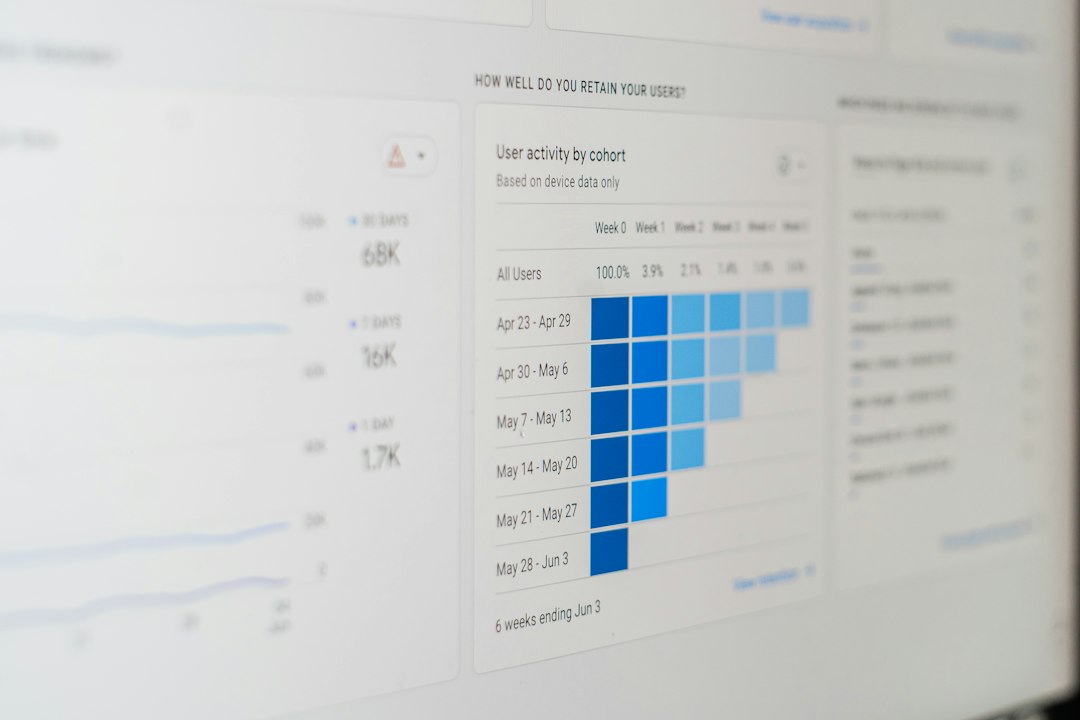
Open rates are useful, but they are not enough. Privacy changes and image blocking can distort them. Use a wider set of metrics.
- Delivery rate: Confirms whether emails are reaching servers.
- Open rate: Shows subject line and timing impact, with limits.
- Click rate: Measures real interest.
- Conversion rate: Shows business impact.
- Unsubscribe rate: Signals fatigue or poor relevance.
- Spam complaint rate: Treat this as a serious warning.
- Revenue per email: Useful for ecommerce and paid plans.
Track performance by day and by email type. A Friday newsletter with a 19% open rate may be fine. A Friday demo follow-up with a 3% click rate may be a problem.
Test schedules without ruining the data
Testing works only when it is controlled. Change one factor at a time. If you change the subject line, send day, audience, and offer at once, you will not know what caused the result.
Use this testing method:
- Pick one automated email with enough volume.
- Split the audience evenly and randomly.
- Test Tuesday against Thursday, or morning against afternoon.
- Run the test for at least two to four send cycles.
- Judge results by clicks, conversions, and unsubscribes, not opens alone.
For smaller lists, avoid making big decisions from tiny samples. Ten extra opens mean little if only 200 people received the email. Wait for stronger evidence.
A sample weekly automation schedule
Here is a simple model for a B2B company with a newsletter, trial flow, and sales sequence:
- Monday: Account alerts, onboarding checks, renewal notices.
- Tuesday: Demo follow-ups, product activation emails, main sales messages.
- Wednesday: Educational content, webinars, product tips.
- Thursday: Trial reminders, proposal nudges, case studies.
- Friday: Short digest, community update, soft re-engagement.
- Weekend: Only send if audience data supports it.
This framework is not fixed. It is a starting point. Review it every month for active campaigns and every quarter for evergreen automation.
Final scheduling checklist
- Give every automated email a clear purpose.
- Send urgent behavior-based emails immediately.
- Use Tuesday through Thursday for high-value messages.
- Respect local time zones.
- Apply frequency caps across all campaigns.
- Segment schedules by audience behavior.
- Measure clicks, conversions, complaints, and revenue.
- Test one timing change at a time.
The strongest email automation schedules are simple, measured, and respectful. Send when intent is high. Reduce noise when intent is low. Then keep improving based on real behavior, not guesses.