
Wondering if your iPhone will get iOS 27? You are not alone. Every year, Apple fans play the same little guessing game. It is part tech news, part detective work, and part “please do not make me buy a new phone yet.”
TLDR: Apple has not officially confirmed every iOS 27 supported iPhone yet, so this list is based on Apple’s update history and current device patterns. The safest guess is that iPhone 12 and newer will get iOS 27. Older models like the iPhone 11 and iPhone SE 2 may be at risk. Also, some fancy features may only work on newer iPhones.
iOS 27 Supported Devices: The Expected List
Let’s start with the big question. Which iPhones are likely to get iOS 27?
Based on Apple’s usual support pattern, these iPhones are the most likely to support iOS 27:
- iPhone 17
- iPhone 17 Plus
- iPhone 17 Pro
- iPhone 17 Pro Max
- iPhone 16
- iPhone 16 Plus
- iPhone 16 Pro
- iPhone 16 Pro Max
- iPhone 16e
- iPhone 15
- iPhone 15 Plus
- iPhone 15 Pro
- iPhone 15 Pro Max
- iPhone 14
- iPhone 14 Plus
- iPhone 14 Pro
- iPhone 14 Pro Max
- iPhone 13
- iPhone 13 mini
- iPhone 13 Pro
- iPhone 13 Pro Max
- iPhone 12
- iPhone 12 mini
- iPhone 12 Pro
- iPhone 12 Pro Max
- iPhone SE 3rd generation
That is the clean and likely list. If your iPhone is on it, you can probably relax. Maybe even do a tiny happy dance. Just do not drop your phone while dancing.
Which iPhones Might Miss iOS 27?
Now for the sad part. Some older iPhones may not make the cut.
These models are at risk:
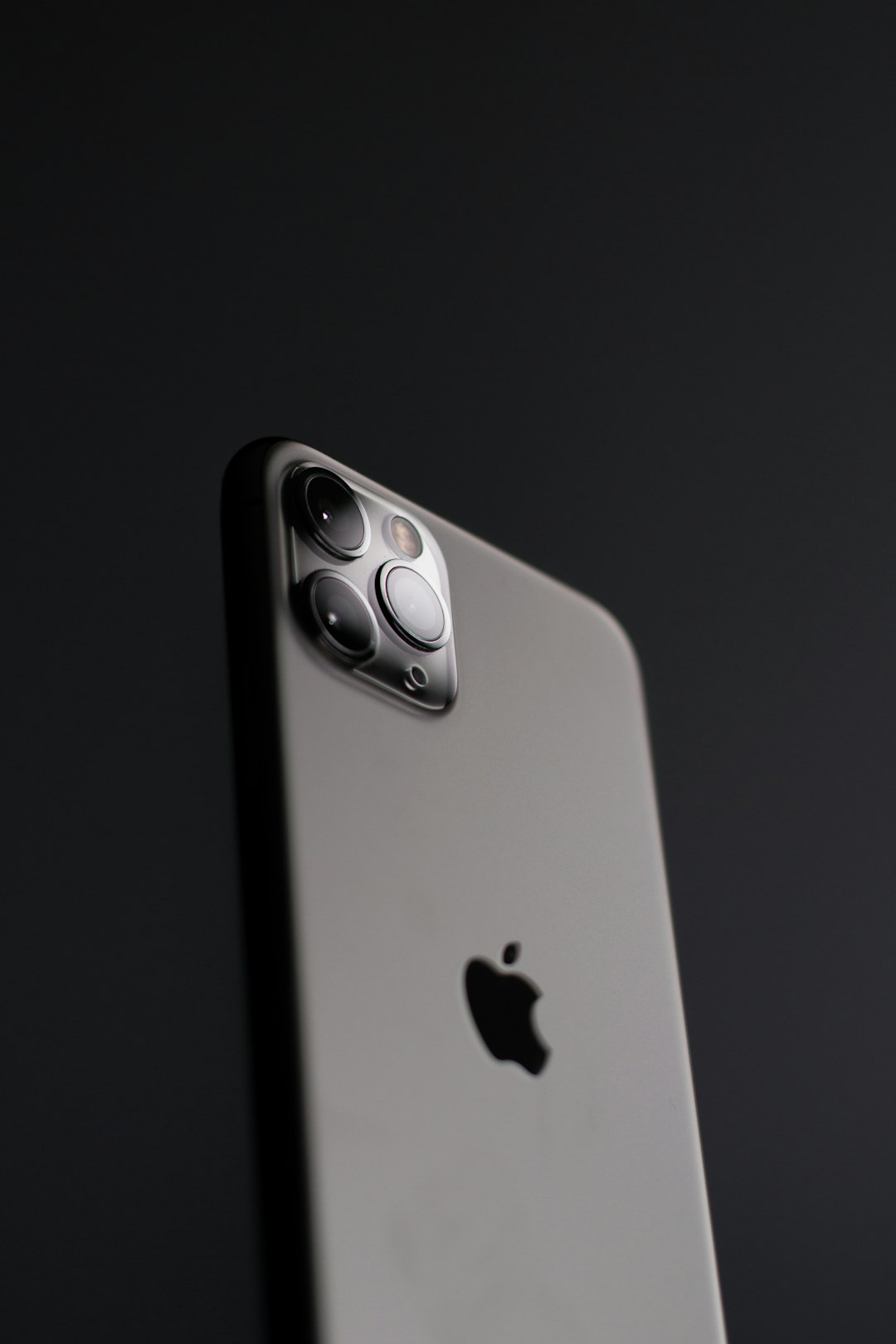
- iPhone 11
- iPhone 11 Pro
- iPhone 11 Pro Max
- iPhone SE 2nd generation
These phones are still useful. They can still text. They can still take photos. They can still help you scroll through videos at midnight. But iOS 27 may ask for more power than they have.
The main reason is the chip inside. The iPhone 11 series and iPhone SE 2 use the A13 Bionic chip. It was great. It still is fine for many tasks. But Apple eventually has to move on.
Think of it like a theme park ride. Your old iPhone is tall enough for many rides. But the newest ride may have stricter rules.
Will iPhone 11 Get iOS 27?
This is the big one. Many people still use an iPhone 11. It was popular. It was affordable. It had a good camera. It also came in fun colors. That always helps.
But the iPhone 11 may be near the end of its major iOS update life. If Apple keeps iOS 27 for newer chips, the iPhone 11 could be dropped.
Still, there is a chance. Apple sometimes surprises us. It may keep the iPhone 11 around for one more year. But if you want the safest answer, here it is: do not count on it.
If your iPhone 11 is working well, you do not need to panic. Even if it does not get iOS 27, it may still get security updates for a while. That means Apple may still fix important bugs and safety issues.
Will iPhone SE Get iOS 27?
This depends on which iPhone SE you have.
- iPhone SE 2nd generation: likely at risk.
- iPhone SE 3rd generation: likely supported.
The difference is the chip. The iPhone SE 2 has the A13 chip. The iPhone SE 3 has the A15 Bionic chip. That is a much better sign.
The iPhone SE 3 is small, fast, and simple. It is like a tiny rocket with a home button. So it should have a much better shot at iOS 27.
Why Does Apple Drop Older iPhones?
Apple does not drop older iPhones just to be mean. At least, not officially. There are real reasons.
New iOS versions need more power. They also need better graphics. They may need newer camera parts. They may need more memory. They may also need special hardware for smart features.
Here are the main reasons older iPhones lose support:
- Older chips: New features may run too slowly.
- Less memory: Apps and effects need more room to breathe.
- Battery age: Old phones may struggle with heavy updates.
- Security needs: New systems may need newer hardware protections.
- Feature limits: Some tools need newer cameras or sensors.
In simple words, Apple wants iOS to feel smooth. If an older iPhone would feel slow and cranky, Apple may leave it behind.
Getting iOS 27 Does Not Mean Getting Every Feature
This part is very important. Your iPhone may support iOS 27. But it may not get every iOS 27 feature.
Apple has done this before. A phone can install the update, but miss some shiny extras. This is common with camera tools, gaming features, and AI features.
For example, newer iPhones may get smarter Siri tools. They may get better photo editing. They may get faster on device AI. Older supported iPhones may only get the basic update.
That is still useful. You still get the new look. You still get app improvements. You still get security upgrades. But the coolest magic tricks may need a newer phone.
So if your iPhone 12 gets iOS 27, great. But an iPhone 16 Pro may still get more toys.
How to Check Which iPhone You Have
Not sure which iPhone is in your hand? No shame. Apple names can feel like soup sometimes.
Here is how to check:
- Open the Settings app.
- Tap General.
- Tap About.
- Look for Model Name.
That will tell you if you have an iPhone 12, iPhone 13, iPhone SE, or another model.
You can also check your storage on the same screen. That is helpful before a big update. iOS updates often need free space. If your iPhone is packed with photos, apps, and 47 screenshots of recipes, it may complain.
How to Prepare for iOS 27
If your iPhone is likely to get iOS 27, do a little prep first. It makes the update easier.
- Back up your iPhone. Use iCloud or a computer.
- Free up storage. Delete apps you never use.
- Update your apps. This helps avoid weird bugs.
- Charge your battery. Aim for at least 50 percent.
- Use Wi Fi. Big updates can be very large.
A backup is the big one. It is boring, yes. But it is also your safety net. Nobody wants to lose photos, messages, or that one note full of gift ideas.
Should You Upgrade Your iPhone for iOS 27?
Maybe. But maybe not.
If your iPhone is still fast, has decent battery life, and does what you need, you can keep it. A phone does not become useless just because it misses one big update.
But upgrading may be smart if:
- Your battery dies too fast.
- Your phone feels slow every day.
- You want the newest AI features.
- Your camera feels outdated.
- Your iPhone is no longer getting security updates.
If you have an iPhone 11 or iPhone SE 2, iOS 27 may be the moment to start thinking. You do not need to rush. But it may be time to watch prices on newer models.
The iPhone 13, iPhone 14, and iPhone 15 lines may become good value choices. They should still feel modern. They should also have a better chance of lasting through future iOS updates.
Expected iOS 27 Release Timeline
Apple usually follows a familiar schedule. It is almost like clockwork. Very shiny clockwork.
- June: Apple shows the next iOS version at WWDC.
- Summer: Developer and public beta versions arrive.
- September: The final version usually launches.
So iOS 27 should follow a similar path, unless Apple changes the plan. Most people should wait for the final version. Beta versions can be buggy. They can drain battery. They can make apps act strange.
If your iPhone is your main phone, avoid early beta software. Let other brave people find the bugs first. They are the digital explorers. We salute them.
Quick Answer: Is Your iPhone Safe?
Here is the simple version.
- iPhone 12 or newer: likely safe.
- iPhone SE 3: likely safe.
- iPhone 11 series: uncertain, but at risk.
- iPhone SE 2: uncertain, but at risk.
- iPhone XR, XS, and older: very unlikely.
If your iPhone is older than the iPhone 11, you should not expect iOS 27. It may still work fine, but it will probably stay on an older iOS version.
Final Thoughts
The expected iOS 27 supported devices list is pretty easy to understand. If you have an iPhone 12 or newer, you are likely in good shape. If you have an iPhone SE 3, you should also be fine.
The real question marks are the iPhone 11 series and iPhone SE 2. They have had a good run. But iOS 27 may be where Apple says goodbye.
Still, do not panic. Your iPhone will not turn into a pumpkin overnight. Keep it updated. Back it up. Take care of the battery. And when the official iOS 27 list arrives, you will know exactly what to look for.