

Cybersecurity has moved from the server room to the boardroom. Whether a company is presenting a risk assessment, pitching a security solution, training employees, or reporting to stakeholders, the way information is visualized matters. A modern cybersecurity PowerPoint template helps transform complex technical topics into clear, persuasive, and business-ready presentations that audiences can quickly understand.
TLDR: Modern cybersecurity PowerPoint templates combine professional design with clear visual storytelling to make security topics easier to explain. The best templates use dark themes, clean layouts, strong icons, charts, timelines, and risk dashboards to communicate threats, solutions, and strategies. For business use, they should balance technical accuracy with executive-friendly simplicity. A well-designed cybersecurity template saves time, improves credibility, and helps teams present security information with confidence.
Why Cybersecurity Presentations Need Strong Design
Cybersecurity is full of abstract concepts: malware, phishing, zero trust, encryption, threat intelligence, compliance, and network vulnerabilities. These topics can be difficult to communicate, especially to non-technical decision-makers. A cluttered slide full of jargon may overwhelm an audience, while a well-designed presentation can guide them through the story step by step.
In a business environment, cybersecurity presentations often need to support important decisions. Executives may need to approve a new security budget. Employees may need to understand phishing risks. Clients may need reassurance that their data is protected. Investors may want to know how the company manages digital risk. In all of these cases, visual clarity directly affects trust.
A modern template gives teams a structured starting point. Instead of building slides from scratch, presenters can focus on the message: what the risks are, what actions are required, and why the information matters.
Key Features of Modern Cybersecurity PowerPoint Templates
Not all cybersecurity templates are suitable for business use. Some look too technical, while others rely too heavily on dramatic hacker imagery. A strong modern template should feel professional, current, and flexible enough for different audiences.
Here are some of the most useful design features:
- Dark and light theme options: Dark backgrounds are popular in cybersecurity design because they create a high-tech atmosphere, but light layouts are often better for printed reports or boardroom presentations.
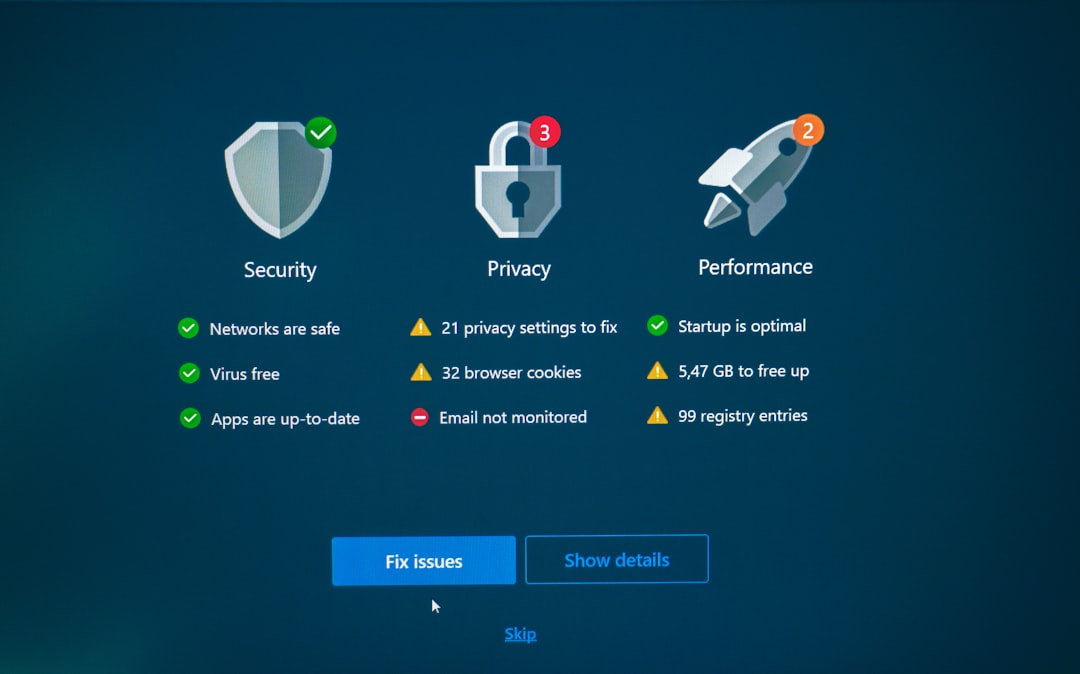
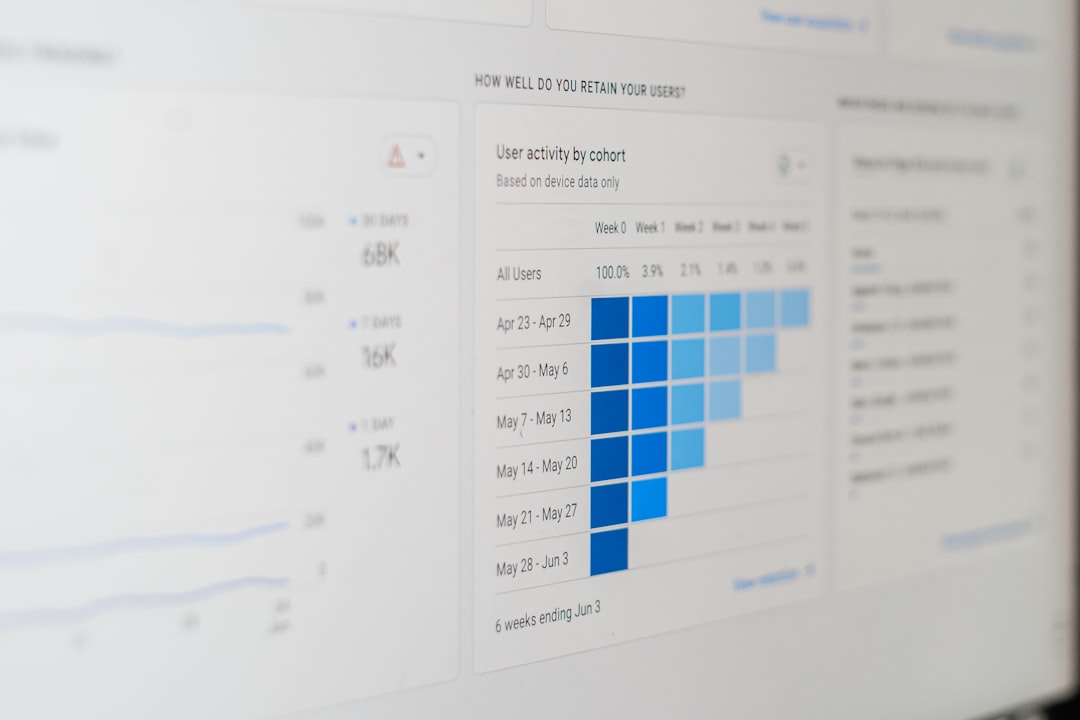
- Data visualization slides: Charts, heat maps, risk matrices, and dashboards help turn security metrics into meaningful insights.
- Icon-based layouts: Simple icons for firewalls, cloud security, identity access, endpoint protection, and compliance make technical content easier to scan.
- Process diagrams: Security frameworks, incident response steps, and audit workflows are easier to explain with timelines and flowcharts.
- Executive summary slides: Business audiences need quick takeaways before diving into technical detail.
- Consistent typography: Clean fonts support readability and make the presentation feel polished.
- Customizable color palettes: Templates should allow branding adjustments while maintaining a cybersecurity look and feel.
The Visual Language of Cybersecurity
Modern cybersecurity design often uses a distinct visual language. Colors like navy blue, black, electric blue, cyan, silver, and deep purple are common because they suggest technology, intelligence, and digital environments. Accent colors such as red, orange, or yellow are often used to highlight threats, alerts, or urgent actions.
However, business presentations should avoid looking like a movie poster about hackers. Too many glowing skulls, binary backgrounds, or anonymous figures in hoodies can make a deck feel exaggerated or unprofessional. A more effective design approach is subtle, clean, and structured. Use abstract network patterns, shield icons, lock symbols, circuit-inspired lines, and dashboard-style visuals to create atmosphere without distracting from the message.
Whitespace is also important. Cybersecurity topics can become dense quickly, so modern slide design should leave room for the audience to breathe. A slide with one clear message, one strong visual, and a short explanation is usually more effective than a slide packed with bullet points.
Business Use Cases for Cybersecurity Templates
A well-designed cybersecurity PowerPoint template can be used across many business scenarios. Because cyber risk affects every department, these presentations are no longer limited to IT teams. Legal, finance, operations, HR, sales, and executive leadership may all need security-related slides at different times.
Common business use cases include:
- Board and executive briefings: Summarize risks, incidents, budgets, and strategic security priorities in a concise and credible format.
- Security awareness training: Teach employees about phishing, password hygiene, data handling, social engineering, and remote work safety.
- Client-facing proposals: Show how a company protects customer information, secures cloud systems, and complies with industry standards.
- Incident response reports: Explain what happened, how it was contained, what data was affected, and what improvements will be made.
- Compliance presentations: Present frameworks such as ISO 27001, SOC 2, GDPR, HIPAA, PCI DSS, or internal governance policies.
- Product or service pitches: Demonstrate cybersecurity software, managed security services, consulting offerings, or risk assessment solutions.
Because these use cases vary widely, flexibility is essential. The best templates include a mix of strategic, educational, technical, and sales-oriented slides.
Important Slide Types to Include
A modern cybersecurity PowerPoint template for business use should include more than title slides and bullet lists. It should offer a complete presentation system that helps communicate strategy, risk, and solutions from multiple angles.
Useful slide types include:
- Cyber risk overview: A high-level snapshot of major threats and business impact.
- Threat landscape slide: A visual summary of current attack types, such as ransomware, phishing, insider threats, and supply chain attacks.
- Security architecture diagram: A clear layout showing systems, networks, endpoints, cloud platforms, and protective layers.
- Risk matrix: A grid that compares likelihood and impact, helping leaders prioritize the most serious threats.
- Incident response timeline: A chronological view of detection, escalation, containment, recovery, and lessons learned.
- Security roadmap: A phased plan for implementing improvements over weeks, quarters, or years.
- Performance dashboard: Metrics such as number of blocked attacks, patching status, employee training completion, and response times.
- Budget and investment slide: A clean way to connect cybersecurity spending with risk reduction and business value.
Designing for Executives Versus Technical Teams
One of the biggest challenges in cybersecurity communication is adapting the message to different audiences. Executives usually want to know the business impact: financial exposure, regulatory risk, operational disruption, customer trust, and return on investment. Technical teams, on the other hand, may need details about vulnerabilities, controls, systems, and response procedures.
A modern cybersecurity template should support both levels of communication. For executives, use slides with high-level summaries, simple metrics, financial context, and clear recommendations. For technical teams, include architecture diagrams, workflow visuals, attack chain diagrams, and detailed checklists.
The key is not to use the same slide for every audience. A board presentation should not look like a network engineering manual. Likewise, a technical training deck should not be so simplified that it loses practical value. Good template design allows the presenter to adjust depth without sacrificing consistency.
How to Make Cybersecurity Slides More Engaging
Cybersecurity can be serious without being dull. An engaging presentation uses storytelling, contrast, and practical examples to keep the audience involved. Instead of beginning with definitions, start with a real-world scenario: a phishing email that looks legitimate, a ransomware attack that stops operations, or a data breach caused by misconfigured cloud storage.
Then, connect the story to the business. What was at risk? How could the damage have been reduced? What action should the audience take next? This approach makes the presentation feel relevant rather than theoretical.
Strong templates can support this storytelling approach through:
- Before-and-after slides that show security posture improvements.
- Scenario cards that describe realistic attack situations.
- Comparison tables that explain different solution options.
- Callout boxes for key warnings, definitions, or statistics.
- Progress indicators that show stages of a security program.
Animations should be used carefully. Subtle transitions can help reveal complex processes step by step, but excessive motion may distract from the message. In a professional business context, clarity is more important than visual spectacle.
Branding and Customization Considerations
Cybersecurity templates should be easy to customize for a company’s brand. This includes colors, fonts, logos, slide footers, and icon styles. A template may have a futuristic look, but it still needs to feel aligned with the organization presenting it.
For example, a financial services firm may prefer a conservative, high-trust design with deep blues and minimal graphics. A technology startup may choose brighter gradients, bold icons, and dynamic layouts. A government contractor may need a more formal style with strong emphasis on compliance, policy, and documentation.
Good customization also means maintaining consistency. If every slide uses different icon styles, inconsistent spacing, or random colors, the presentation can feel unorganized. A modern template should include master slides and reusable components so that new slides remain visually aligned.
Accessibility and Readability Matter
Business presentations must be easy to read in conference rooms, webinars, and exported PDF reports. This is especially important for cybersecurity, where small details can change the meaning of a message.
To improve readability:
- Use large font sizes for titles and key points.
- Keep contrast high between text and background.
- Avoid placing important text over busy images.
- Use simple labels on charts and diagrams.
- Limit each slide to one main idea whenever possible.
- Use color carefully so that alerts, risks, and statuses are easy to distinguish.
Accessibility is not only about compliance; it improves communication for everyone. A slide that is readable, organized, and visually balanced will work better for senior executives, remote participants, and international audiences alike.

Trends in Modern Cybersecurity Presentation Design
Cybersecurity templates continue to evolve as business communication becomes more visual and data-driven. One major trend is the use of dashboard-style layouts. These slides resemble security operations center interfaces, presenting metrics, alerts, and status indicators in a compact format. They are especially useful for monthly reports and executive updates.
Another trend is minimalist cyber design. Instead of heavy backgrounds and complex graphics, these templates use clean lines, subtle digital patterns, and focused typography. This style works well for consulting presentations, compliance briefings, and corporate training.
Zero trust visuals are also becoming more common. Diagrams that show identity verification, device trust, segmented access, and continuous monitoring help explain how modern security models work. As more businesses adopt cloud-based systems and hybrid work, these visuals are increasingly relevant.
Finally, there is growing demand for human-centered security slides. Cybersecurity is not just about firewalls and software; it is also about people, behavior, and culture. Templates that include employee training, security awareness, and practical decision-making visuals are valuable for organizations trying to reduce human risk.
Final Thoughts
A modern cybersecurity PowerPoint template is more than a decorative slide deck. It is a communication tool that helps businesses explain risk, build trust, support decisions, and encourage action. The best designs combine a polished visual style with practical slide structures for strategy, training, reporting, and technical explanation.
For business use, the ideal template should be professional, customizable, readable, and audience-aware. It should make complex security topics easier to understand without oversimplifying them. When design and content work together, cybersecurity presentations become more than routine briefings; they become powerful tools for awareness, alignment, and smarter business decisions.