
Being an Instagram influencer is no longer just about posting pretty photos and hoping the algorithm notices. Today’s successful creators operate like content studios, community managers, editors, analysts, and small business owners all at once. The right apps can save hours, improve content quality, sharpen strategy, and help turn attention into income.
TLDR: Instagram influencers should use apps that support content creation, editing, scheduling, analytics, engagement, and monetization. Tools like CapCut, Lightroom, Canva, Later, Notion, Metricool, Linktree, and QuickBooks can make daily creator work faster and more professional. The best app stack is not the biggest one, but the one that helps you create consistently, understand your audience, and manage your brand like a business.
1. Content Planning Apps: Keep Your Ideas Organized
Influencer success depends heavily on consistency, and consistency is almost impossible without a system. Content planning apps help you capture ideas, organize campaigns, track deadlines, and avoid the dreaded “What should I post today?” panic.
Notion is one of the most versatile tools for influencers because it can act as a content calendar, brand deal tracker, script bank, mood board, and goal dashboard all in one place. You can create boards for Reels ideas, carousel topics, caption drafts, and affiliate links.
Trello is another excellent option, especially if you prefer a visual board layout. You can move content cards through stages such as Idea, Filming, Editing, Scheduled, Posted, and Repurposed. This makes it easy to see your entire workflow at a glance.
- Best for detailed systems: Notion
- Best for visual planning: Trello
- Best for simple reminders: Google Calendar
2. Design Apps: Make Your Feed Look Professional
Visual identity matters on Instagram. Even if your brand is casual and spontaneous, your content still needs to feel recognizable. Design apps help you create clean carousels, story templates, highlight covers, media kits, and promotional graphics without needing advanced design skills.
Canva is a favorite among influencers because it offers easy templates for Instagram posts, Stories, Reels covers, presentations, and brand decks. It is especially useful for educational creators, coaches, travel influencers, beauty creators, and anyone who posts carousel content.
Adobe Express is also useful for quick designs, background removal, and social graphics. For influencers who want a more custom visual identity, Figma can be powerful, though it has a steeper learning curve.
The key is to avoid making every post look identical. Use templates as a foundation, but adapt colors, spacing, photos, and typography so your content feels fresh rather than repetitive.
3. Photo Editing Apps: Create a Consistent Aesthetic
Instagram started as a photo-sharing app, and while video now dominates, high-quality images still matter. Whether you post fashion shots, food photography, travel images, or product flat lays, photo editing apps help create a polished and consistent look.
Adobe Lightroom Mobile is one of the most essential apps for creators who care about aesthetics. It allows precise control over exposure, contrast, color temperature, shadows, highlights, and skin tones. Many influencers use Lightroom presets to keep their feed visually cohesive.
Snapseed is a strong free alternative with tools such as selective editing, healing, curves, and perspective correction. It is especially useful for quick edits when you do not want to open a more complex workflow.
- Use Lightroom for professional color grading and presets.
- Use Snapseed for fast corrections and detailed touch-ups.
- Use VSCO if you prefer film-style filters and subtle moods.
4. Video Editing Apps: Win With Reels
Reels are one of the biggest growth opportunities on Instagram, so a reliable video editing app is essential. Good editing can make your content more watchable, improve retention, and increase the chance that viewers engage.
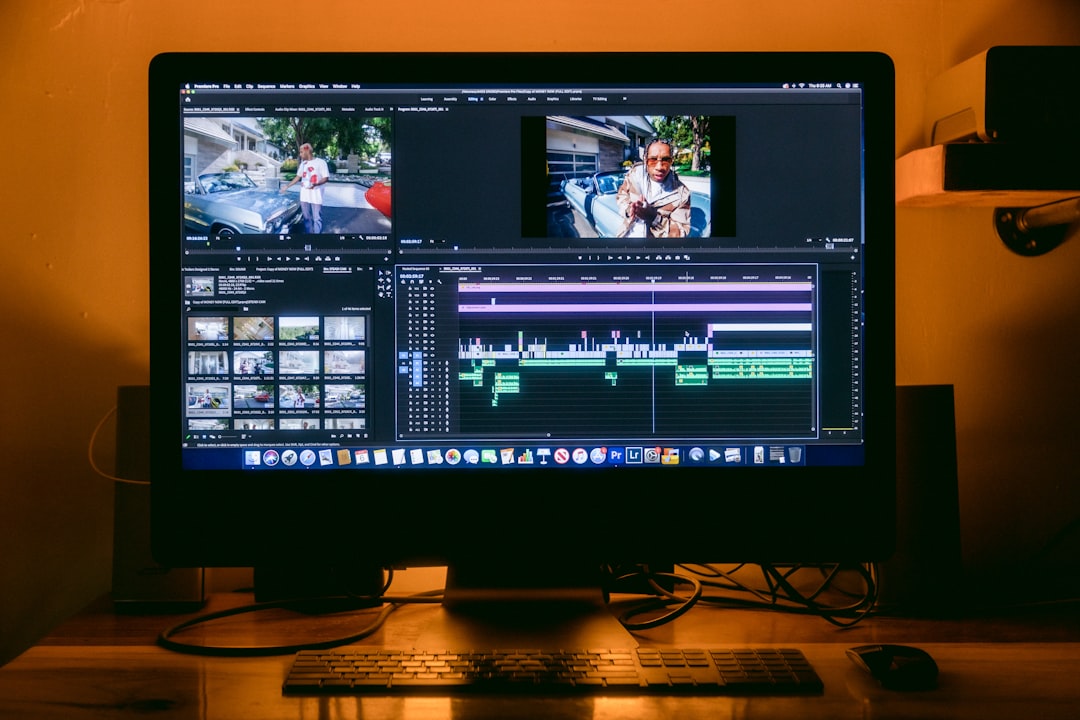
CapCut is arguably the most popular mobile video editor among short-form creators. It offers auto captions, trending effects, transitions, templates, speed controls, background removal, and easy audio syncing. For influencers who produce tutorials, fashion transitions, recipes, or talking-head content, CapCut is extremely useful.
InShot is another simple and dependable app for trimming clips, adding text, adjusting aspect ratios, and editing Stories or Reels quickly. If you want more advanced control, Adobe Premiere Rush or DaVinci Resolve on desktop can take your content to a higher production level.
Pro tip: Keep your edits sharp, but do not overdo transitions. A clear hook, good pacing, readable captions, and strong lighting usually matter more than flashy effects.
5. Caption and Writing Apps: Say More With Less
A strong caption can turn a casual viewer into a follower, buyer, or loyal community member. Captions help explain your ideas, tell stories, add personality, and encourage meaningful interaction.
Grammarly is valuable for checking grammar, tone, and clarity before you post. Even small mistakes can make sponsored content look less professional, so proofreading matters.
AI writing assistants can also help with brainstorming hooks, caption structures, content angles, and calls to action. However, the best captions still sound like you. Use writing tools to speed up the process, not to replace your voice.
- Start captions with a strong hook.
- Break long text into short, readable lines.
- End with a clear question or call to action.
- Keep your tone aligned with your personal brand.
6. Scheduling Apps: Post Consistently Without Living Online
Posting manually every day can become exhausting. Scheduling apps allow you to batch content, plan your grid, and publish at optimal times. This is especially useful for influencers managing brand campaigns, international audiences, or multiple platforms.
Later is popular for Instagram scheduling because it includes a visual feed planner, media library, link in bio features, and analytics. Planoly is another strong option for creators who care about arranging their feed visually before posts go live.
Buffer is simple and clean, making it a good choice for creators who post across Instagram, TikTok, Pinterest, LinkedIn, and X. Meta Business Suite is also worth using because it is free and directly connected to Instagram and Facebook.
Scheduling does not mean you should disappear after posting. Ideally, schedule the post, then be available for the first 20 to 30 minutes to reply to comments and engage with your audience.
7. Analytics Apps: Understand What Actually Works
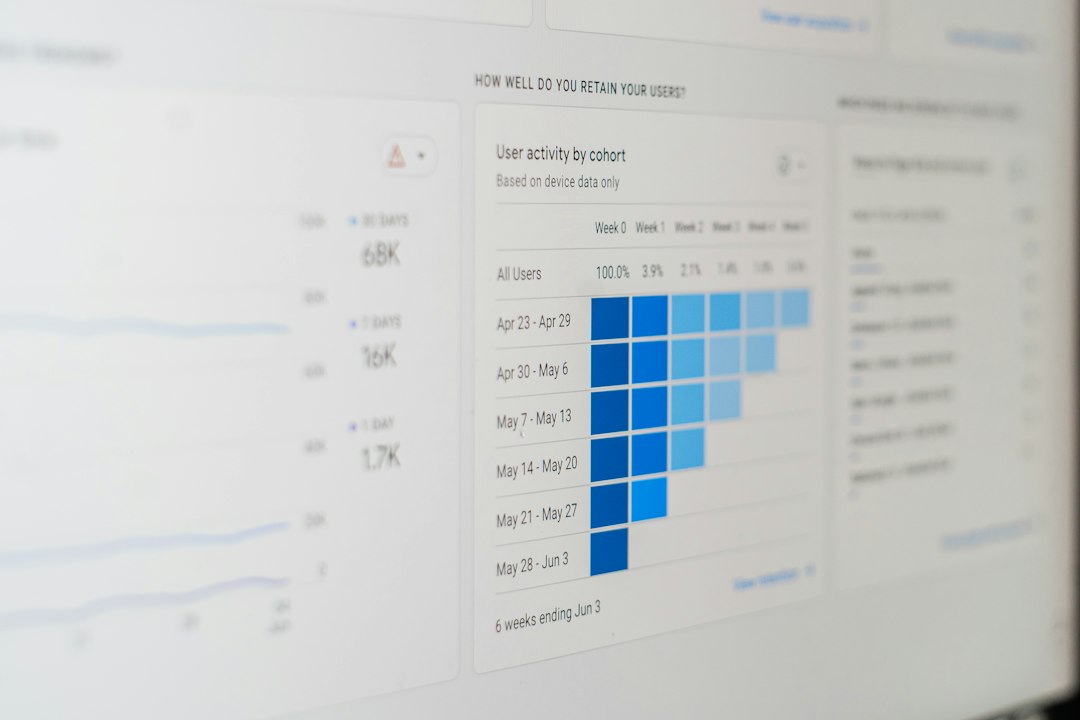
Guessing is not a strategy. Analytics apps help influencers understand which posts drive reach, saves, shares, comments, clicks, and conversions. Instagram’s built-in Insights are useful, but third-party tools can provide deeper reporting.
Metricool is excellent for tracking Instagram performance, competitor activity, best posting times, and cross-platform analytics. Later and Hootsuite also offer reporting features that help creators and teams evaluate growth.
Pay attention to more than follower count. A smaller audience with high engagement and trust can be far more valuable than a large audience that barely interacts.
- Reach shows how many people saw your content.
- Saves suggest your content is useful or inspiring.
- Shares indicate your content is relatable or valuable.
- Profile visits show curiosity about your brand.
- Link clicks reveal business impact.
8. Hashtag and Trend Research Apps: Improve Discoverability
Hashtags are not magic, but they can still help categorize your content and make it easier for interested users to find you. Trend research is even more important, especially for Reels.
Flick helps with hashtag research, performance tracking, and content planning. Hashtag Expert can generate hashtag ideas based on your niche. For broader trend discovery, explore Google Trends, Instagram’s Reels tab, TikTok search, Pinterest Trends, and niche newsletters.
The goal is not to copy every trend. Instead, look for formats, sounds, questions, and cultural moments you can adapt to your own audience. A fitness influencer, book creator, and interior designer can all use the same trend differently.
9. Link in Bio Apps: Turn Attention Into Action
Instagram gives you limited linking options, so a strong link in bio app is essential. This is where followers can find your products, affiliate recommendations, newsletter, booking page, YouTube channel, podcast, or shop.
Linktree is one of the most widely used choices because it is simple and recognizable. Beacons offers more creator-focused features, including media kits, email collection, and monetization tools. Stan Store is useful for influencers selling digital products, courses, templates, or consultations.
Keep your bio link clean. Too many buttons can overwhelm people. Prioritize your most important goals, such as joining your email list, downloading a free guide, shopping your favorites, or contacting you for collaborations.
10. Community Management Apps: Build Real Relationships
Influence is built on trust. Responding to comments, answering DMs, tracking loyal followers, and managing conversations can become difficult as your audience grows.
Meta Business Suite helps manage Instagram and Facebook messages in one inbox. For creators with larger teams, tools like Hootsuite or Sprout Social can help monitor comments, mentions, and messages more efficiently.
Do not automate every interaction. People can usually tell when responses feel robotic. Use tools to stay organized, but keep your replies warm, specific, and human.
11. File Storage and Collaboration Apps: Protect Your Content
Influencers create a huge amount of media: raw clips, edited videos, photos, contracts, invoices, campaign briefs, and brand assets. Losing files can be costly, especially during sponsored campaigns.
Google Drive and Dropbox are essential for backing up content and sharing folders with photographers, editors, managers, or brand partners. WeTransfer is perfect for sending large files quickly without complicated setup.
Create folders by month, campaign, or platform. A simple file naming system can save hours when a brand asks for a revision or when you want to reuse clips months later.
12. Business and Money Apps: Treat Influence Like a Business
Once you earn money from Instagram, you need business tools. Sponsored posts, affiliate income, digital products, subscriptions, and event appearances should be tracked properly.
QuickBooks, Wave, or FreshBooks can help with invoices, expenses, and income reports. Expensify is useful for scanning receipts from props, equipment, travel, subscriptions, and production costs.
Payment apps such as PayPal, Stripe, and bank transfer tools are also important, depending on how brands and clients pay you. Always use clear contracts, track payment deadlines, and separate personal and business finances when possible.
How to Choose the Right App Stack
You do not need every app mentioned here. In fact, too many tools can slow you down. Start with the essentials: one planning app, one editing app, one scheduling tool, one analytics tool, one link in bio platform, and one finance app.
As your influence grows, upgrade your stack based on your biggest bottleneck. If editing takes too long, improve your video workflow. If you are missing deadlines, strengthen your planning system. If your content gets views but no sales, refine your link in bio and analytics setup.
The best Instagram influencers are not just creative; they are organized, curious, and strategic. With the right apps, you can spend less time fighting your workflow and more time doing what matters most: creating valuable content, connecting with your audience, and building a brand that lasts.