
Virtual RAM sounds like a magic trick. More memory without opening your laptop. More power without buying new hardware. In 2026, almost every major operating system offers some flavor of it. Phones do it. Laptops do it. Gaming handhelds do it. But here’s the truth: virtual RAM can save your day. Or it can quietly slow everything down.
TLDR: Virtual RAM uses your storage drive to act like extra memory. It helps when you run many light apps at once or when your system is low on physical RAM. It hurts when your storage is slow or when you run heavy apps like video editing and gaming. In 2026, it’s useful—but not a replacement for real RAM.
First, What Is Virtual RAM?
Let’s keep this simple.
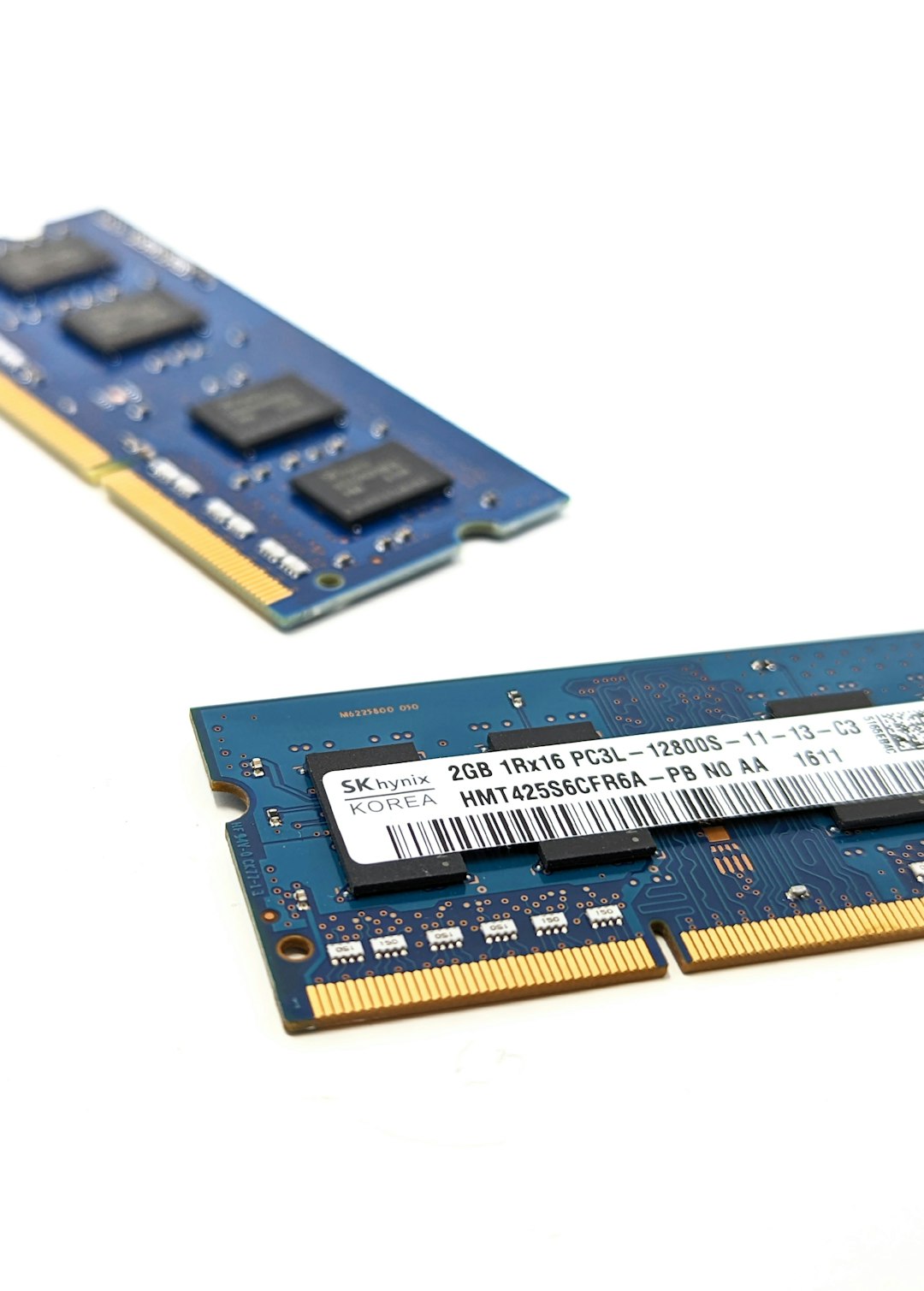
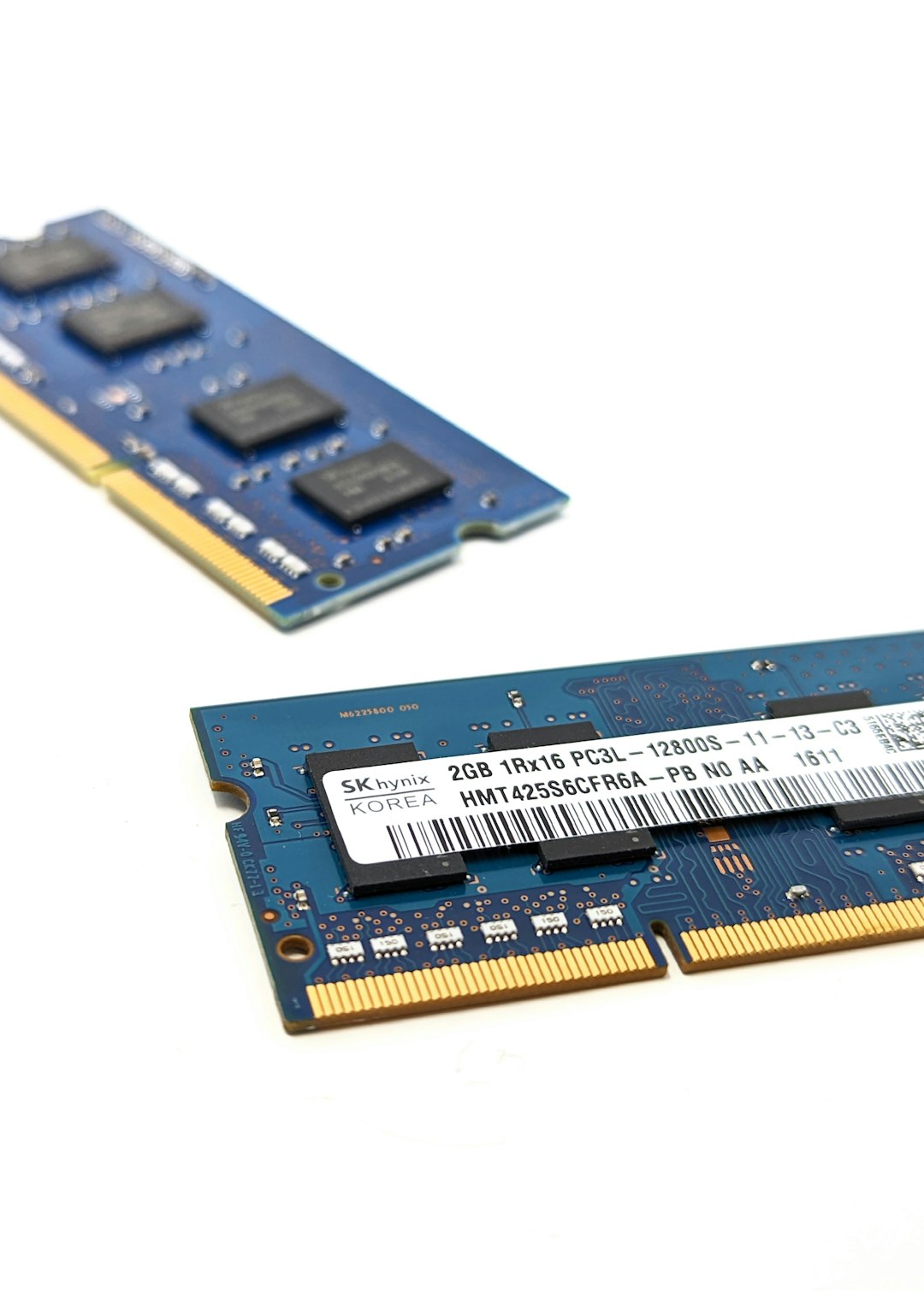
Your computer has RAM. That is fast, short-term memory. It holds apps and data while they work.
When RAM fills up, your system has a problem. It needs more space. So it borrows some from your storage drive. That borrowed space is called virtual RAM or swap memory.
Think of it like this:
- RAM = your kitchen counter
- Storage = your pantry
- Virtual RAM = using the pantry as extra counter space
The pantry works. But it is slower.
Why Virtual RAM Exists
Back in the early 2000s, RAM was expensive. Devices had very little of it. Virtual RAM helped computers survive.
In 2026, RAM is cheaper. But software is bigger. Browsers eat memory. AI apps run in the background. Even note-taking apps cache everything.
So virtual RAM still matters.
Especially on:
- Budget laptops
- Student devices
- Entry-level tablets
- Gaming handheld consoles
- Older PCs
When Virtual RAM Helps
Let’s start with the good news.
1. You Run Many Light Apps
If you have:
- 20 browser tabs
- Spotify playing
- A notes app
- Email open
- A PDF viewer
None of these are huge alone. But together, they eat RAM.
Virtual RAM helps by moving inactive apps into storage. That frees real RAM for what you are using right now.
Result: Fewer app crashes. Less freezing.
2. You Have 8GB RAM or Less
In 2026, 16GB is the sweet spot. But many devices still ship with 8GB.
With only 8GB:
- Windows 12 uses a big chunk
- macOS uses a big chunk
- Background AI tools use more
Virtual RAM acts as a safety net. It prevents “Out of Memory” errors.
It does not make your device faster. But it makes it more stable.
3. You Use a Fast SSD
This is critical.
If your device uses:
- NVMe Gen 4 or Gen 5 SSD
- Modern high speed laptop storage
Then virtual RAM works much better.
Fast SSDs reduce the performance hit. The slowdown is still there. But it is less painful.
4. You Mostly Multitask, Not Create
If your daily life looks like:
- Browsing
- Streaming
- Office apps
- Light photo edits
Virtual RAM is helpful. It blends quietly into the background.
When Virtual RAM Hurts
Now for the harsh truth.
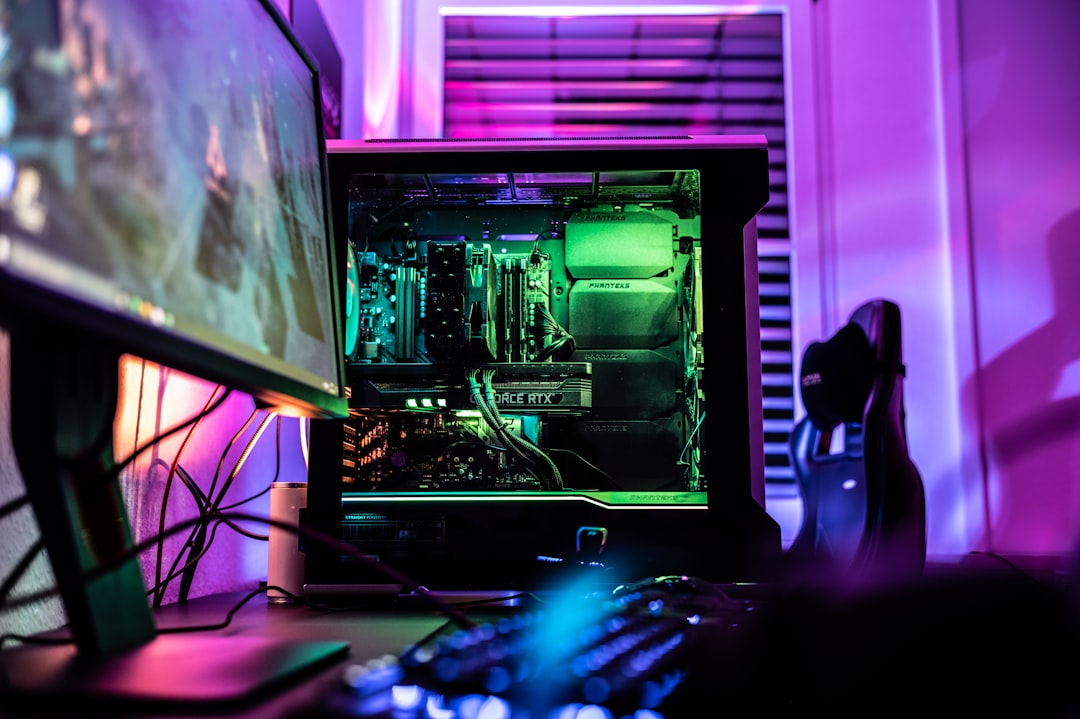
1. You Game Seriously
Modern games in 2026 are hungry.
They want:
- 16GB RAM minimum
- Fast GPU memory
- Low latency everywhere
If your system constantly swaps data between RAM and storage, you get:
- FPS drops
- Stuttering
- Texture pop-in
- Long loading times
Virtual RAM becomes a bottleneck.
2. You Edit Video or 3D Projects
Video editing software caches massive files. 4K and 8K footage fills memory fast.
When the system starts swapping:
- Timeline scrubbing slows down
- Rendering times increase
- Previews freeze
Here’s the rule:
If you make money with your machine, buy more physical RAM.
3. You Use a Slow HDD
This is a big one.
If your device still uses a traditional hard drive:
- Virtual RAM becomes painfully slow
- The whole system feels stuck
- Apps take forever to switch
In this case, virtual RAM can make things feel worse.
Upgrade to an SSD first. Always.
4. It Wears Out Your SSD
Yes. There is a hidden cost.
SSDs have limited write cycles. Constant swapping increases wear.
In 2026, SSD endurance is much better than before. So this is less scary. But heavy swapping every day for years can reduce lifespan.
For casual users? Not a big deal.
For power users? Something to consider.
Virtual RAM on Different Devices in 2026
Not all systems handle it the same way.
Here’s a simple comparison:
| Device Type | Virtual RAM Default | Usually Helpful? | Main Risk |
|---|---|---|---|
| Budget Laptop 8GB | Enabled | Yes | Slowdowns under heavy load |
| Gaming PC 16GB+ | Enabled | Sometimes | Stutter in demanding games |
| Creator Workstation 32GB+ | Enabled | Rarely needed | Slow renders if overused |
| Smartphones | Aggressive swapping | Yes for multitasking | App reloads still happen |
| Old HDD Computer | Enabled | No | Severe slowdowns |
Signs Virtual RAM Is Saving You
- Your apps stay open longer
- You rarely see memory errors
- Your system does not crash during multitasking
- Switching between light apps feels smooth
In this case, leave it alone.
Signs Virtual RAM Is Hurting You
- Constant disk activity noise
- Long pauses when switching apps
- Games stutter randomly
- System feels “sticky” under load
- SSD usage always at 100%
Then it’s time to rethink your setup.

How Much Virtual RAM Should You Use?
In 2026, systems manage swap automatically. Manual tuning is less common. But here is a simple guide:
- 8GB RAM: Keep virtual RAM enabled. Let system manage it.
- 16GB RAM: Keep it on, but don’t rely on it.
- 32GB+ RAM: You’ll rarely notice it.
- HDD system: Minimize it if possible.
More is not always better. Setting huge swap sizes does not make your PC stronger. It just gives it more slow space.
The Big Myth: “Virtual RAM Makes Your PC Faster”
No.
Virtual RAM does not increase performance. It prevents crashes.
It is a safety cushion. Not a turbo boost.
If your system is slow because it lacks RAM, adding more virtual RAM will not fix the root problem.
Only physical RAM upgrades improve speed under heavy memory use.
So, Should You Upgrade RAM Instead?
Ask yourself three questions:
- Do I hit 90–100% memory usage daily?
- Do I use creative or technical software?
- Do I experience stutters under load?
If the answer is yes to two or more, upgrade your RAM.
In 2026, upgrading from 8GB to 16GB often gives a massive real-world improvement. Bigger than almost any software tweak.
The 2026 Decision Guide
Here is the simple version:
- Student laptop? Keep virtual RAM on.
- Office multitasker? Helpful. Leave it.
- Serious gamer? Upgrade RAM first.
- Video editor? Physical memory matters more.
- Old HDD system? Upgrade to SSD before anything else.
Virtual RAM is a tool. Not a miracle. Not a villain.
Final Thoughts
In 2026, virtual RAM is smarter than ever. Operating systems predict app behavior. They swap data quietly. Most users never notice.
But performance physics still exist. Storage is slower than RAM. That will not change soon.
Use virtual RAM as a backup plan. Not as your main weapon.
And remember:
If your digital life feels cramped, give your computer a bigger counter. Not just a bigger pantry.