For years, Procreate has been the gold standard for digital illustration on the iPad. Its intuitive interface, powerful brush engine, and professional-grade performance have made it a favorite among illustrators, comic artists, and concept designers. However, Android users have often found themselves searching for comparable tools that deliver the same depth and fluid experience. In 2026, the Android ecosystem has matured significantly, offering several serious alternatives that rival — and in some cases, surpass — Procreate’s capabilities.
TL;DR: Android now has multiple high-quality drawing apps that rival Procreate in performance, brush customization, and professional features. Top options in 2026 include Clip Studio Paint, Infinite Painter, ibisPaint X, Sketchbook, and Krita. Each app caters to different needs, from comic creation to realism and vector illustration. Choosing the best one depends on your workflow, hardware, and whether you prioritize customization, simplicity, or studio-level tools.
What Makes a True Procreate Alternative?
Before exploring the best options, it’s important to define what makes an app comparable to Procreate. Professional artists typically expect:
- High-performance brush engines with pressure and tilt sensitivity
- Layer control including blending modes and clipping masks
- Custom brush creation
- Timelapse recording capabilities
- Low-latency performance on capable hardware
- Professional export options (PSD, PDF, layered files)
The apps below meet most — if not all — of these standards.
1. Clip Studio Paint (Android)
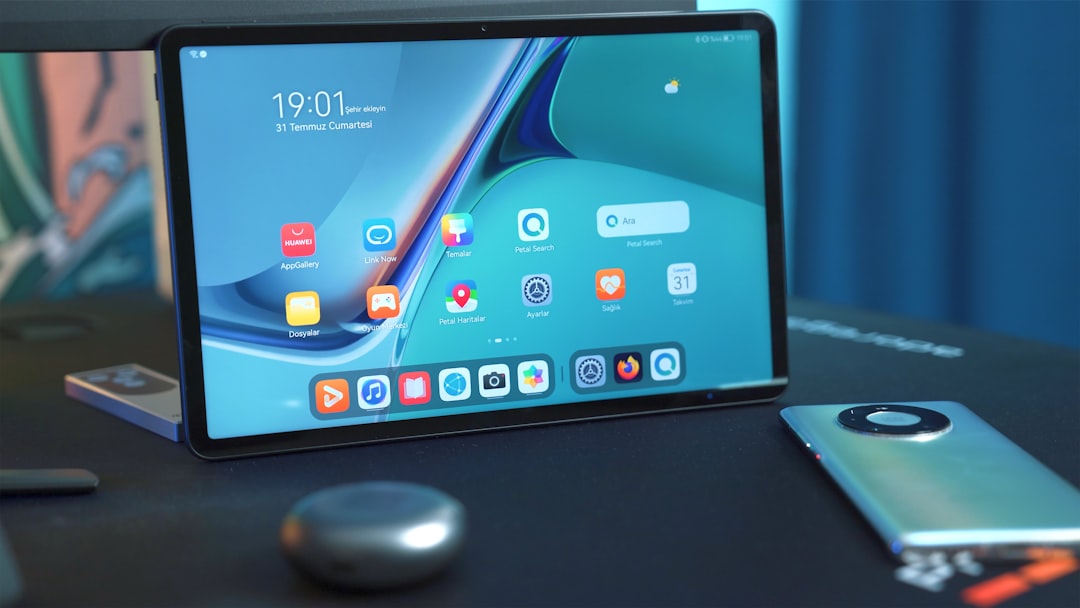
Clip Studio Paint has become one of the most powerful art applications available on Android tablets. Originally favored by comic and manga artists, it has evolved into a comprehensive illustration platform.
Why it stands out:
- Studio-grade brush customization
- Advanced layer and vector tools
- 3D pose references and perspective rulers
- Professional comic panel management
Its brush engine is exceptionally deep, rivaling — and in some technical aspects exceeding — Procreate’s. The ability to integrate 3D models for pose reference is particularly valuable for illustrators working on complex compositions.
Best for: Comic artists, illustrators, and professionals who want desktop-level power on Android.
The main drawback is its subscription model, which may not appeal to casual users.
2. Infinite Painter
Infinite Painter is often described as the closest Android equivalent to Procreate in terms of interface and philosophy. It provides a clean, streamlined environment without overwhelming the user.
Key features:
- Natural media simulation brushes
- Custom brush engine
- Perspective guides and symmetry tools
- High-resolution canvas support
- Time-lapse recording
Performance on flagship Android tablets in 2026 is smooth and responsive, with excellent stylus support including tilt functionality.
Best for: Artists seeking a balanced, Procreate-like experience without excessive complexity.
3. ibisPaint X
ibisPaint X has long been popular among mobile artists, and in 2026 it continues to be one of the most feature-rich free options available.
- Over 15,000 brushes
- Extensive material library
- Manga tone support
- Layer blending modes comparable to desktop software
- Process video recording and sharing
While its interface can feel crowded compared to Procreate, its sheer feature set is impressive — especially for a freemium model.
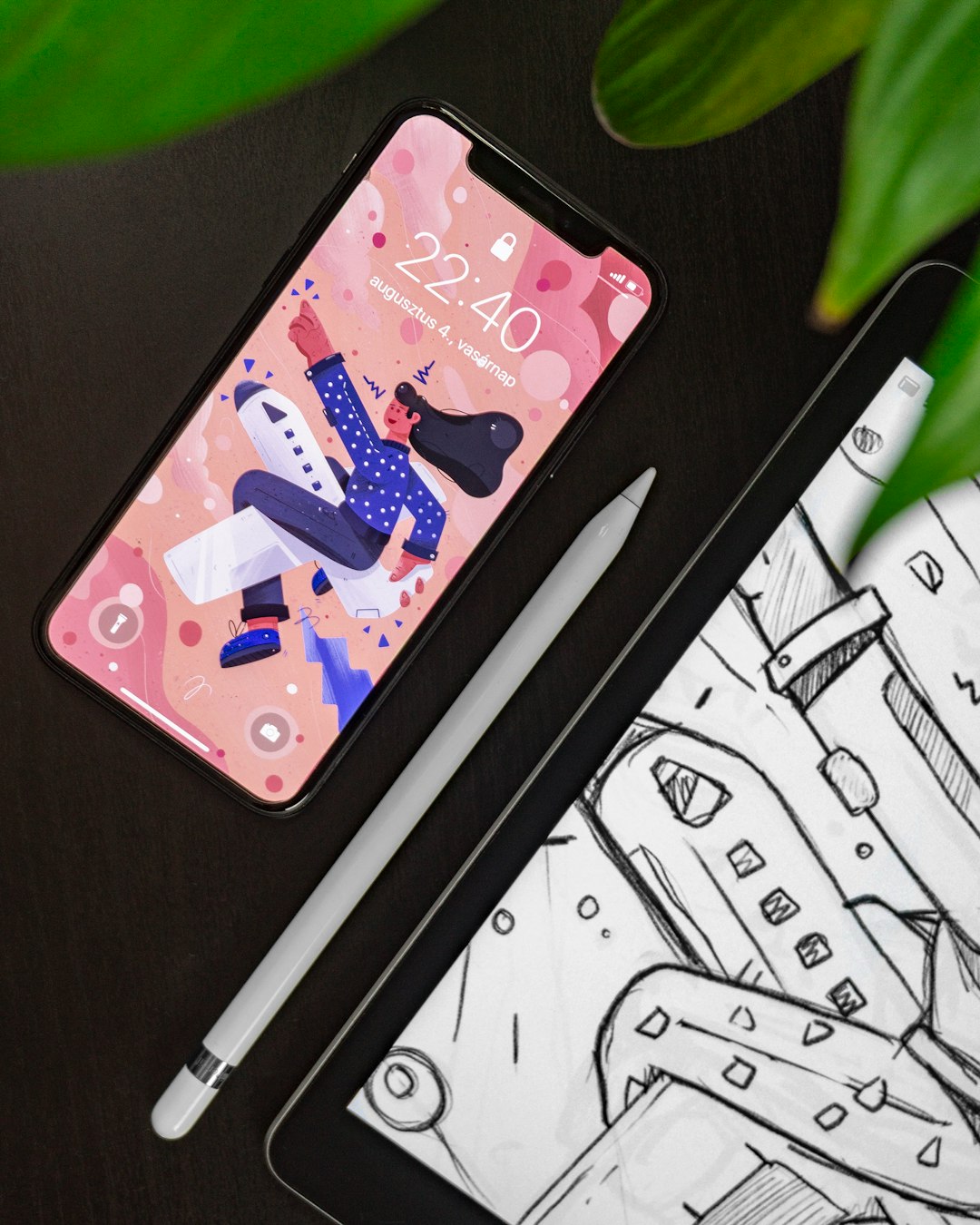
Best for: Anime and manga artists, beginners, and creators publishing on social platforms.
4. Sketchbook (Autodesk Sketchbook)
Sketchbook remains one of the most refined drawing experiences on Android. Known for its minimalist interface, it puts the canvas front and center.
Core strengths:
- Clean, distraction-free interface
- Precision drawing tools
- Reliable performance even on mid-range devices
- Professional export options
While it may lack the experimental brush depth found in Procreate, it compensates with stability and clarity.
Best for: Designers, product sketchers, and artists who prefer simplicity over advanced effects.
5. Krita for Android
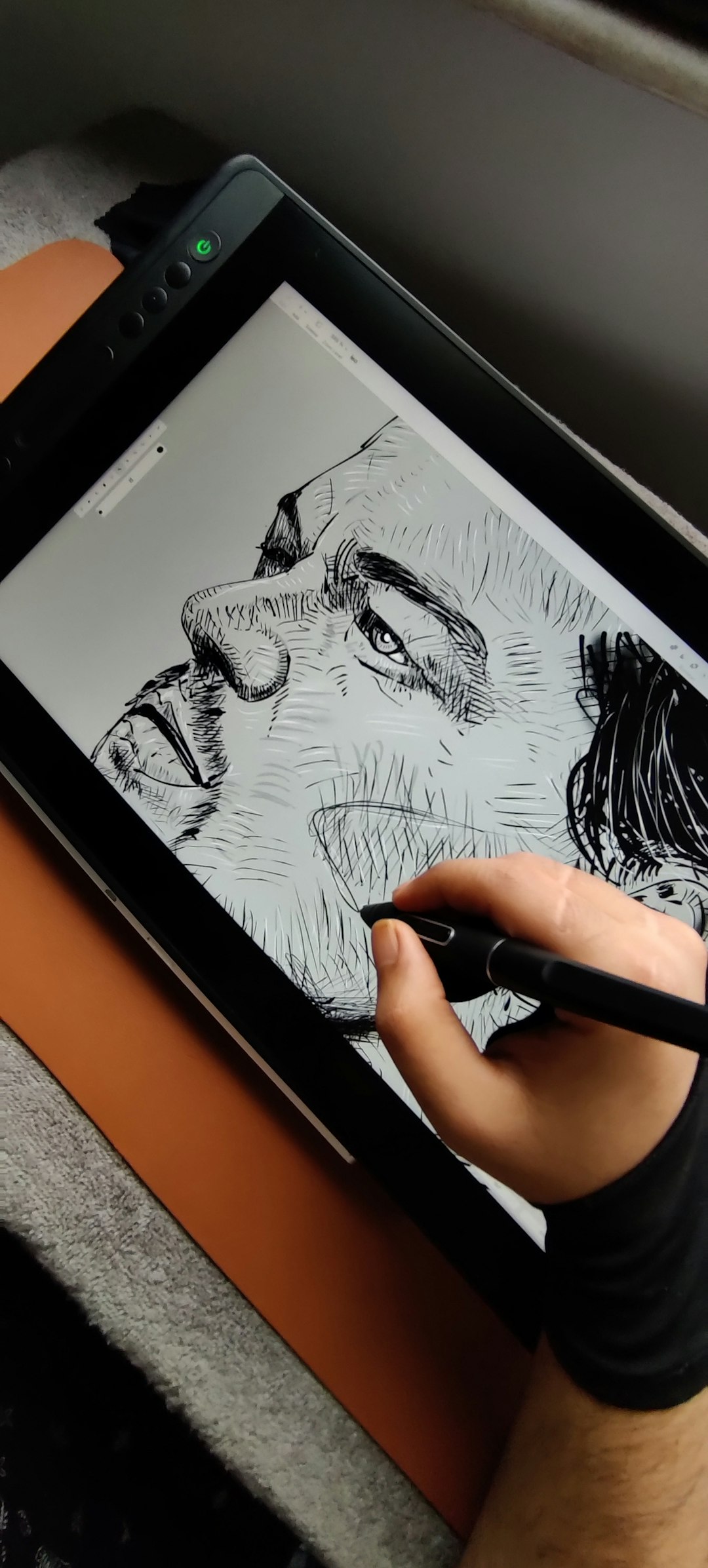
Krita is an open-source powerhouse long respected on desktop platforms. Its Android version has matured substantially and now provides serious competition.
- Advanced brush stabilizers
- Animation timeline tools
- Professional color management
- Custom workspace configuration
Krita particularly excels in painting realism and texture-heavy workflows.
Best for: Fine artists and animators who want deep control and open-source flexibility.
Feature Comparison Chart
| App | Best For | Brush Customization | Layer Support | Timelapse | Pricing Model |
|---|---|---|---|---|---|
| Clip Studio Paint | Comics and professionals | Advanced | Extensive | Limited | Subscription |
| Infinite Painter | All-around illustration | Strong | Full support | Yes | One-time purchase |
| ibisPaint X | Anime and beginners | Very high variety | Full support | Yes | Freemium |
| Sketchbook | Clean sketching workflow | Moderate | Good support | No | Free |
| Krita | Realism and animation | Advanced | Extensive | No | Free, open source |
Performance Considerations in 2026
Modern Android tablets — especially flagship devices from Samsung, Lenovo, and emerging premium manufacturers — now feature high refresh rate displays, advanced stylus technology, and significant RAM capacity. This hardware evolution has dramatically improved drawing latency and multitasking performance.
However, app performance still varies depending on:
- RAM availability
- Canvas size and DPI settings
- Number of active layers
- Background processes on the device
For professional use, at least 8GB of RAM is recommended to ensure stable multi-layer projects.
Which App Is the Closest to Procreate?
If the goal is to mirror Procreate’s balance of power and usability, Infinite Painter currently feels the closest in spirit. Its workflow is streamlined, brushes are responsive, and the learning curve remains manageable.
For artists who want feature parity — particularly in comic production — Clip Studio Paint may actually exceed Procreate in certain areas.
Final Thoughts
The notion that Procreate has no Android equivalent is outdated in 2026. Android artists now have access to serious professional-grade applications capable of supporting everything from casual sketching to commercial illustration and published comics.
The right choice ultimately comes down to workflow preference:
- Choose Clip Studio Paint for advanced studio tools.
- Choose Infinite Painter for a Procreate-like balance.
- Choose ibisPaint X for variety and community-driven features.
- Choose Sketchbook for focus and simplicity.
- Choose Krita for open-source power and realism.
As Android hardware continues to evolve, the gap between platforms has narrowed to the point where creative professionals can confidently build their workflows outside the Apple ecosystem. With the right app and capable hardware, Android is now a legitimate, high-performance digital art platform.