


The Nintendo Switch is known for its versatility and reliability, but like any gaming console, it is not immune to technical issues. One of the most frustrating problems users encounter is the Nintendo Switch Game Card Error. Whether the console fails to detect the game card, displays a “Game Card could not be read” message, or constantly prompts you to reinsert the cartridge, this issue can interrupt your gaming experience. Fortunately, in most cases, the problem can be resolved with practical troubleshooting steps.
TLDR: Nintendo Switch game card errors are usually caused by dirty cartridges, faulty readers, outdated system software, or hardware damage. Before considering costly repairs, try cleaning the card and slot, updating your console, restarting the system, or testing another cartridge. In most cases, simple maintenance fixes the issue. If not, professional repair may be necessary.
Common Causes of Nintendo Switch Game Card Errors
Before jumping into the solutions, it’s important to understand what may be causing the error. Identifying the root cause will help you apply the correct fix.
- Dirty or dusty game card contacts
- Debris inside the game card slot
- Outdated system software
- Damaged or corrupted game card
- Faulty game card reader hardware
- Internal software glitches
- Physical damage from drops or moisture
Now let’s walk through eight proven fixes that address these issues.
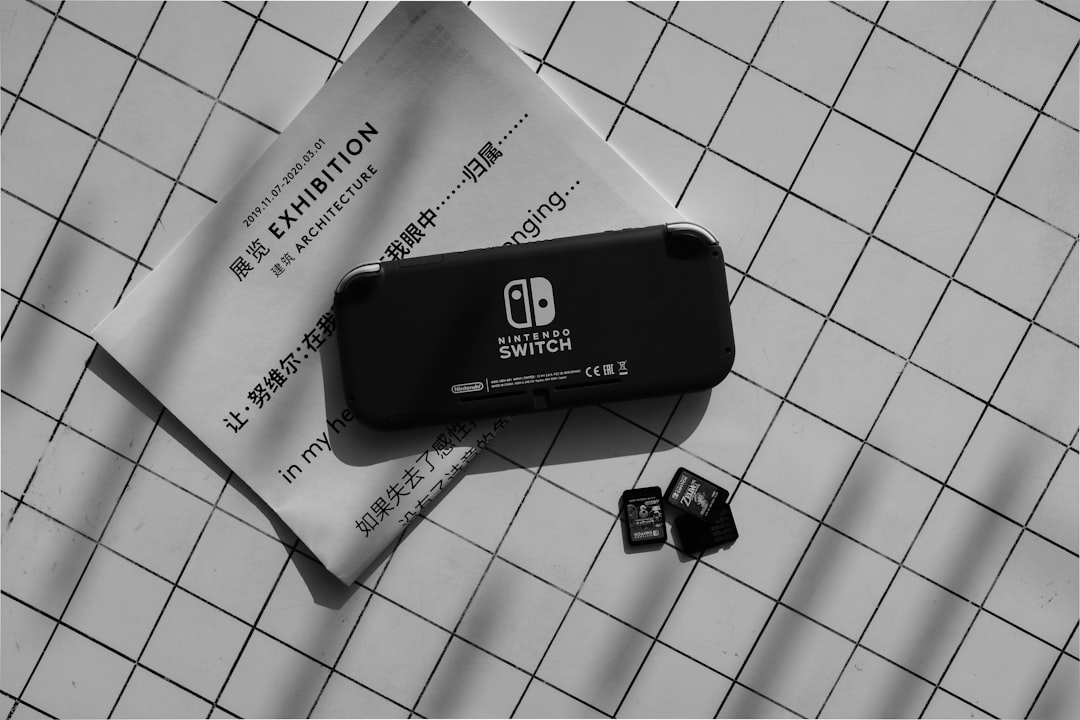
1. Clean the Game Card Properly
One of the most common causes of read errors is dirt or oil on the game card’s metal contacts. Even minor grime can prevent proper communication between the cartridge and the console.
How to clean it safely:
- Power off your Nintendo Switch completely.
- Remove the game card.
- Use a soft, dry microfiber cloth to gently wipe the metal contacts.
- If necessary, use a small amount of isopropyl alcohol (70% or higher) on a cotton swab.
- Allow the cartridge to dry fully before reinserting.
Important: Never blow into the cartridge. Saliva moisture can worsen connectivity issues.
2. Inspect and Clean the Game Card Slot
Dust and debris inside the slot can also prevent the console from reading games correctly.
Steps to clean the slot:
- Turn off the console.
- Use compressed air to gently blow into the slot.
- Do not insert sharp tools or metal objects.
- Avoid moisture inside the slot.
If you notice bent pins inside the slot, the issue may require professional repair.
3. Restart the Nintendo Switch
Sometimes the issue is caused by a temporary software glitch rather than hardware failure.
To restart properly:
- Hold the Power button for three seconds.
- Select Power Options.
- Choose Restart.
After restarting, reinsert the game card and check if the issue persists. This simple step resolves many minor system errors.
4. Update the System Software
Outdated firmware can occasionally prevent proper game card recognition, especially after newly released games.
To check for updates:
- Open System Settings.
- Scroll to System.
- Select System Update.
The console will automatically download and install available updates. Once completed, restart and test your game.
5. Test Another Game Card
Determining whether the issue lies with the console or the cartridge itself is crucial.
- If other game cards work fine, the original cartridge may be faulty.
- If none of the cartridges work, the game card reader could be defective.
This step helps you avoid unnecessary repairs.
6. Check the Game Card for Physical Damage
Game cards are durable but not indestructible. Drops, exposure to water, and improper storage may cause internal damage.
Look for:
- Scratches or corrosion on contacts
- Cracks in plastic casing
- Loose internal components (rattling sound)
If the card is visibly damaged, replacement is usually the only practical option.
7. Initialize the Console (Without Deleting Save Data)
If software corruption is suspected, initializing the console may resolve deeper issues.
To initialize safely:
- Go to System Settings.
- Select System.
- Choose Formatting Options.
- Select Initialize Console Without Deleting Save Data.
This process resets system settings but keeps your saved games intact.
Note: Always ensure your data is backed up to the cloud (Nintendo Switch Online subscribers) before performing system resets.
8. Consider Professional Repair
If none of the above steps resolve the issue, the internal game card reader may be defective. This is especially likely if:
- The console was recently dropped.
- No cartridges are recognized.
- You notice intermittent detection issues.
At this stage, contacting Nintendo Support or visiting a certified repair center is recommended.
Quick Comparison of Fixes
| Fix | Difficulty | Cost | Best For |
|---|---|---|---|
| Clean Game Card | Easy | Free | Dirty contacts |
| Clean Game Slot | Easy | Low | Dust buildup |
| Restart Console | Very Easy | Free | Minor glitches |
| System Update | Easy | Free | Compatibility issues |
| Test Another Card | Easy | Free | Identifying faulty cartridge |
| Inspect Damage | Easy | Free | Physically damaged game |
| Initialize Console | Moderate | Free | Software corruption |
| Professional Repair | Advanced | High | Hardware failure |
How to Prevent Future Game Card Errors
Prevention is always better than repair. Maintaining your console and cartridges properly significantly reduces the likelihood of recurring issues.
- Store cartridges in protective cases.
- Avoid exposing them to heat or moisture.
- Keep the console in a dust free environment.
- Do not force cartridges into the slot.
- Regularly check for system updates.
By practicing proper care, you extend the lifespan of both your games and your console.
When to Replace the Nintendo Switch
In rare cases, particularly with older consoles, repeated reader failures may signal broader hardware degradation. If repair costs approach the price of a refurbished or new Nintendo Switch, upgrading may be the more economical choice.
However, for most users experiencing game card errors, simple maintenance and troubleshooting are sufficient to restore normal function.
Final Thoughts
The Nintendo Switch Game Card Error can be frustrating, but it is rarely catastrophic. In the majority of cases, the issue stems from dirt, dust, or minor software inconsistencies rather than serious hardware defects.
By methodically applying the eight fixes outlined above — starting with cleaning and restarting, then progressing toward software updates and professional repair if necessary — you can resolve the problem efficiently and safely.
A disciplined, careful approach not only restores your current gaming experience but also helps prevent similar issues in the future. If the problem persists after all troubleshooting steps, seeking official support ensures that your console remains in good working condition for years to come.


