


Steam is more than a game launcher. It is a social hub. You chat. You send memes. You plan raids. And sometimes… you ignore messages. That leads to one big question. Can Steam friends see when you read their messages? Let’s break it down in a fun and simple way.
TLDR: Steam does not show a read receipt when you open a message. Your friends cannot see if you have read their chat. They can only see if you are online, offline, or in-game, depending on your privacy settings. You can control most of what people see by adjusting your Steam privacy options.
Now let’s dive deeper.
Does Steam Have Read Receipts?
The short answer? No.
Steam does not have a “Seen” feature like Facebook Messenger. It does not show “Read at 10:32 PM.” It does not send a blue checkmark. Nothing like that.
So if you open a message and do not reply, your friend has no way of knowing for sure that you read it.
That is good news for introverts.
But wait. There are still some clues people might notice.
What Can Steam Friends Actually See?
Even though they cannot see read receipts, they can see other activity. Depending on your settings, friends might see:
- Your online status
- What game you are playing
- How long you have been in-game
- Your profile activity
- Your friends list
So imagine this. Your friend sends you a message. You do not reply. But you are clearly online and playing a game for three hours.
They might assume you saw it.
That is not proof. But it can feel obvious.
How Steam Chat Really Works
Steam chat is simple. When someone sends you a message:
- You get a notification.
- The chat window shows the new message.
- You can open it anytime.
Once you open it, nothing special happens on their end. No alert. No status change.
This makes Steam more private than many modern messaging apps.
Here’s what the Steam chat interface looks like:
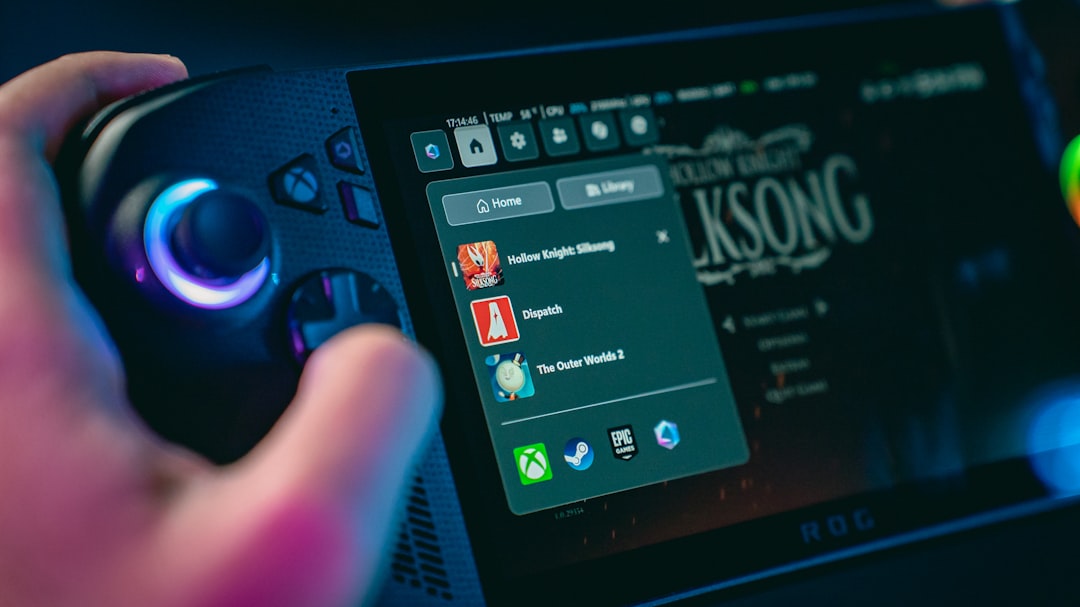
As you can see, it focuses on conversation. Not tracking.
Online Status: The Real Privacy Key
Your online status matters more than read receipts.
Steam gives you several status options:
- Online
- Away
- Busy
- Invisible
- Offline
Each one changes what others see.
Online
Your friends see that you are active right now.
Away
Steam sets this automatically after inactivity. It shows you are logged in but not active.
Busy
You are online. But people get the hint not to bother you.
Invisible
This is the privacy winner. You appear offline to others. But you can still chat and browse normally.
Offline
You are completely signed out of chat.
If you truly do not want someone guessing whether you read their message, Invisible mode is your best friend.
Steam Privacy Settings Explained
Steam lets you control more than just your chat visibility. You can customize your entire profile privacy.
To find these settings:
- Click your profile name.
- Select View My Profile.
- Click Edit Profile.
- Choose Privacy Settings.
You will see several categories you can change.

Here’s what you can control:
- My Profile
- Game Details
- Friends List
- Inventory
- Comments
You can usually set each one to:
- Public
- Friends Only
- Private
Comparison Chart: Steam Privacy Options
| Setting | Public | Friends Only | Private |
|---|---|---|---|
| Profile | Everyone can view | Only friends can view | No one can view |
| Game Details | Shows games and playtime | Only friends see activity | Hides games and playtime |
| Friends List | Visible to everyone | Visible to friends | Hidden from all |
| Inventory | Tradable items visible | Only friends see items | Completely hidden |
If you hide Game Details, friends cannot see what you are playing. That removes one big clue about whether you are actively ignoring messages.
Can You Turn On Read Receipts?
No.
There is currently no built-in option to enable read receipts in Steam chat.
That means:
- You cannot see when others read your messages.
- They cannot see when you read theirs.
It works both ways.
This keeps things simple. And less stressful.
What About the Steam Mobile App?
Good question.
The Steam mobile app works almost the same way as desktop chat.
There are still:
- No read receipts
- No “Seen” markers
- No typing history logs
It behaves just like the desktop version. So your privacy stays consistent.
Are There Any Exceptions?
Not really. But here are a few things to keep in mind.
1. Typing Indicator
Steam does show when someone is typing. This is temporary. Once you stop typing, it disappears.
It does not confirm you read anything. It only shows you are currently entering text.
2. Third-Party Tools
Be careful here.
Some third-party overlays or mods claim to enhance chat features. But Steam itself does not support read tracking.
Always be cautious with external tools. Protect your account.
3. Group Chats
Group chats also do not show read receipts. Messages are visible. But there is no tracking of who opened them.
If You Want Maximum Privacy
Here is your simple action plan:
- Set your status to Invisible.
- Set Game Details to Private.
- Limit your Profile visibility to Friends Only or Private.
- Hide your Friends List.
This gives you almost total control.
Now you can read messages in peace.

Why Steam Avoids Read Receipts
Steam is built for gaming. Not social pressure.
Read receipts can create anxiety. People feel forced to reply instantly. That is not always fun.
Valve keeps chat simple. Lightweight. Low drama.
For many gamers, that is a good thing.
Common Myths
“If I open the chat window, they’ll know.”
Nope. They will not.
“If I’m online, it automatically marks messages as seen.”
Wrong. Online status does not equal read status.
“If I play a game after receiving a message, they can confirm I ignored them.”
They can guess. But they cannot confirm anything.
So… Can Steam Friends See When You Read Messages?
Let’s wrap it up clearly.
No. Steam friends cannot see when you read their messages.
There are:
- No read receipts
- No seen timestamps
- No message tracking tools
The only visibility comes from your online status and profile activity. And you control those.
Final Thoughts
Steam keeps messaging simple. That is part of its charm.
If you read a message and need time to reply, you are safe. No awkward “Why did you leave me on read?” moments built into the system.
Still, be kind. Reply when you can. Gaming friendships matter.
And now you know exactly how Steam chat privacy works.
Game on. Chat smart. Stay private.


