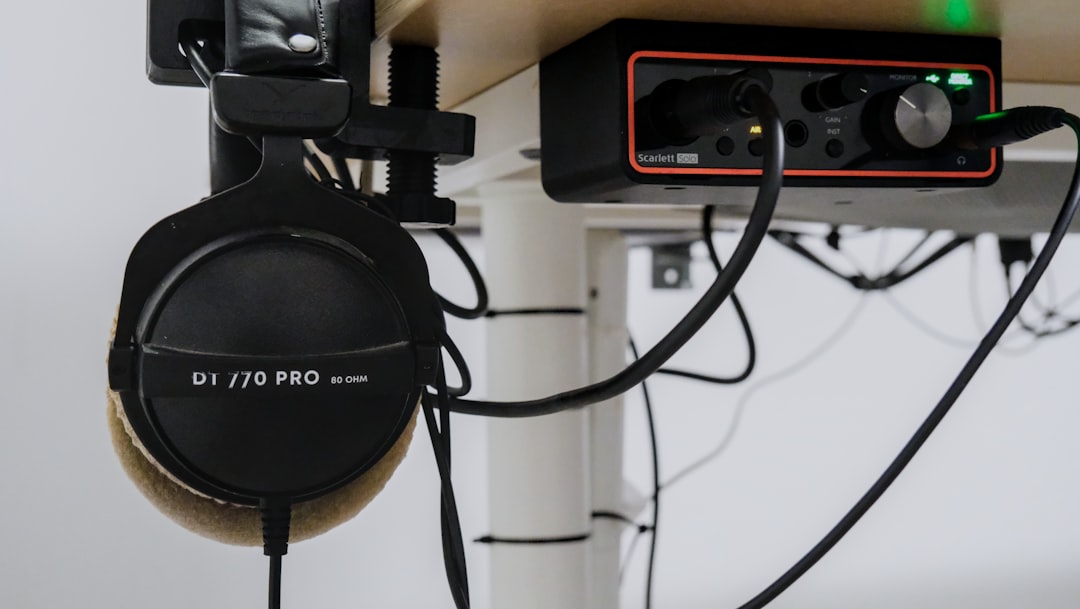

For content creators who live and breathe audio, video, and graphic design, having access to quality tools is essential. Ubuntu Studio offers a powerful and free Linux-based platform tailored specifically to the needs of multimedia professionals and enthusiasts. With a comprehensive suite of applications for creative workflows, it empowers users to explore new artistic horizons without the budget constraints linked to commercial software.
TL;DR
Ubuntu Studio is a free, open-source Linux distribution optimized for multimedia production. It provides pre-installed, professional-grade tools for audio editing, video production, photography, and graphic design. The apps are neatly integrated into the system to deliver a seamless creative experience. Whether you’re a musician, filmmaker, or digital artist, Ubuntu Studio offers a reliable and efficient environment for your craft.
What is Ubuntu Studio?
Ubuntu Studio is an official flavor of Ubuntu Linux, designed for creative professionals and users in the digital arts. It comes equipped with a rich array of software applications that span multiple disciplines, including audio production, video editing, visual effects, photography, and desktop publishing.
By offering a low-latency kernel, streamlined user experience, and easy installation process, Ubuntu Studio addresses the performance needs of demanding multimedia tasks often absent from standard operating systems. The XFCE desktop environment was replaced in recent versions with KDE Plasma, providing both visual sophistication and practical functionality.
Key Areas of Multimedia Production Covered
- Audio Production
- Video Editing
- Graphic Design and Photography
- Publishing
- MIDI Sequencing
Each of these domains is supported by a multitude of open-source applications, curated to provide both breadth and depth to the user’s workflow.
1. Audio Production Apps
Ubuntu Studio shines in the audio domain. It includes tools for recording, editing, mastering, and synthesizing sound. Thanks to the real-time low-latency kernel and JACK Audio Connection Kit, audio tasks become fluid and professional-grade.
- Ardour: A full-featured digital audio workstation (DAW) used by professionals for multi-track recording and mixing.
- Audacity: A beginner-friendly audio editor ideal for simpler recording or editing tasks.
- Carla: A versatile audio plugin host that supports JACK, LV2, and VST plugins, great for managing signal routing.
- Qtractor: Another user-friendly DAW for those transitioning from Windows or macOS tools.
- Hydrogen: An advanced drum machine that enables musicians to sequence beats with ease.
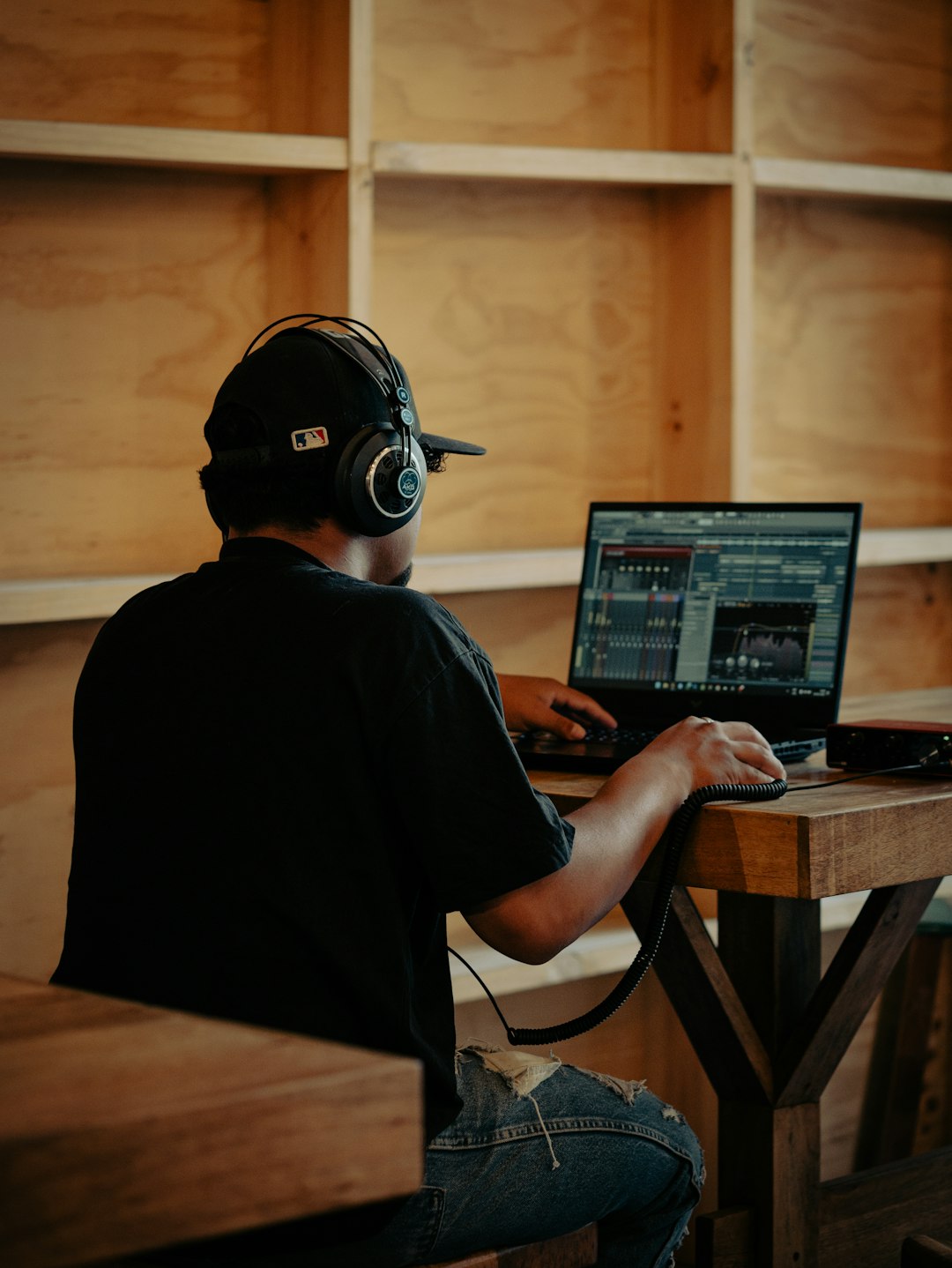
Ubuntu Studio also integrates real-time audio processing through JACK, ensuring lower latency and better synchrony between applications, a crucial feature for recording and live performance setups.
2. Video Editing and Motion Graphics
Creating polished videos is made easier with professional-caliber software. Ubuntu Studio includes tools suitable for both amateur video bloggers and cinematic editors.
- Kdenlive: A powerful non-linear video editor with multitrack support, visual effects, and robust timeline editing features.
- OBS Studio: Widely used for live streaming and screen recording with real-time capture and broadcasting capabilities.
- OpenShot: A simple yet effective video editor for quick edits and straightforward timelines.
- Blender: Though primarily a 3D modeling and animation suite, Blender is capable of video editing and motion design.
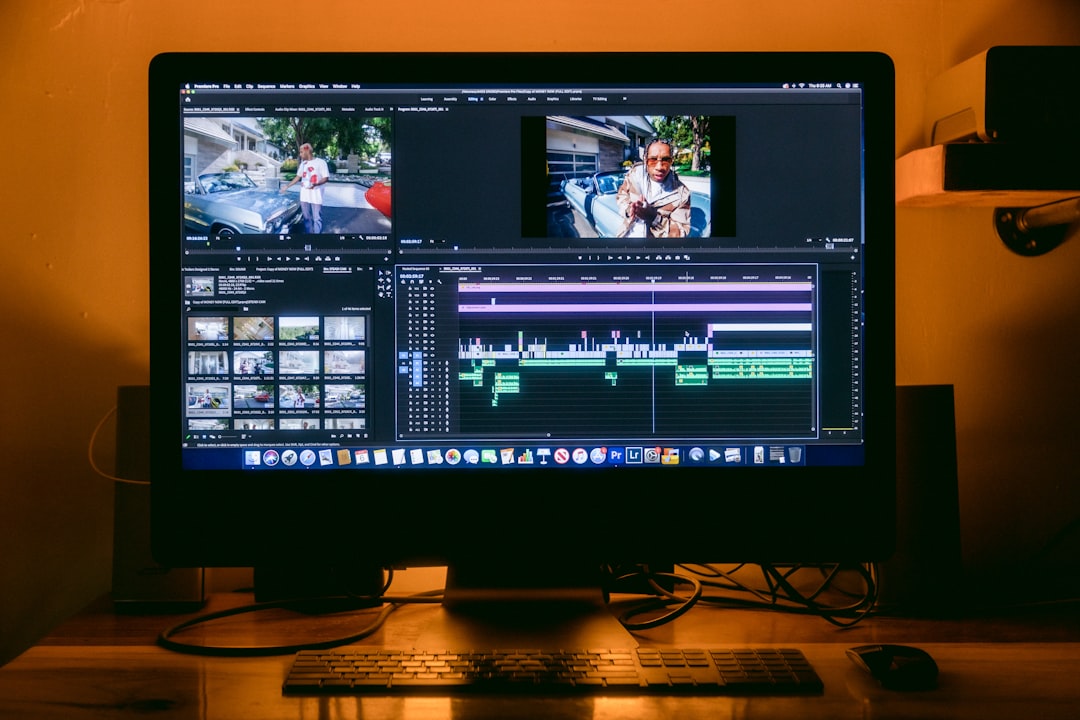
Users can benefit from GPU acceleration and customizable rendering options, making Ubuntu Studio an excellent environment for post-production workflows.
3. Graphic Design and Photography
For photographers, illustrators, and digital painters, Ubuntu Studio offers a loadout of specialized tools that rival Adobe’s renowned Creative Cloud suite, all for free.
- GIMP: Referred to as the “Photoshop of Linux,” GIMP offers powerful image manipulation and retouching tools.
- Inkscape: A professional vector graphics editor akin to Adobe Illustrator, great for logo design and illustrations.
- Krita: Tailored for digital painting and conceptual art, Krita is beloved by many illustrators worldwide.
- Darktable: Provides non-destructive RAW photo editing, much like Adobe Lightroom.
Whether editing photos, designing magazine layouts, or painting digital masterpieces, users have access to all the necessary assets right out of the box.
4. Publishing and Office Tools
Ubuntu Studio doesn’t stop at creativity—it also supports layout design and publishing. These tools are useful for creating brochures, books, or digital magazines.
- Scribus: A desktop publishing tool comparable to Adobe InDesign, great for text-heavy design work.
- LibreOffice: A fully-featured office suite that supports document editing, spreadsheet management, and presentations.
Through integration with vector and bitmap editors, users can seamlessly embed images into professionally prepared documents without complicated workflows.
Creative Workflow and System Optimization
One of the strengths of Ubuntu Studio is its dedicated Ubuntu Studio Installer. This tool allows users of standard Ubuntu distributions to selectively install Ubuntu Studio components without switching environments entirely. Whether someone wants just the audio tools or a full creative suite, the Installer brings flexibility and user control.
System performance is finely tuned. The low-latency Linux kernel ensures fewer interruptions during high-load activities. This makes it a rock-solid platform for studio work or live performances.
Community and Support
Ubuntu Studio, like many open-source projects, thrives on its community. There are active forums, a wealth of documentation, and even IRC and Discord channels where newcomers can ask questions and share ideas. The community-led nature ensures the software evolves according to the needs of its user base, often faster than many commercial alternatives.
Conclusion
Ubuntu Studio is more than just a Linux distribution; it’s a robust digital studio equipped with powerful tools for creatives across the spectrum. Whether you’re recording a podcast, editing a film, drawing digital art, or designing a magazine, Ubuntu Studio has the capabilities to help bring vision to reality—all in a cost-effective, open-source package.
FAQs
-
Is Ubuntu Studio free to use?
Yes, Ubuntu Studio is 100% free and open-source. You can download, install, and use it without any cost or software license restrictions. -
Can I install Ubuntu Studio apps on regular Ubuntu?
Absolutely. The Ubuntu Studio Installer allows you to add creative applications and low-latency optimizations to an existing Ubuntu system. -
Is Ubuntu Studio suitable for professional work?
Yes, many creative professionals use Ubuntu Studio for audio recording, video production, and digital artistry. Its tools are of industry-grade quality. -
What are the hardware requirements?
Ubuntu Studio runs well on most modern hardware. For intensive multimedia work, you’ll want a multi-core CPU, 8GB or more RAM, and a decent GPU for video rendering. -
Which desktop environment does Ubuntu Studio use?
Ubuntu Studio now uses KDE Plasma, offering a sleek, customizable, and highly responsive user experience.