
Android Auto has become an indispensable tool for modern drivers, allowing them to integrate their smartphones with in-car infotainment systems seamlessly. With voice commands, navigation, messaging, and music streaming all conveniently accessible on the car dashboard, it’s a massive leap in convenience. However, concerns are mounting among users: is Android Auto bad for your phone?
TL;DR: Is Android Auto Bad for Your Phone?
While Android Auto offers incredible convenience, it may have some minor effects on your phone’s battery health over time—especially if used heavily without proper charging habits. It uses power, data, and may cause your device to heat up during extended drives. However, with the right precautions, these issues can be managed and shouldn’t deter most users from using Android Auto regularly.
What Does Android Auto Actually Do?
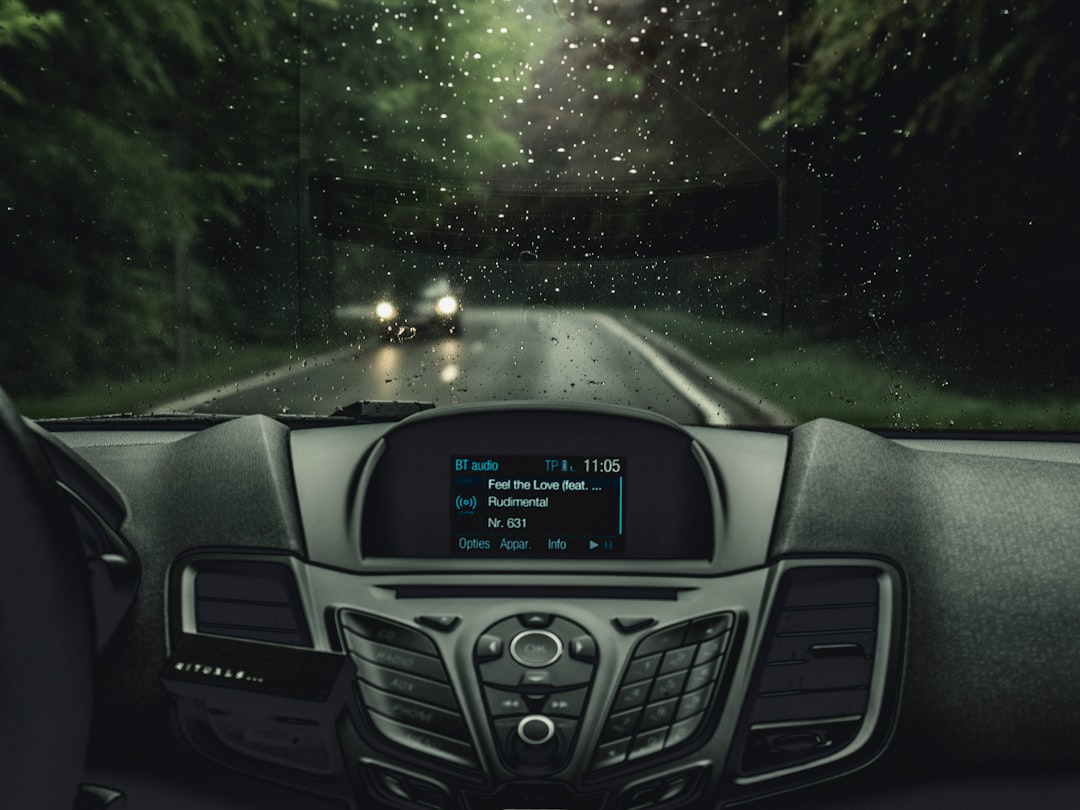
Android Auto mirrors your Android smartphone to your car’s infotainment system, allowing you to control apps like Google Maps, Waze, Spotify, WhatsApp, and YouTube Music hands-free with Google Assistant. It connects either via USB cable or wirelessly (depending on car and phone compatibility), providing real-time access to services while keeping your hands on the wheel.
Its primary functions include:
- Navigation through Google Maps and Waze
- Media control like music and podcasts from supported apps
- Hands-free texting and calling via voice commands
- Voice assistant integration with Google Assistant
But while the tech is helpful, it comes with certain downsides that may affect your smartphone’s performance or longevity.
Potential Drawbacks of Using Android Auto
Let’s break down whether Android Auto is actually harmful to your phone and what specific factors you should be aware of.
1. Battery Health Degradation
When using Android Auto—especially connected via USB—your phone is consistently drawing power. This may seem beneficial as your device stays charged, but charging while simultaneously running resource-intensive apps like GPS and music streaming can contribute to higher temperatures.
Heat is one of the biggest enemies of battery longevity. Repeated exposure to high temperatures can slowly degrade the battery’s capacity. Phones tend to heat up more when they’re in a closed car cabin during summer, running both navigation and data-heavy services.
2. Data Usage
Although not inherently damaging to your phone hardware, Android Auto does rely on mobile data. Navigation, music streaming, and other connected services pull data throughout your drive. Without a strong cellular plan, this can lead to throttled speeds or extra charges.
3. Thermal Stress
Beyond battery health, running Android Auto for extended periods may lead to processor strain and even thermal throttling. Phones can automatically limit performance if they overheat frequently to protect critical components.
Does Wireless Android Auto Make Things Worse?
Wireless Android Auto uses Wi-Fi Direct to connect your phone to your car. While this offers convenience—no more plugging and unplugging cables—it may actually exacerbate some issues.
First, wireless connections consume more battery because the phone maintains both Wi-Fi and Bluetooth simultaneously. Second, it doesn’t charge your phone unless you provide wireless charging in your car. Many wireless Android Auto users report battery drain during longer commutes.
If your phone stays unplugged during wireless use, make sure your journey isn’t too long, or consider investing in an in-car wireless charger compatible with your phone.
How to Mitigate the Risks
Thankfully, there are several practical steps users can take to reduce potential damage from regular Android Auto use:
- Use High-Quality Cables: Ensure you’re using OEM or high-quality USB cables for fast and safe charging.
- Avoid Direct Sunlight: Keep your phone out of direct sunlight in the car to prevent overheating.
- Close Background Apps: Prevent unnecessary apps from using resources while using Android Auto.
- Use a Vent-Mounted Holder: If using your phone independently for navigation, these holders can help cool down the device via the A/C system.
- Regularly Monitor Battery Health: Use built-in settings or third-party apps to keep an eye on long-term battery wear.
What About Screen Burn-in?
While not common, screen burn-in could theoretically happen if the same UI elements (like maps or static icons) are displayed for long periods. This is more relevant on OLED screens and less of a concern with LCDs. If you’re noticing this, you can minimize risk by dimming the screen or using the car’s built-in display instead of the phone’s.
Should You Worry About Android Auto Updates?
Occasionally, new Android Auto updates have caused compatibility or stability issues, including phones freezing, crashing, or disconnecting randomly. However, these aren’t hardware risks but rather temporary inconveniences that Google tends to resolve quickly.
To stay safe:
- Keep both your phone’s OS and Android Auto app updated
- Check compatibility before updating
- Review Android Auto support forums and subreddits for known issues
Conclusion: Is Android Auto Worth the Risk?
Overall, Android Auto is not inherently bad for your phone. While it’s true that improper use can result in some wear on battery health and minor thermal issues, these can be easily mitigated by good usage habits. For most users, the convenience and added safety Android Auto brings far outweigh the potential downsides.
Taking simple precautions like using high-quality chargers, avoiding direct heat, and monitoring your phone’s temperature will protect your device and extend its life, allowing you to enjoy Android Auto worry-free.
FAQ: Android Auto and Your Phone
- Q: Can Android Auto overheat my phone?
A: Yes, especially during long drives in hot environments. But proper ventilation and avoiding direct sunlight can prevent this. - Q: Does Android Auto use battery while connected?
A: It does, but if connected via USB, it simultaneously charges the phone. Wireless use, however, can lead to battery drain. - Q: Can Android Auto damage my phone battery?
A: Constant charging under high temperatures can contribute to long-term battery wear, but this is true of any intensive app use, not just Android Auto. - Q: Should I avoid Wireless Android Auto?
A: Not necessarily, but be aware of the battery consumption and have a way to keep your phone charged if needed during long drives. - Q: Does using Android Auto void my phone’s warranty?
A: No. Android Auto is a supported Android application and does not void warranties or damage hardware under normal usage.