


In today’s digitally-driven marketing environment, local businesses live or die by their online visibility. Google My Business (GMB) has emerged as a powerful tool to enhance local SEO, drive customer engagement, and influence purchasing decisions. One often overlooked element that can significantly impact GMB performance is photo optimization. Beyond basic image uploads, advanced techniques can elevate brand presence and improve rankings in local search results.
TL;DR: Optimizing your Google My Business photos strategically can dramatically increase your local SEO visibility. High-quality, geo-tagged, keyword-relevant, and frequently updated images build search trustworthiness and attract engagement. From choosing the right file types to leveraging EXIF data, these advanced tips will help your business stand out. Mastering these techniques leads to better rankings on Google Maps and enhanced customer trust.
1. Understand the Importance of Google My Business Photos
Users are statistically more likely to click on businesses with well-optimized images. High-quality visuals on GMB listings help establish credibility, showcase your products or services, and encourage customer interactions. Google also considers user engagement with photos—such as the number of views and clicks—when determining search relevance and local rankings.
2. Choose High-Resolution, Professional-Quality Images
Google prefers clear, high-resolution images that reflect your business accurately. Avoid blurry or overly edited images that might appear less authentic to users—and to Google’s algorithms.
- Resolution: Aim for a minimum of 720 x 720 pixels.
- File format: Use JPG or PNG for maximum compatibility and clarity.
- Lighting: Natural lighting is ideal, but ensure it doesn’t result in shadows that obscure key visual details.
Think about seasonal adjustments. For example, update your storefront image during the holidays or show specials during relevant seasons. This keeps your profile fresh and relevant.
3. Geotagging: The Local SEO Power Move
Geotagging embeds geographic coordinates into your image’s metadata. While Google has never explicitly confirmed using geotags for ranking, many experts believe it contributes to local SEO by validating location relevance.
- Use EXIF metadata tools to embed geolocation data before uploading.
- Ensure consistency with your business address on your GMB listing.
- Avoid third-party tools that strip EXIF data when optimizing images for size.
Pro tip: You can geotag your photos using tools like GeoImgr or GIMP with the necessary plugins.
4. Consistency in Brand Visuals
Your Google My Business profile should visually reinforce your brand identity. Use consistent colors, themes, and image styles throughout all uploads.
This involves more than just your logo—your uniforms, branding on product packaging, storefront, and even vehicle wraps should be aligned visually. Such consistency supports brand recognition and builds credibility.
5. Name and Tag Images Strategically
Even though GMB doesn’t display the image’s file name, Google may still parse this information during crawling. Descriptive, keyword-rich file names help reinforce search relevance.
For example:
- Instead of: IMG_9452.jpg
- Use: downtown-boston-hairdresser-interior.jpg
Use hyphens—not underscores—to separate words in file names. Stick to terms closely associated with your business, location, and service type.
6. Schedule Regular Photo Updates
Fresh content matters. Regularly uploading new photos signals to Google that your business is active and thriving. It’s also a good way to consistently align your GMB presence with current sales, seasonal promotions, or recent customer experiences.
Frequency tip: Upload at least one new photo per week to keep the algorithm engaged and increase your visibility with updated content.
7. Include Multiple Image Types
Variety reinforces user interest and covers a broader range of search queries. These are the key image categories to upload:
- Exterior shots: Help customers identify your location when arriving.
- Interior shots: Showcase ambiance and cleanliness.
- Product shots: Highlight best-sellers or promotional items.
- Team photos: Build a sense of trust and personal touch.
- Customer interaction: Reflect positive experiences and social proof.
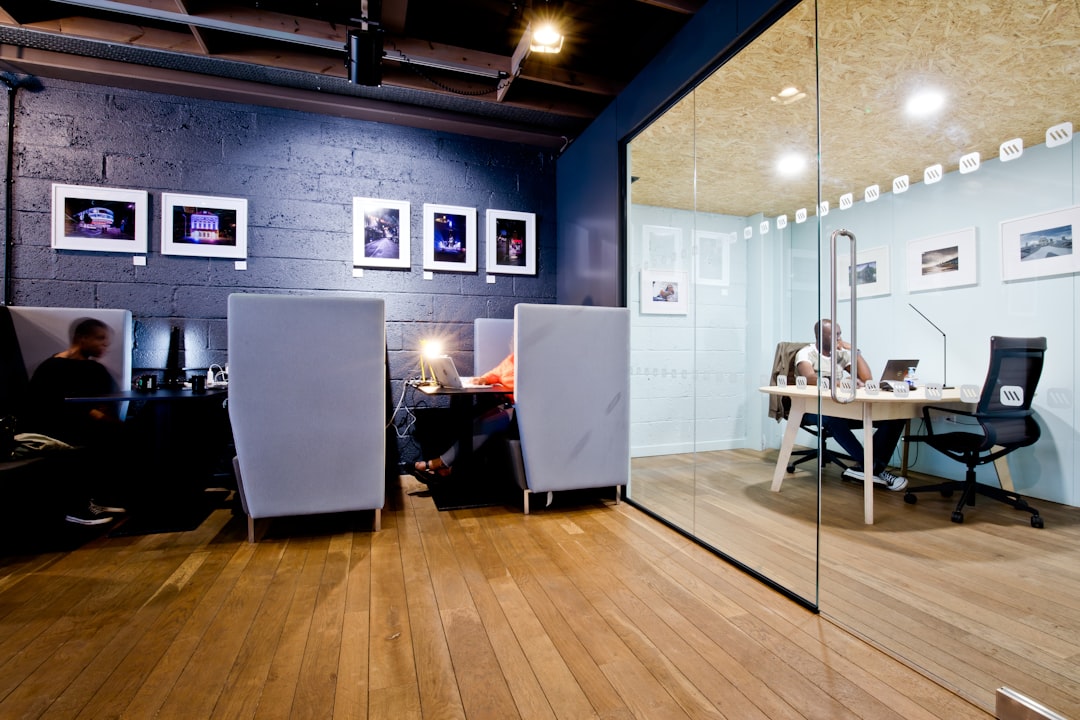
Google recommends business owners upload a minimum of three images per category to get the most visibility.
8. Optimize Image Size Without Compromising Quality
Large image files may slow down Google’s ability to process and index them. Make sure to strike a balance between image quality and file size. Use lossless compression tools like TinyJPG or Squoosh to reduce size while maintaining clarity.
Target size: Keep images under 100KB if possible, unless maintaining quality for crucial visuals like your cover photo or product showcase images.
9. Ask Customers to Contribute Photos
User-generated photos often rank higher within your GMB profile than those uploaded by you. They provide authenticity and build user trust.
- Encourage satisfied customers to upload their own pictures via a QR code or follow-up email.
- Host social media contests where users post their experience with your product or service and share it on Google.
- Engage: Leave a response or thank-you comment under great customer photos to boost visibility and interaction.

Bonus: Google may highlight top-performing user-generated content in your profile preview, improving click-through rates.
10. Analyze Image Insights for Performance
Check your GMB dashboard frequently to view how your images are performing compared to competitors. This section shows the number of views each image receives and whether they are helping engage potential customers.
Use this data to iterate your strategy—if team photos get more traction, upload more of them. If product pictures underperform, adjust the lighting or composition and try again.
FAQs: Advanced GMB Photo Optimization
-
Q: How often should I upload photos to my GMB profile?
A: Uploading at least one new photo weekly is ideal. Regular updates show Google that your listing is active, which may boost your visibility. -
Q: Do geotagged photos really help with local SEO?
A: While Google doesn’t officially confirm it, many local SEO experts report improved rankings when images include geolocation data. -
Q: What’s the optimal photo size and format for GMB uploads?
A: Use high-resolution JPG or PNG files with a resolution of at least 720×720 pixels. Keep file sizes under 100KB where possible. -
Q: Can I track how well my images are performing?
A: Yes. Google’s GMB dashboard includes photo views compared to competitors. Use this data to refine your photo strategy. -
Q: Should I include text or logos directly on photos?
A: Sparingly. While brand logos can help promote recognition, avoid overlaying excessive text, which can appear unprofessional or spammy.
With these advanced strategies, optimizing Google My Business photos goes far beyond aesthetics. It becomes a tool for improved local SEO performance, higher engagement, and better conversion rates. Consistent effort, creative visuals, and technical precision can turn your GMB visuals into a powerful digital asset that grows your brand locally and effectively.


