

The best app journeys feel like magic: tap an ad, install the app, land on the exact product, coupon, song, or lesson you wanted. Deferred deep linking is one way to do that. Adjust explains that deferred deep links can send new users to specific app content after install [source: Adjust]. But it is not the only tool worth using.
TLDR: Deferred deep linking helps users land in the right place after installing an app. But you also need tools for analytics, onboarding, messages, testing, and customer data. For example, if 10,000 people click a sale ad, 2,000 install the app, and even 15% get lost after opening it, that is 300 confused users. The tools below help cut that waste and make the journey feel smoother.

1. Product analytics tools
What they do: Product analytics tools show what people do inside your app.
Think of tools like Amplitude, Mixpanel, or Firebase Analytics. They tell you where users tap, where they stop, and what makes them come back.
This is the “why did everyone leave?” tool. And yes, that question will haunt you at least once.
- Best for: spotting drop offs.
- Example: 42% of users quit on the signup screen.
- Fix: remove one field, add social login, test again.
Why it helps: A deferred link may bring a user to the right page. Analytics tells you if that page actually works.
2. In app messaging tools
What they do: These tools send messages inside your app.
Tools like OneSignal, Airship, Braze, and Customer.io can show tips, offers, reminders, and little nudges.
Keep it friendly. Nobody installs an app to be shouted at by popups.
- Best for: guiding users after they arrive.
- Example: “Your 20% discount is waiting.”
- Nice touch: show the message only once.
The catch is, bad timing ruins everything. A coupon shown three seconds too late can feel silly. A push message sent at 2 a.m. feels like a crime.
Why it helps: Deep links open the door. In app messages point to the prize.
3. Onboarding tools
What they do: Onboarding tools help new users learn the app without reading a giant manual.
Tools like Appcues, Userpilot, and Pendo can create walkthroughs, checklists, tooltips, and welcome screens.
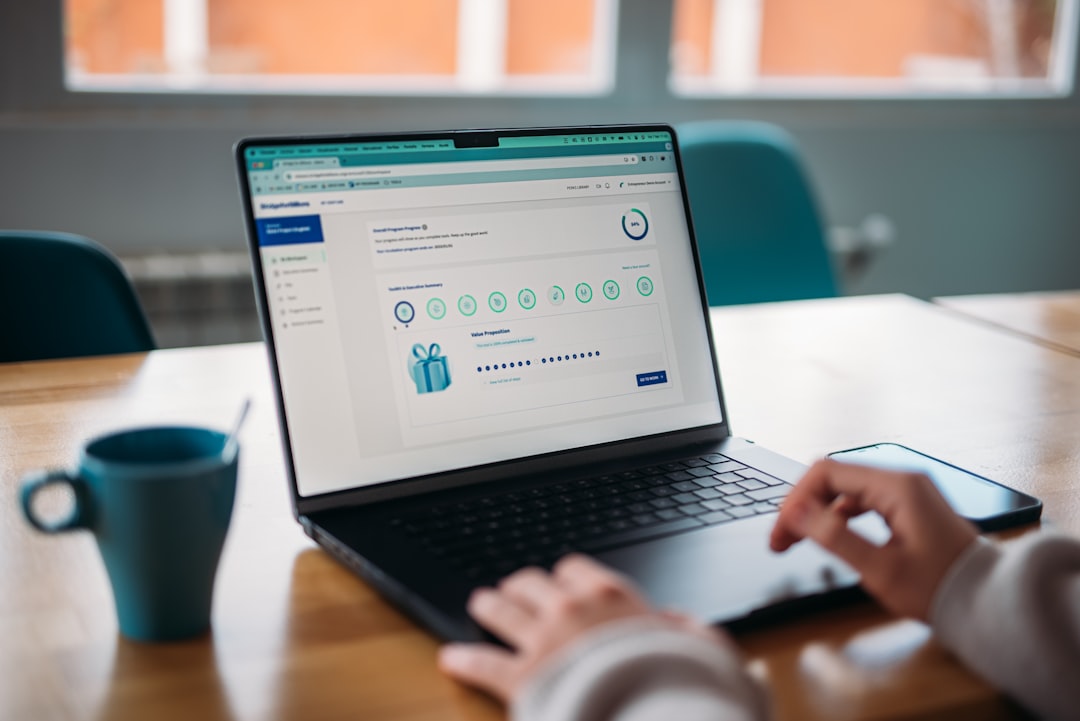
Good onboarding feels like a kind friend. Bad onboarding feels like airport security.
- Best for: first sessions.
- Example: “Step 1: Pick your favorite topics.”
- Goal: get users to one small win fast.
If someone installs a fitness app from an ad about “10 minute workouts,” do not dump them on a blank home screen. Send them to a starter plan. Then show one short tip. Done.
Why it helps: Deferred deep linking gets the user to the right spot. Onboarding helps them understand what to do there.
4. Customer data platforms
What they do: A customer data platform, or CDP, keeps user data tidy.
Tools like Segment, mParticle, and RudderStack connect data from ads, apps, websites, email, and support chats.
This matters because users are messy. One person may click an ad on TikTok, browse on a laptop, install on an iPhone, and ask support a question later. Fun, right?
- Best for: joining user data across channels.
- Example: match ad click, install, purchase, and email signup.
- Result: cleaner targeting and fewer weird messages.
It drives me crazy when apps send “finish your signup” emails after I already signed up. A CDP helps stop that nonsense.
Why it helps: Journey tools work better when they know who the user is and what they already did.
5. A/B testing and feature flag tools
What they do: These tools let teams test ideas without guessing.
Tools like Optimizely, LaunchDarkly, Firebase Remote Config, and VWO can test screens, buttons, offers, and flows.
- Best for: improving conversion.
- Example: test “Start free trial” against “Try it free.”
- Smart use: roll out a new journey to 10% of users first.
A tiny wording change can matter. A shorter checkout can matter more. You will not know until you test it.
Why it helps: Deferred deep links can bring users to a campaign page. Testing tells you which version gets more signups, orders, or bookings.

How these tools work together
Picture this.
- A user taps an Instagram ad for red sneakers.
- A deferred deep link sends them to the app after install.
- The app opens on the red sneaker page.
- An in app message shows a 10% welcome code.
- Analytics tracks if they add to cart.
- A test checks which checkout screen wins.
- The CDP remembers the user for future messages.
That is a smooth journey. No mystery. No hunting. No “where did that offer go?” rage.
Quick picking guide
- Need to find weak spots? Pick product analytics.
- Need to guide users in the app? Pick in app messaging.
- Need better first sessions? Pick onboarding tools.
- Need cleaner user profiles? Pick a CDP.
- Need proof before changing screens? Pick A/B testing.
Final tip: Start with one painful point. Do not buy five tools and hope for magic. If users vanish after install, use analytics first. If they arrive but do nothing, fix onboarding. If campaigns feel broken, pair deferred deep linking with messages and tests.
A great app journey is not fancy. It is simple. The user taps, lands, understands, acts, and smiles. That is the whole game.