3D modeling is no longer just for big studios and movie magic. Today, anyone with a laptop or tablet can build amazing digital worlds. You can design a game character. Craft a product prototype. Or create a tiny digital chair with perfect detail. The tools are powerful. But many of them are also easy to learn.
TLDR: 3D modeling apps help you create detailed digital assets for games, animation, 3D printing, and product design. Some tools are beginner-friendly, while others are built for professionals. Popular options include Blender, ZBrush, Maya, SketchUp, and Nomad Sculpt. The best app for you depends on what you want to create and how deep you want to go.
Let’s explore the most popular 3D modeling apps. We’ll keep it simple. And maybe even fun.
What Is a 3D Modeling App?
A 3D modeling app lets you create objects in a digital 3D space. Think of it like digital clay. Or like building with virtual Lego bricks.
You can create:
- Characters for games or movies
- Buildings for architecture projects
- Products for online stores
- Props for animations
- Figures for 3D printing
Most apps let you rotate around your model. Zoom in close. And shape tiny details. Some focus on sculpting. Others focus on precise measurements.
1. Blender – Powerful and Free
Best for: Beginners and pros who want an all-in-one tool.
Blender is open-source. That means it’s free. And it’s incredibly powerful.
You can use Blender to:
- Model detailed objects
- Sculpt characters
- Create animations
- Render realistic images
- Edit videos
At first, Blender may look overwhelming. There are many buttons. Many panels. But there are thousands of tutorials online.
Why people love it:
- No cost
- Huge community support
- Frequent updates
Downside: The learning curve can feel steep at the start.
2. ZBrush – The King of Digital Sculpting
Best for: Detailed characters and organic models.
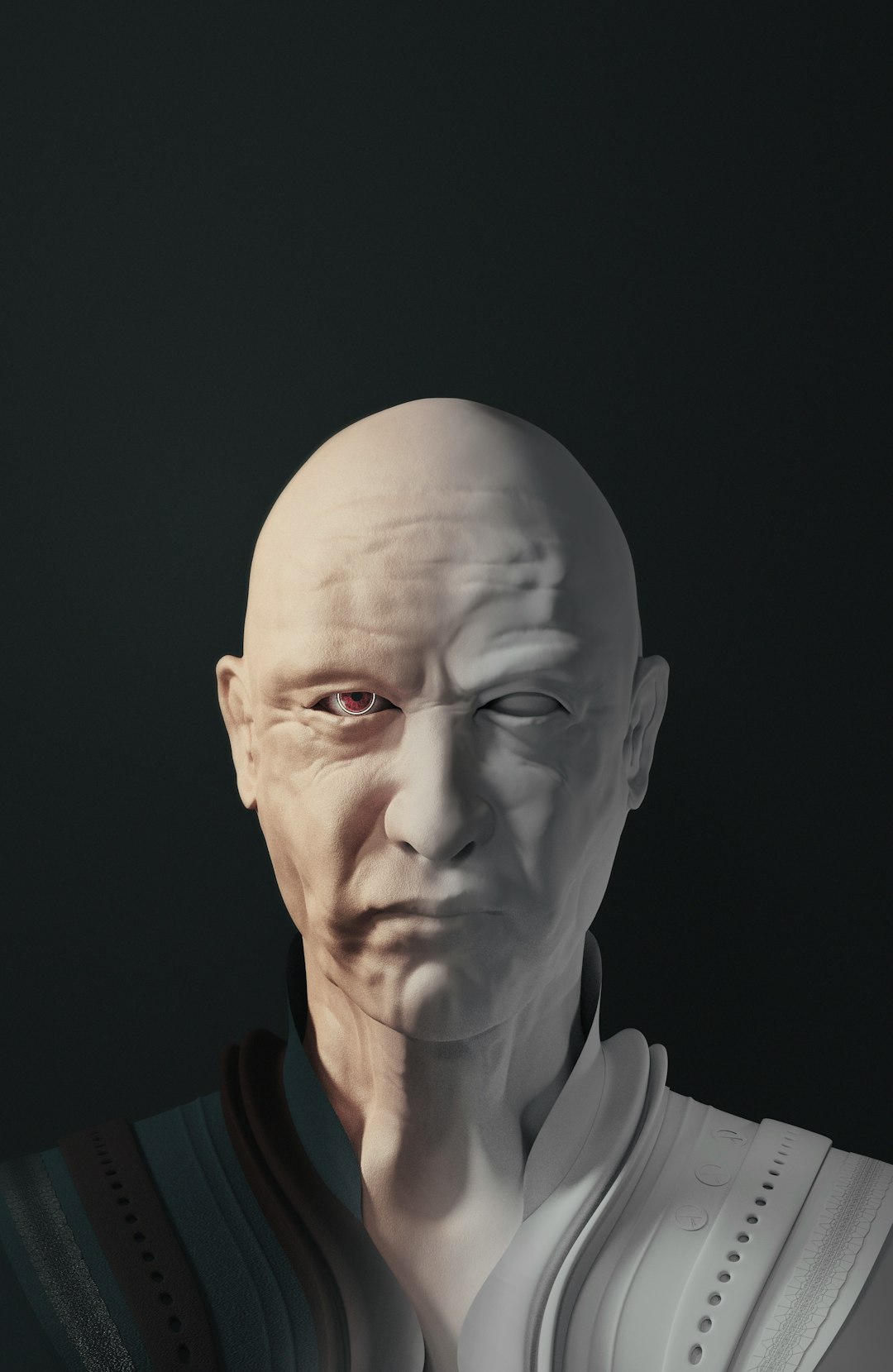
ZBrush is famous in the film and gaming industry. If you love sculpting faces, creatures, or monsters, this tool shines.
It works differently from many other apps. Instead of simple shapes, it focuses on digital clay. You push. Pull. Pinch. Smooth.
This makes it perfect for:
- Highly detailed skin textures
- Fantasy creatures
- Realistic anatomy
Why people love it:
- Extreme detail control
- Industry standard for sculpting
Downside: It’s not the easiest for precise hard-surface objects like machines.
3. Autodesk Maya – Animation and Modeling Powerhouse
Best for: Film, TV, and game development.
Maya is used by major studios around the world. It’s known for both modeling and animation.
You can:
- Build complex 3D assets
- Create character rigs
- Animate full scenes
- Simulate physics like hair and cloth
Maya is professional-grade. That means it’s powerful. But it also means it can feel complex.
Why people love it:
- Industry-standard workflows
- Amazing animation tools
Downside: It’s expensive without a student license.
4. SketchUp – Simple and Straightforward
Best for: Architecture and interior design.
SketchUp is known for its simplicity. The interface is clean. The tools are intuitive.
It’s often used by:
- Architects
- Interior designers
- Furniture designers
You draw shapes. Then push or pull them into 3D forms. It feels natural.
Why people love it:
- Easy to learn
- Quick modeling process
Downside: Not ideal for complex character designs.
5. Nomad Sculpt – 3D Modeling on a Tablet
Best for: Artists who want to sculpt on the go.
Nomad Sculpt runs on tablets. Especially iPads. It turns your touchscreen into a sculpting studio.
You can:
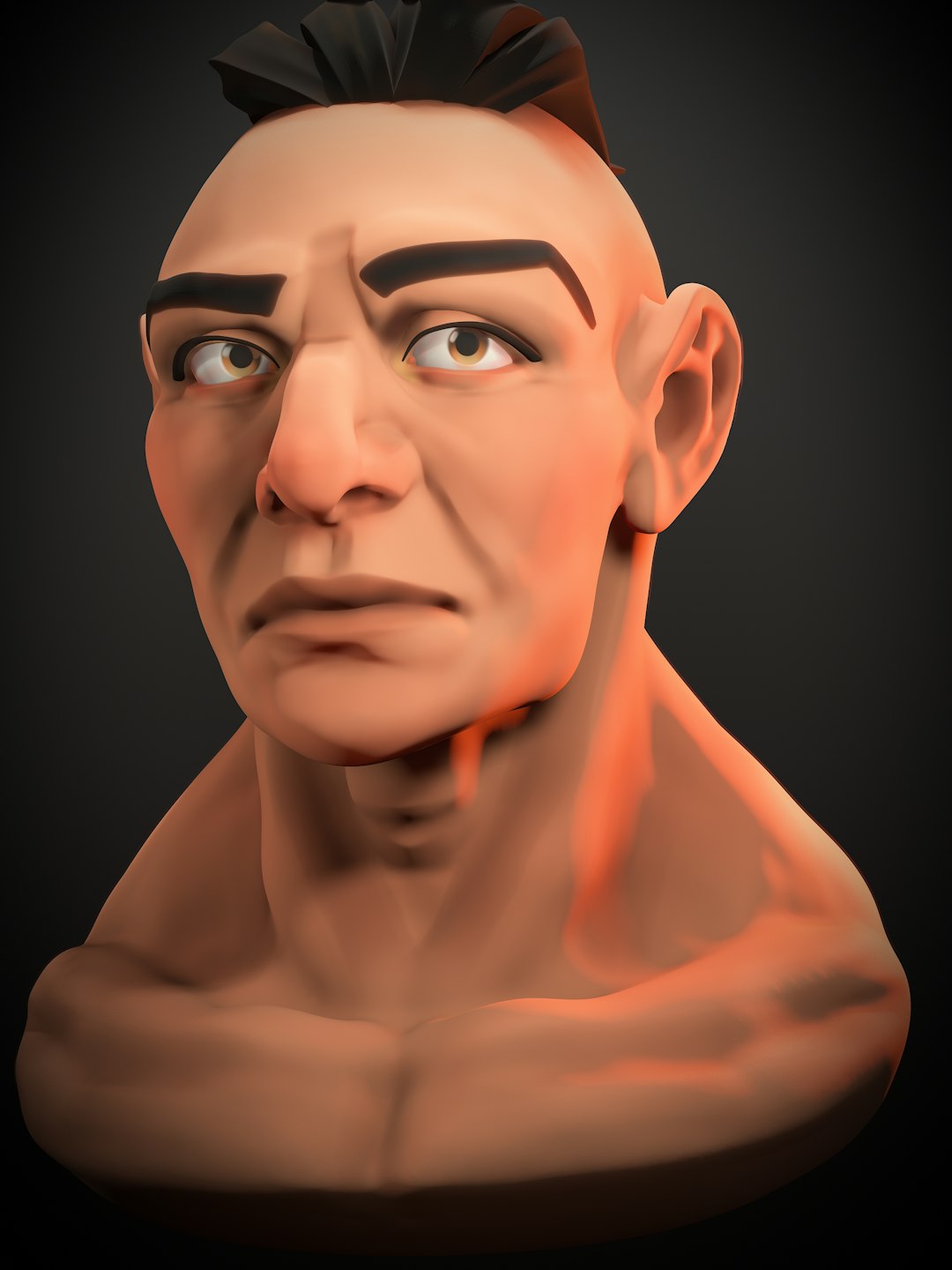
- Create detailed busts
- Sculpt creatures
- Paint textures directly
It’s surprisingly powerful for a mobile app. And very affordable.

Why people love it:
- Portable
- Budget-friendly
- Great for sketching ideas
Downside: Not as advanced as full desktop software.
Comparison Chart
| App | Best For | Skill Level | Price Range | Strength |
|---|---|---|---|---|
| Blender | All-purpose modeling and animation | Beginner to Advanced | Free | Versatility |
| ZBrush | Character sculpting | Intermediate to Advanced | Paid | Extreme detail |
| Maya | Professional animation and modeling | Advanced | Paid | Studio workflows |
| SketchUp | Architecture and interiors | Beginner | Free and Paid versions | Ease of use |
| Nomad Sculpt | Mobile sculpting | Beginner to Intermediate | Low-cost | Portability |
How to Choose the Right App
Ask yourself a few simple questions:
- Do I want to create characters or buildings?
- Am I a beginner?
- What is my budget?
- Do I want to work on a tablet or a desktop?
If you’re just starting, try Blender or SketchUp. They are beginner-friendly. And Blender costs nothing.
If you love sculpting faces and creatures, try ZBrush or Nomad Sculpt.
If you dream of working in film or AAA games, learning Maya can give you a big advantage.
Tips for Creating Detailed Digital Assets
Details make your 3D models shine. But detail takes patience.
Here are some easy tips:
- Start simple. Block out basic shapes first.
- Add details slowly. Don’t jump into tiny wrinkles right away.
- Use references. Real photos help a lot.
- Zoom in and out. Check the overall shape often.
- Learn shortcuts. They save hours of time.
Also, remember this: perfect is the enemy of done. Finish projects. Then start new ones. Each one will get better.
Why 3D Modeling Skills Matter Today
3D assets are everywhere.
They are used in:
- Video games
- Animated films
- Online product previews
- Virtual reality experiences
- 3D printing businesses
Companies need skilled creators. Indie developers need them too. Even small businesses are using 3D visuals to stand out.
Learning a 3D modeling app can open doors. Freelance work. Studio jobs. Or selling digital assets online.
Final Thoughts
3D modeling used to feel like a secret art. Now it’s open to everyone.
You don’t need a giant studio. You don’t need expensive equipment. Just curiosity. And the right app.
Blender is a fantastic starting point. ZBrush is a sculptor’s dream. Maya leads in film and animation. SketchUp keeps architecture simple. Nomad Sculpt lets you create anywhere.
Pick one. Download it. And start building.
Your first model might look weird. That’s okay. Every expert started the same way.
Keep practicing. Keep experimenting. And soon, your digital assets will be packed with detail and personality.
The 3D world is waiting.