

The 27-inch iMac holds a special place in Apple’s desktop lineup: big enough to feel professional, elegant enough to define a workspace, and powerful enough, in its best configurations, to remain useful years after release. Although Apple has moved on from the Intel-based 27-inch iMac, its performance, display quality, and long-running influence still make it one of the most interesting Macs to review today.
TLDR: The 27-inch iMac remains a compelling all-in-one desktop thanks to its excellent 5K display, strong Intel performance in higher-end models, and iconic design. It is no longer the most efficient or future-proof Mac compared with Apple silicon machines, but it still has real value for creative work, office productivity, and users who want a large built-in screen. Its legacy is defined by the way it combined power, simplicity, and visual quality in a single machine.
A Desktop That Became a Standard
For years, the 27-inch iMac was the default answer to a simple question: What Mac should I buy if I want a large screen and serious performance without building a workstation? It sat between consumer convenience and professional ambition. You could find it in design studios, video editing bays, university labs, photographers’ offices, and home workspaces where people wanted a clean setup without a separate tower and monitor.
The last major Intel version, released in 2020, represented the peak of the classic 27-inch iMac formula. It offered 10th-generation Intel processors, dedicated AMD Radeon Pro graphics, user-upgradable memory, fast SSD storage, improved webcams, and the familiar 5K Retina display. At the time, it felt like Apple was refining a proven machine rather than reinventing it. In hindsight, it also became a farewell to an era.
Design: Familiar, Elegant, and Slightly Frozen in Time
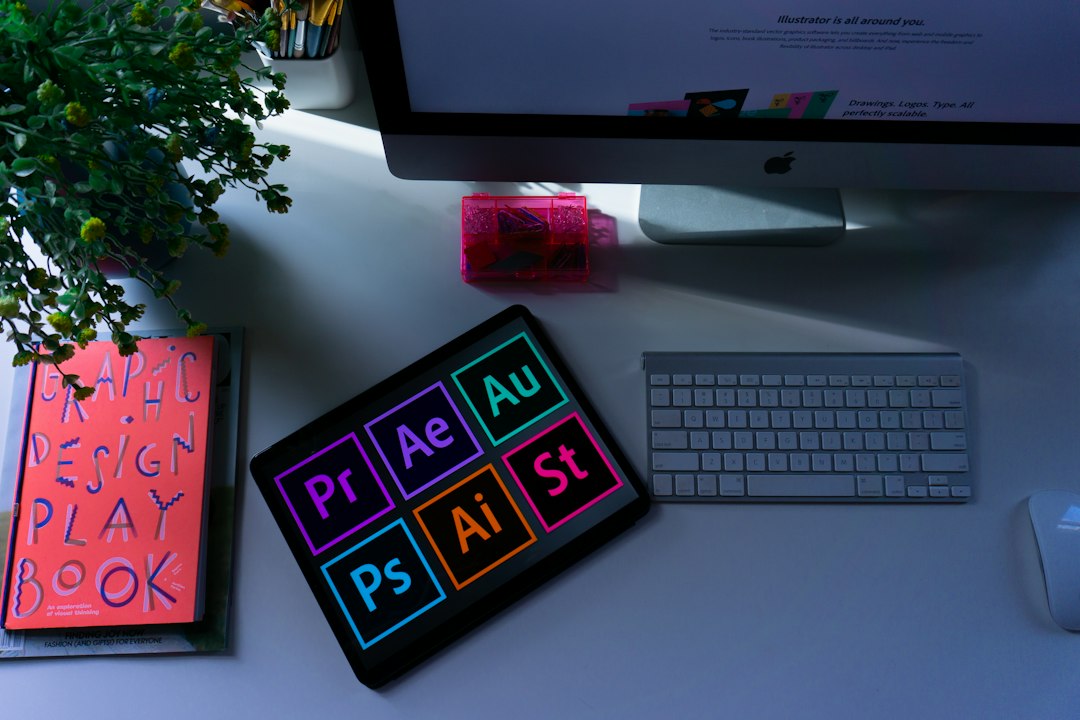
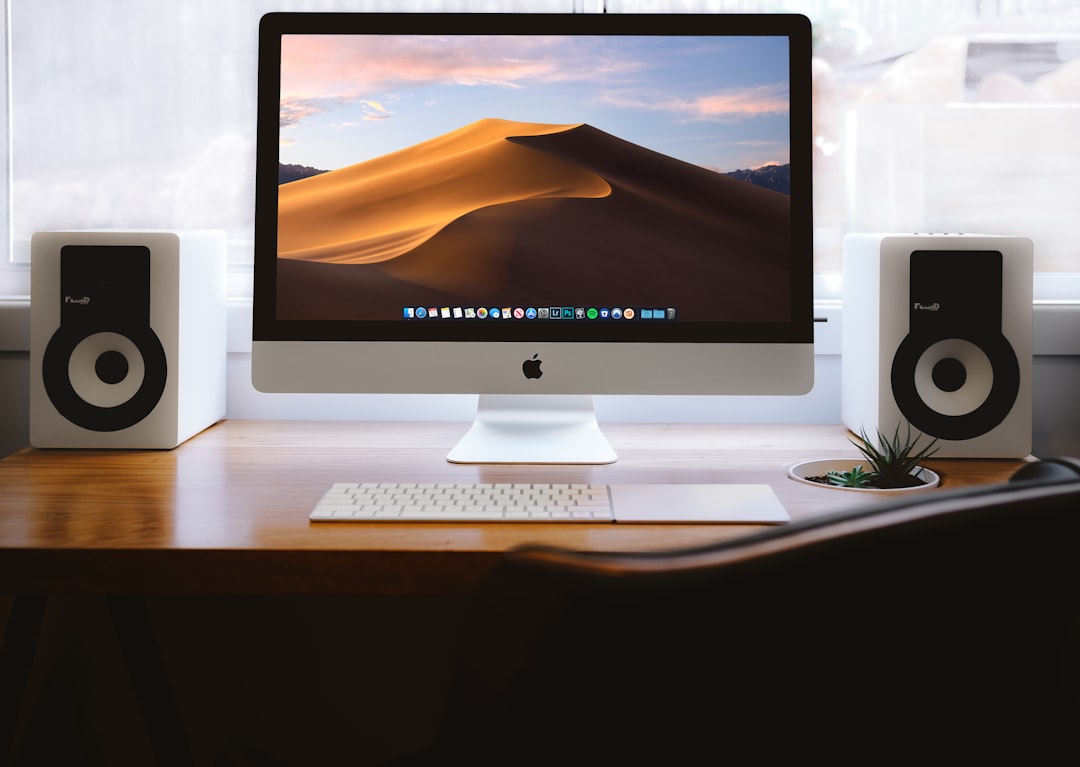
The design of the 27-inch iMac is instantly recognizable. Its aluminum body, thin edges, black display border, and curved stand made it one of the most iconic desktop computers ever sold. Even years later, it still looks premium on a desk. There is no bulky tower, no mess of monitor cables, and no complicated assembly. Plug it in, connect a keyboard and mouse, and the workspace immediately feels organized.
That said, by the end of its run, the design was beginning to show its age. The large chin under the display became a frequent target of criticism, especially as competing monitors and all-in-one PCs moved toward thinner bezels. The stand looked beautiful but offered only tilt adjustment, not height adjustment. For long working sessions, many users needed a monitor riser or a VESA mount model to achieve better ergonomics.
Still, the build quality is hard to dismiss. The machine feels dense, stable, and carefully manufactured. Apple’s attention to materials helped the iMac age better than many desktops from the same period. It may not look futuristic anymore, but it still looks intentional, and that is part of its enduring appeal.
The 5K Retina Display: Still the Star
If there is one reason the 27-inch iMac remains relevant, it is the display. The 27-inch 5K Retina panel offers a resolution of 5120 by 2880 pixels, resulting in sharp text, detailed images, and enough workspace for serious multitasking. For writers, designers, editors, developers, and photographers, the screen is not just nice to have; it changes the way the computer feels.
Apple’s color calibration has long been a strength, and the 27-inch iMac’s support for wide color made it especially attractive for creative professionals. Photos look rich without feeling cartoonish, typography appears crisp, and video timelines have room to breathe. Compared with many standard 4K monitors, the iMac’s display still feels exceptionally polished.
- Resolution: 5K clarity makes text and interface elements exceptionally sharp.
- Size: 27 inches provides generous workspace without overwhelming a desk.
- Color: Wide color support helps with photography, design, and video work.
- Integration: The display is built into the computer, reducing cable clutter.
The optional nano-texture glass on the 2020 model was another interesting addition. Designed to reduce glare without the softness of many matte displays, it made the iMac more usable in bright rooms. It required careful cleaning, but for certain environments it was a meaningful upgrade.
Performance: Strong, But from a Different Era
Performance depends heavily on configuration, and that is important when evaluating the 27-inch iMac today. Entry-level models with lower-end Intel chips and modest graphics are still fine for everyday work, but the higher-end configurations are the ones that continue to impress. Equipped with Core i7 or Core i9 processors, generous RAM, and stronger Radeon Pro graphics, the 27-inch iMac can still handle demanding tasks.
For general productivity, it feels fast. Web browsing, office work, email, video calls, writing, spreadsheets, and multitasking are all well within its comfort zone. The fast SSD storage in later models makes the system feel responsive, with quick app launches and smooth file handling.
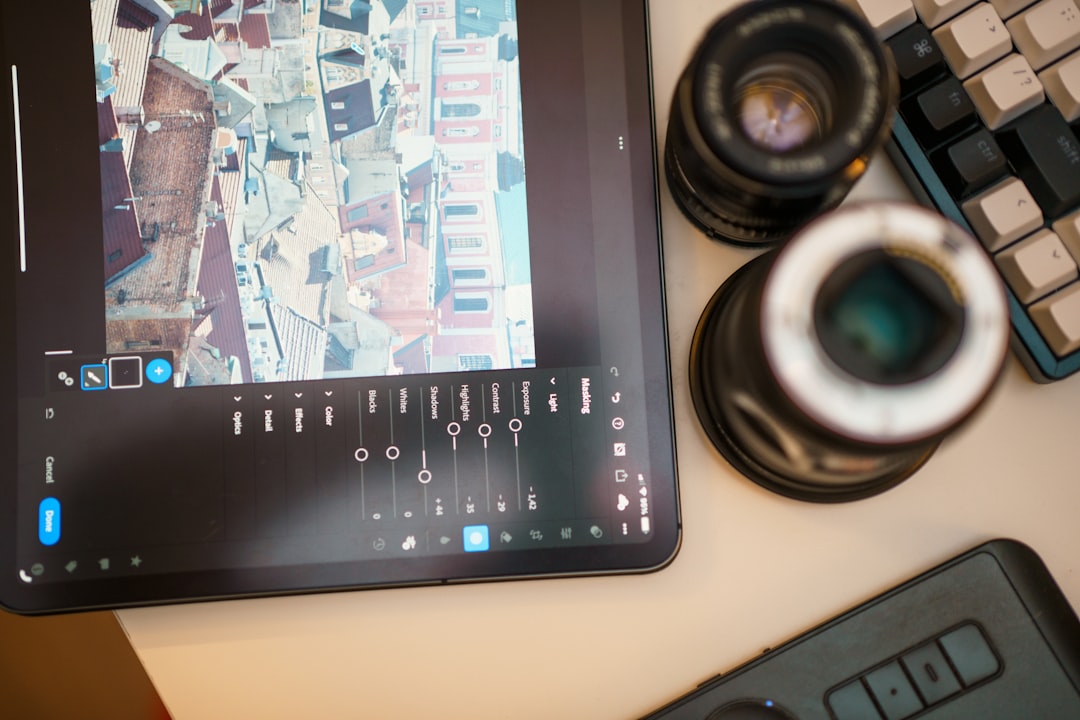
For creative workloads, the story is more nuanced. Photo editing in apps like Adobe Lightroom or Photoshop remains very capable, particularly with plenty of RAM. Video editing is also possible, especially for 1080p and many 4K projects. However, newer Apple silicon Macs often deliver better performance per watt, faster media processing, and quieter operation. Tasks such as exporting video, applying effects, or rendering complex projects reveal the age of Intel architecture.
Graphics and Creative Work
The dedicated AMD Radeon Pro graphics options were a major advantage over smaller Macs of the time. For motion graphics, 3D previews, video editing, and multi-display setups, the GPU made the 27-inch iMac far more capable than basic desktops. The best configurations could drive demanding creative applications with confidence.
Still, graphics expectations have changed. Apple silicon’s integrated graphics architecture is far more efficient than the older Intel-and-AMD combination. A modern Mac Studio, Mac mini, or MacBook Pro may outperform the iMac in many GPU-heavy workflows, depending on configuration. The 27-inch iMac is not obsolete, but it is no longer the benchmark.
Where it continues to shine is in balanced use. If your workflow includes editing photos, managing large documents, designing layouts, light video production, and general multitasking, the iMac remains a strong all-in-one system. If your work involves heavy 3D rendering, advanced video effects, or cutting-edge production pipelines, a newer Apple silicon machine is usually the smarter choice.
Memory, Storage, and Upgradeability
One of the most beloved features of the 27-inch iMac was its user-accessible RAM door. Unlike many modern Macs, which have memory permanently integrated, the 27-inch iMac allowed users to upgrade RAM themselves. This was especially valuable for creative professionals, because buying third-party memory was often much cheaper than configuring it through Apple.
That upgradeability extended the life of the machine. A user could buy a reasonable configuration, then add more RAM later as workloads grew. For photo editing, large browser sessions, virtual instruments, development tools, and multitasking, this flexibility mattered.
Storage, however, was less flexible. Later models moved strongly toward SSDs, which improved performance dramatically, but internal storage upgrades were not simple for average users. Choosing enough storage at purchase was important. Today, external Thunderbolt and USB drives can help, but they do not fully replace the convenience of a large internal SSD.
Thermals, Noise, and Everyday Experience
The 27-inch iMac generally delivers a pleasant everyday experience. In light use, it is quiet and smooth. Under heavier loads, the fans can become noticeable, especially during video exports, large photo processing jobs, or sustained CPU tasks. Compared with modern Apple silicon Macs, this is one of the clearest differences. Apple silicon machines often complete similar tasks while using less power and producing less heat.
Even so, the thermal design is better than many thin laptops. The iMac’s larger chassis gives it room to sustain performance more comfortably than compact portables from the same era. For users moving from an older MacBook, the 27-inch iMac may still feel like a major performance upgrade.
Webcam, Speakers, and Ports
The 2020 27-inch iMac improved the webcam to 1080p, which was a welcome change at a time when video meetings became central to work. The image quality is not on the level of some modern dedicated webcams, but it is good enough for professional calls and far better than the older 720p cameras Apple used for years.
The speakers are another strength. They are clear, loud, and surprisingly full for an all-in-one computer. While dedicated speakers are still better, many users will be satisfied with the built-in sound for music, calls, and casual video viewing.
The port selection is practical, especially compared with some modern minimalist Macs. Depending on model, users get USB-A, Thunderbolt 3, Ethernet, an SD card slot, and a headphone jack. For photographers, the SD card slot is particularly convenient. This is one area where the older iMac can feel more immediately useful than newer machines that require hubs and adapters.
How It Compares to Apple Silicon Macs
Any modern review of the 27-inch iMac must address the Apple silicon transition. Apple’s M-series chips changed expectations for Mac performance. They are fast, efficient, quiet, and deeply optimized for macOS. Even smaller machines can outperform older Intel desktops in certain tasks.
The biggest advantages of newer Apple silicon Macs include:
- Better efficiency: More performance with less heat and power use.
- Longer software future: Apple will support newer architectures for longer.
- Excellent media engines: Video encoding and decoding can be dramatically faster.
- Quieter operation: Many tasks run silently or nearly silently.
However, the 27-inch iMac still has advantages of its own. Its large 5K display is built in, its RAM can be upgraded, and its port selection is friendly. Buying a modern Mac mini or Mac Studio with a separate 5K display can become expensive quickly. For users who find a well-priced 27-inch iMac, the value can still be compelling.
Who Should Still Consider One?
The 27-inch iMac is best for users who want a premium large-screen Mac experience at a lower price than a new professional setup. It is especially appealing on the used or refurbished market, provided the configuration is strong and the condition is good.
It makes sense for:
- Photographers who want a sharp, color-rich display and solid editing performance.
- Writers and office users who value screen space and a clean desk setup.
- Students or educators who need a capable desktop for research, media, and productivity.
- Designers working on layouts, web graphics, and moderate creative projects.
- Mac users on a budget who want a large display included with the computer.
It is less ideal for users who need maximum future-proofing, silent performance, or the fastest possible video and 3D workflows. It is also not the best choice for those expecting many more years of major macOS updates. Intel Macs are still useful, but their long-term software horizon is shorter than that of Apple silicon models.
The Legacy of the 27-Inch iMac
The legacy of the 27-inch iMac is bigger than its benchmark scores. It helped define what an all-in-one desktop could be. Before high-resolution monitors became common, the iMac made a stunning display feel standard. Before minimal desk setups became a trend, it showed how elegant a powerful computer could look when everything was integrated.
It also served as a bridge between casual and professional computing. Many people who did not need a Mac Pro still needed more than a laptop. The 27-inch iMac filled that gap beautifully. It gave users a large canvas, strong performance, and a sense of permanence that laptops often lack.
Its discontinuation left a noticeable hole in Apple’s lineup. The 24-inch iMac is colorful, efficient, and friendly, but it is not a direct replacement for the 27-inch model. The Mac Studio and Studio Display combination is powerful and impressive, but much more expensive. For many longtime users, the dream remains a modern large-screen iMac powered by Apple silicon.
Final Verdict
The 27-inch iMac is no longer Apple’s most advanced desktop, but it remains one of its most memorable. Its 5K display, refined aluminum design, strong high-end configurations, and practical features make it enjoyable even today. It is a machine that aged gracefully because its core strengths were never gimmicks; they were genuinely useful.
If you already own one, there is no urgent reason to abandon it unless your work demands newer Apple silicon performance or future macOS support. If you are considering buying one used, focus on later models with SSD storage, strong processors, dedicated graphics, and enough RAM or the ability to upgrade it. At the right price, it can still be a fantastic desktop.
Ultimately, the 27-inch iMac’s story is about more than performance. It represents an era when Apple perfected the idea of the premium all-in-one computer: a beautiful screen, a capable machine, and a tidy desk in one package. Even as the Mac moves forward, the 27-inch iMac remains a benchmark for what a desktop can feel like when hardware, display, and design come together.