
QR codes are everywhere. On menus. On posters. On product boxes. Even on business cards. They are simple little squares that can do powerful things. If you use them right, they can boost clicks, sales, and engagement fast. The best part? You don’t need to be a tech wizard to create them.
TLDR: QR codes are a fast and fun way to connect offline marketing with online action. The right QR code generator lets you create branded, trackable, and editable codes in minutes. Dynamic codes are best for campaigns because you can update links later. Below are 15 of the best QR code generator tools to help boost your marketing results.
Let’s dive in and explore tools that make QR campaigns simple and powerful.
Why QR Codes Matter for Marketing
Before we jump into tools, let’s talk benefits.
- Instant access to websites, landing pages, and offers.
- Better tracking of offline campaigns.
- Higher engagement with customers.
- Contactless interaction for events and stores.
- Easy updates with dynamic QR codes.
Imagine placing a QR code on a flyer. Instead of typing a long URL, users scan and land exactly where you want.
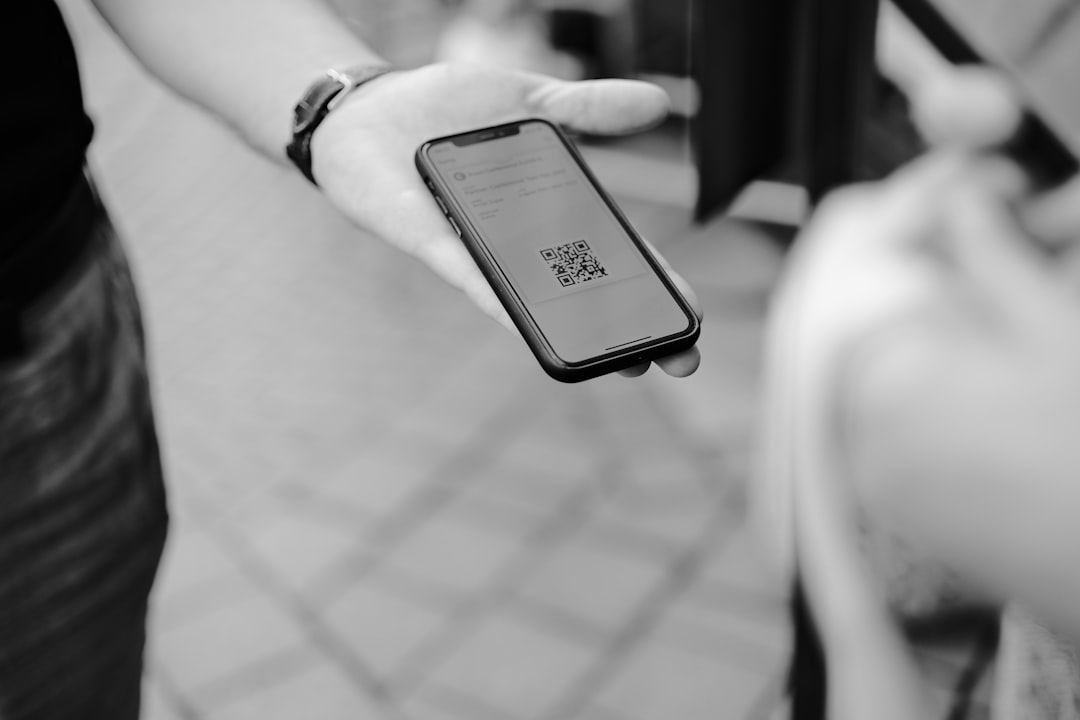
That’s smooth marketing.
Static vs Dynamic QR Codes
There are two types.
Static QR Codes
– Permanent data
– Cannot edit link
– Usually free
Dynamic QR Codes
– Editable links
– Track scans
– Perfect for campaigns
If you run promotions, always choose dynamic.
15 QR Code Generator Tools to Boost Your Campaigns
1. The QR Code Generator
A beginner-friendly tool. Clean interface. Simple steps. You can create codes for URLs, vCards, WiFi, and more. Great for small businesses starting out.
2. Beaconstac
A powerful marketing platform. Offers analytics, bulk generation, and branded QR codes. Perfect for larger campaigns and agencies.
3. QR Code Monkey
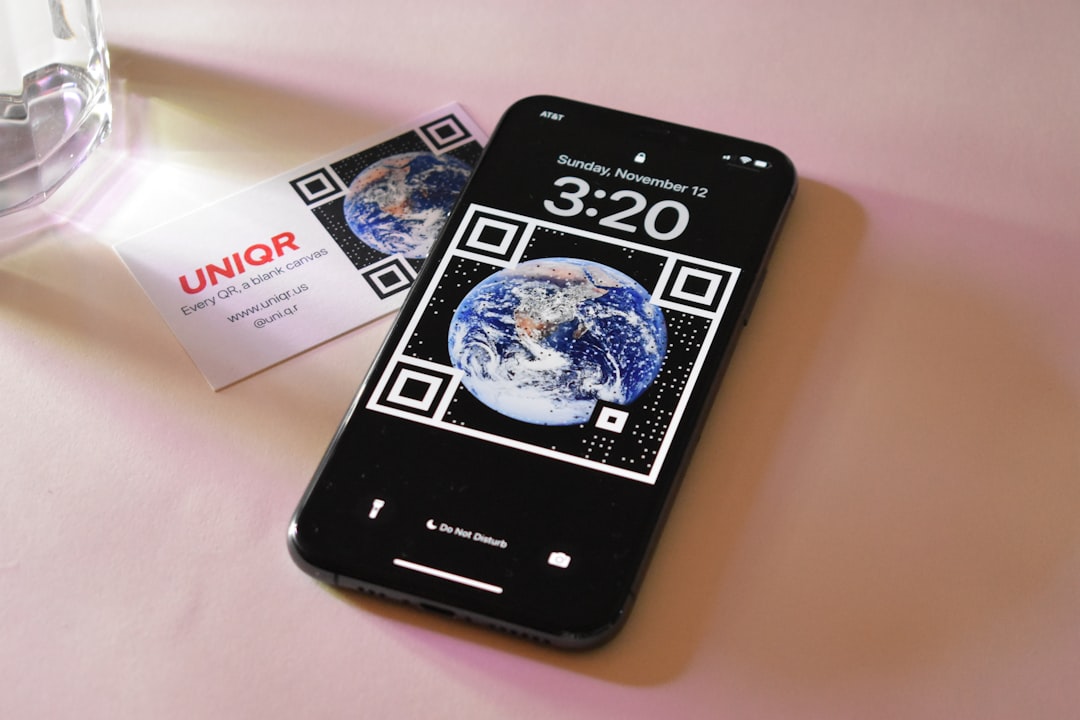
Fun and flexible. You can customize colors and add logos. High print quality. Free for static codes.
4. Flowcode
Popular with creators and brands. Offers advanced tracking. UI is modern and easy to use. Great for events and social links.
5. Scanova
Designed for businesses. Offers dynamic QR codes and campaign management. Strong security features.
6. QRStuff
Lots of data types supported. Plain but powerful. Good for marketers who want flexibility.
7. Shopify QR Code Generator
Excellent for eCommerce stores. Lets you link directly to products or checkout pages. Easy to generate and download.
8. Unitag QR Code Generator
Strong design options. You can customize shapes and colors. Brand-friendly and creative.
9. Visualead
Image-based QR codes. They blend naturally into visuals. Ideal for ads and posters.
10. Kaywa QR Code
Simple yet advanced. Offers dynamic codes and analytics. Focuses on enterprise users.
11. GoQR.me
Quick and minimal. No signup needed for basic codes. Great for fast, one-time use.
12. QR.io
Modern dashboard. Offers detailed analytics and tracking tools. User-friendly experience.
13. Zebra QR
Budget-friendly option for small businesses. Clean dashboard. Easy dynamic code management.
14. Bitly QR Code Generator
If you already shorten links with Bitly, this is perfect. Trackable and integrated with link analytics.
15. Canva QR Code Generator
Ideal for designers. You can create and embed QR codes directly into graphics like flyers and posts.
Quick Comparison Chart
| Tool | Dynamic Codes | Analytics | Custom Design | Best For |
|---|---|---|---|---|
| The QR Code Generator | Yes | Basic | Moderate | Beginners |
| Beaconstac | Yes | Advanced | Yes | Agencies |
| QR Code Monkey | No (Free) | No | Strong | Design focus |
| Flowcode | Yes | Advanced | Yes | Events |
| Scanova | Yes | Advanced | Yes | Enterprises |
| QRStuff | Yes | Moderate | Basic | Flexible use |
| Shopify | No | Basic | No | Ecommerce |
| Unitag | Yes | Moderate | Strong | Brand visuals |
| Visualead | Yes | Advanced | Strong | Creative ads |
| Kaywa | Yes | Advanced | Basic | Large brands |
| GoQR.me | No | No | Basic | Quick use |
| QR.io | Yes | Advanced | Yes | Digital marketers |
| Zebra QR | Yes | Moderate | Basic | Small business |
| Bitly | Yes | Advanced | Basic | Link tracking |
| Canva | No | No | Moderate | Design projects |
Creative Ways to Use QR Codes in Campaigns
Don’t just stick a QR code anywhere. Be smart.
- Product Packaging – Link to how-to videos.
- Business Cards – Share contact details instantly.
- Store Windows – Promote after-hours shopping.
- Restaurant Tables – Display digital menus.
- Event Badges – Exchange contact information fast.
- Direct Mail – Lead to a special offer page.
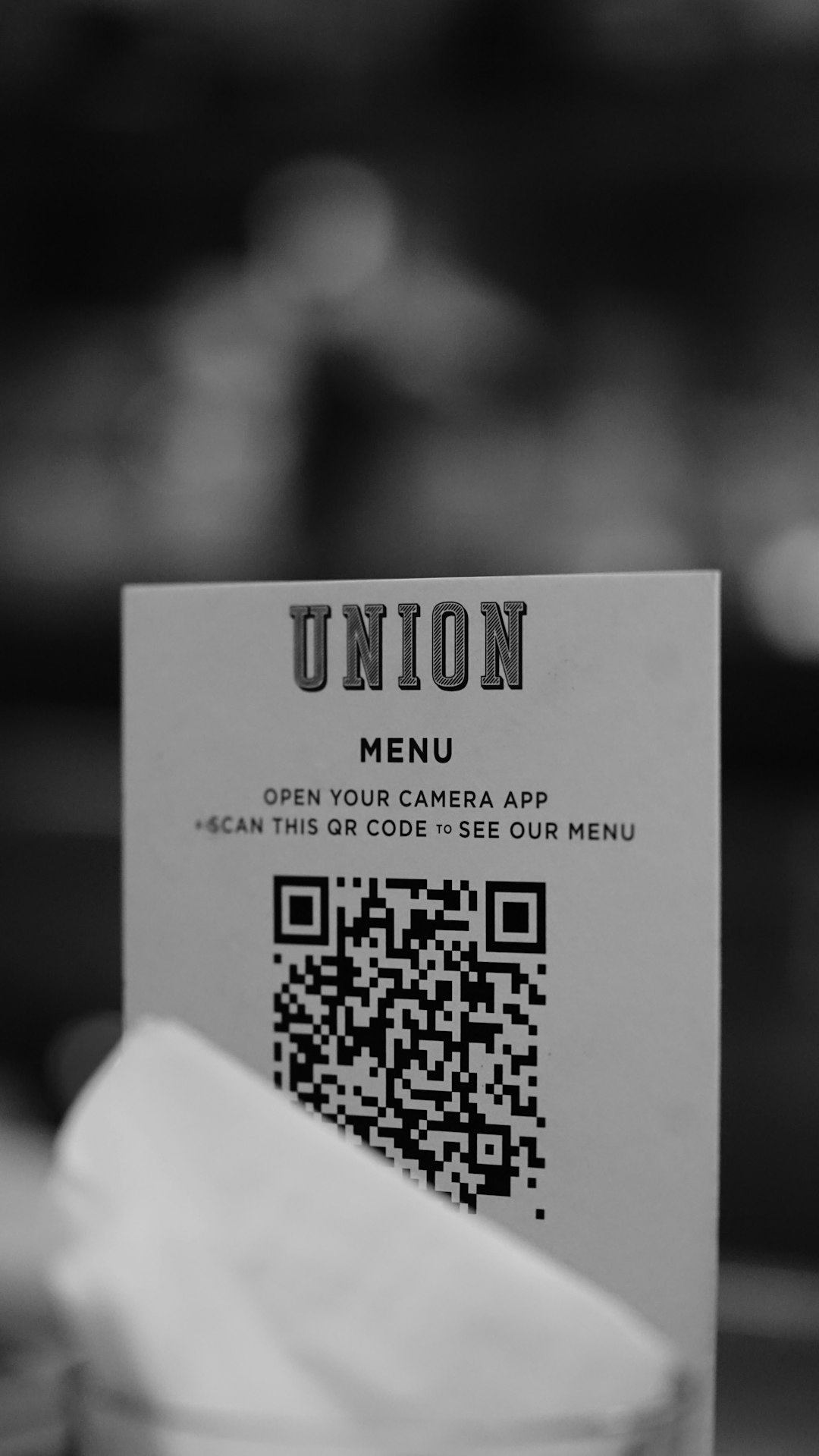
Make it easy. Make it clear. Tell users what they get when they scan.
Tips for High-Converting QR Campaigns
Here are simple tips that work.
1. Add a Call to Action
Say “Scan to Get 20% Off” instead of just placing the code.
2. Use Branded Colors
Match your brand palette.
3. Test Before Printing
Always scan from different devices.
4. Track Performance
Use dynamic codes to monitor results.
5. Keep Landing Pages Mobile Friendly
Most scans come from phones.
Common Mistakes to Avoid
- Placing codes too small.
- Using low contrast colors.
- Linking to desktop-only pages.
- Not explaining what happens after scan.
- Forgetting to update expired offers.
Small mistakes can kill big results.
How to Choose the Right Tool
Ask yourself a few quick questions:
- Do I need analytics?
- Do I want custom branding?
- Is this a one-time use?
- What is my budget?
If you’re running serious campaigns, choose tools with dynamic QR codes and tracking. If you just need a quick code for a flyer, a free tool will do.
Final Thoughts
QR codes are simple. But powerful.
They bridge the gap between offline and online marketing. They measure engagement. They increase conversions. And they make life easier for customers.
With the tools above, you can create eye-catching and trackable QR codes in minutes. Test different tools. Experiment with design. Track results.
Marketing does not have to be complicated.
Sometimes, all it takes is one little square.
Start scanning. Start growing.